

5 Tweaks And Upgrades To Make If Your Phone Feels Outdated
If your smartphone has started taking a hot minute to load apps or click a photo, you might already be thinking about upgrading to something new. Yes, the phone might be slower, and the battery might be draining quickly, but that doesn't mean you need to trade it in if you still think it has some life left. Unless the phone is unusable, it could just need an update so you can enjoy the latest software features and improvements. You could also try clearing some space to cut the clutter and make it faster. Even something like a battery replacement can give it a new lease on life.
Even if everything is working as expected, when the manufacturer stops supplying software updates, you'll need to upgrade. If you don't, the phone might become a security risk, and some apps and features may even stop working. For iPhones, you have at least five to seven years before this happens. For Android phones, it varies by manufacturer, but it's generally two to three years for budget phones and longer for flagship devices. But if your phone hasn't reached the end of its software update cycle, refreshing a few things could just be all it needs to feel less outdated.
Update everything on your phone
Apple and Google release major updates every year that upgrade your iPhone or Android phone's system software. Apple does it once a year around September, while Google will now do it twice a year starting with Android 16. That said, your Android phone might not get a major update every year as it largely depends on the manufacturer.
These updates usually add new features and improve the user interface. In the background, they also improve the phone's security, making it more resilient against hacks. In between the major updates, you will get smaller ones that improve performance, fix bugs, and patch security vulnerabilities. You can update an iPhone by going to Settings > General > Software Update and tapping "Download and install." On Android, it depends on the phone you have. Generally, you need to go to "Settings > Software Update > Download and install."
Also, be sure to update your apps because developers regularly update them to be better optimized. Updated apps will also be able to take advantage of the newer features that came with the software upgrade, on top of being more secure. To update your apps on iPhone, open the App Store, tap your profile picture icon in the top-right corner, scroll down to the "Upcoming Automatic Updates" section, and tap "Update All." On Android, open the Play Store and tap your profile picture icon in the top-right corner. Then, select "Manage apps and devices" in the menu and tap "Update All."
Free up some internal storage space
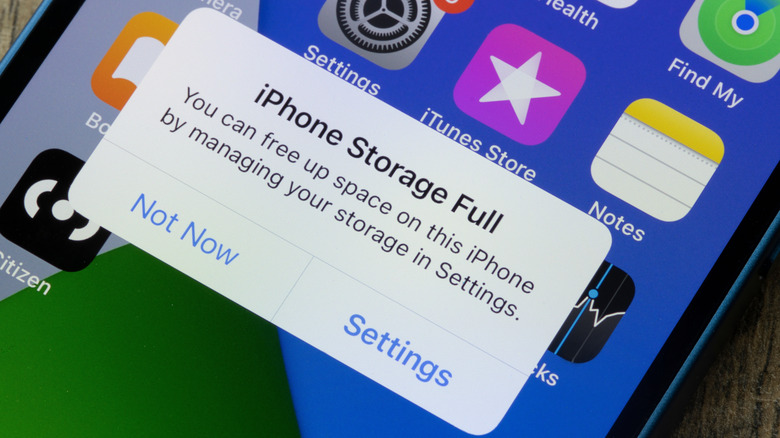
Over the years, old phones can accumulate clutter in the form of unused apps, duplicate photos, large videos, and bulky app caches. These fill your phone's internal storage, making the phone and apps sluggish because they have no room to store temporary data to run their processes efficiently. The key is to only delete what you don't need. If space is too tight, you can transfer files to cloud storage. Just keep in mind that there are some files you should never keep on the cloud, such as your financial and medical records, to protect such information from breaches.
You should start with the apps. Long-press any unused app on the Home screen and tap "Uninstall" on Android or "Remove App" on iPhone. Next, clear Safari's cached data on the iPhone by going to Settings > Apps > Safari and tapping "Clear History and Website Data." You can do the same on Android, but you have to do it individually for any browsers or apps. Go to Settings > Storage > Apps, select the app, and tap "Clear Cache."
Afterward, open your phone's photos or gallery app and start deleting any images and videos you don't need, such as duplicates, accidental photos, and downloads (e.g., memes and TikTok videos). On iPhone, tap "Select" in the top-right corner, choose what to delete, and tap the trash bin icon in the bottom-right corner. On Android, long-press the photo or video until a checkmark appears, select what to delete (it will have a checkmark on it), and tap "Delete."
Add external storage with a microSD card
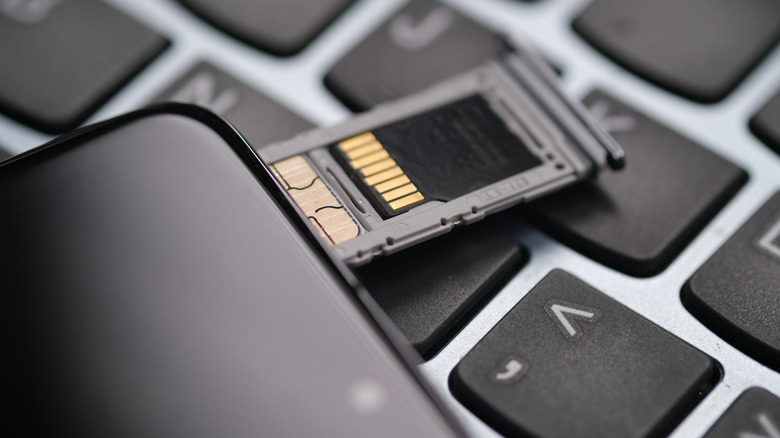
If you don't want to delete photos, videos, documents, and other files, there is another option — expanding the storage with a microSD card. If you're an iPhone user, there is not much you can do except make more space on your local storage by deleting files, since there's no way to add more storage space via a microSD card. The same goes if you're using modern Android phones, as many smartphone brands have stopped using the SD card slots.
But if your old Android phone still has a slot for a microSD card, you can simply buy one and insert it. Afterward, you can transfer the files that are filling up your internal storage to give the system more room to work with. Open your Android phone's file management app (e.g., My Files or Files by Google), select the files you want to move, and tap "Move." Then, navigate to the microSD card or a folder within it and tap "Paste" to transfer everything there and free up internal storage. If you don't want your internal storage to quickly fill up again, you can set the microSD card as the default storage on your Android device (provided your phone supports this feature).
Get a new case
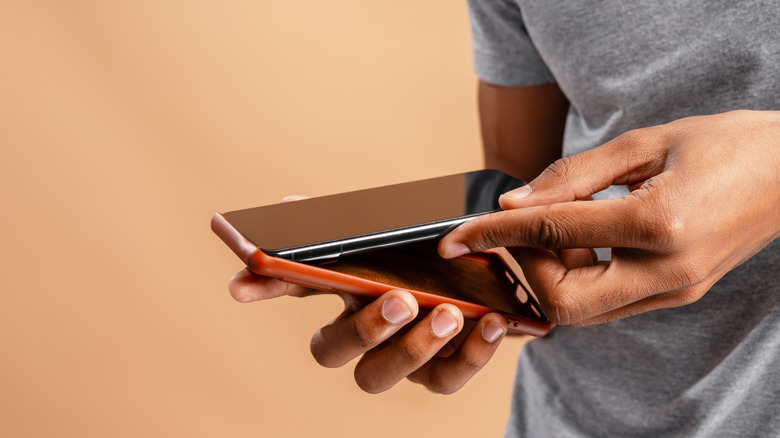
You have probably bumped and dropped your phone over the years. While the phone probably still looks good, the case might be looking a little banged up, making your phone look too old. If you tend to drop your phone a lot, you might want to get a rugged case, even though it might make your phone look bulkier. Otherwise, a simple case will do.
On top of the added protection, cases can change a phone's entire aesthetic. If you've been sporting a basic-looking case for years, it might be worth transitioning to something eye-catching. For instance, instead of the usual white, black, or clear case, you can get a red, blue, or green one. You can even go with one that has a logo or your favorite anime character. The power to customize the outside of your phone is in your hands. But ensure your next case has a few essential features, such as a sturdy feel and a warranty from the manufacturer. While you're at it, be sure to replace the screen protector as well. This can help the phone feel new again if it's too scratched or cracked — you will also be able to see better.
Replace the battery
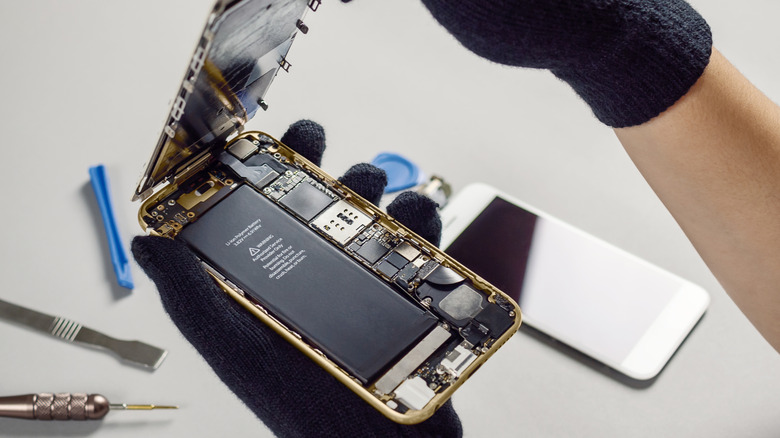
A smartphone battery will last about 300 to 500 charge cycles, which is about two to three years for the average person. Afterward, you'll most likely notice that its lithium-ion (Li-ion) battery cannot hold as much charge as it used to, requiring you to recharge it several times a day. If you're at this point, you're most likely feeling the age of your phone, and what makes matters worse is that you simply can't open the back, remove the battery, and pop in a new one. Li-ion batteries are sealed in modern smartphones to make them slimmer, water-resistant, and dustproof. But that doesn't mean that the battery cannot be replaced.
You can call a professional phone repair service to swap your old battery for a new one. With your phone lasting like it did when you first bought it, you might not find it outdated anymore. Also, when lithium-ion batteries become old, they tend to overheat easily because they're going through a lot of internal stress due to the chemical and heat degradation that has happened over the years. The heat not only further degrades the battery, but it also makes your phone sluggish. You might find that your phone is also faster now that it's not running too hot.