

Is Wireless Charging Better For Battery Health?
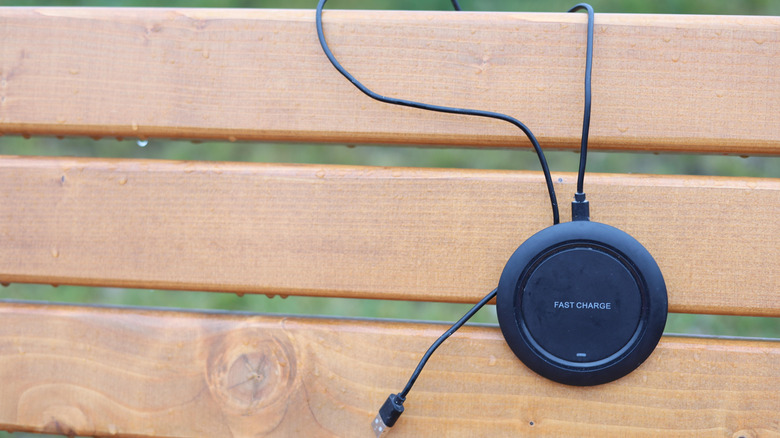
Wireless chargers are becoming more popular, especially now with modern devices offering faster and more efficient wireless charging, as well as public spaces, cars, and even sofas often having built-in pads to accommodate this need. It's a drop-and-go charging method that makes refueling your device convenient, taking the stress off the port. If you're thinking of using wireless charging in the long term, though, you might wonder if it's better for the battery's health, and the simple answer is no. Wireless charging is slower and less efficient than wired charging, but that doesn't make it inherently harmful. It's the additional heat caused by the method that can be a concern.
However, this doesn't mean wireless charging will significantly degrade your battery over time or that you should avoid it. Modern devices that support this method have been built to handle the heat efficiently so it doesn't reach unsafe levels. However, it just means that wireless charging is something you should use occasionally since you don't want to constantly subject the battery to heat that is above the ideal operating range.
So, while wireless charging is safe, it can have a subtle impact on the long-term health of the battery. It should not become your primary charging method. Furthermore, you need to know how to create the ideal wireless charging scenario so that temperatures don't become unsafe.
Understanding why wireless chargers produce more heat
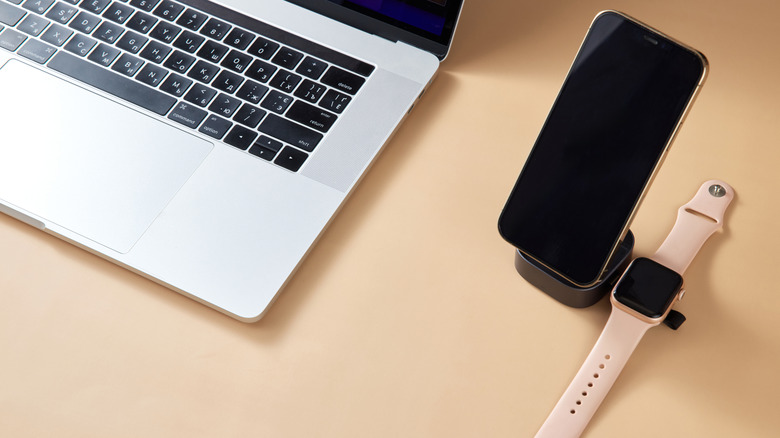
A major issue with wireless charging is that energy loss is inherent to the process. The charging pad of a wireless charger has a transmitter coil that generates a magnetic field of alternating current (AC) around it when connected to an outlet. When you place your device on the charging pad, its receiver coil is induced by the current, which is then converted to direct current (DC) and transferred to the battery. However, not all of the power makes it from the charging pad to the battery. Since energy cannot be created or destroyed and can only change form (by the first law of thermodynamics), the form it takes in this scenario is heat, something known to make lithium-ion batteries age faster by accelerating their thermal degradation.
The energy lost during wireless charging is about 20-30% under ideal scenarios. Wired charging only loses about 5%, which is why wireless charging generates more heat. If the coils are misaligned, the energy dissipation gets worse, leading to even more heat being generated, and this can cause the device to overheat. Modern smartphones constantly monitor the battery's temperature and throttle the charging speed or stop the process completely to prevent overheating. Thick cases are also a problem, as they add more distance between the coils, causing the wireless charger to draw more power. The increased energy output leads to more heat (something that thick phone cases are also good at trapping).
Keep these wireless charging tips in mind
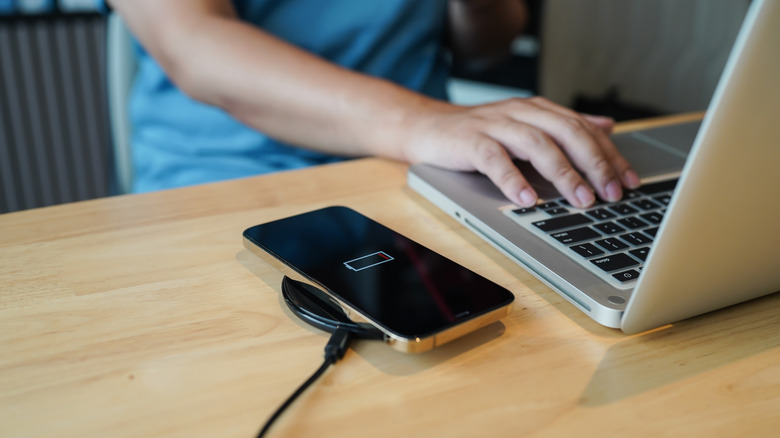
To ensure the best overall experience and optimum battery life, always make sure you're using high-quality wireless chargers. Look for those that are Qi2- or (for Apple devices) MagSafe certified. These have a magnetic ring around them that enables compatible devices, which also have it, to snap into the optimal charging position. This prevents the misalignment issues of old wireless chargers, making the process faster and more efficient. Keep in mind that if you're using a fast wireless charger, it will generate more heat than its standard counterpart because of the high current it delivers — more current means more energy loss and less efficiency. On the other hand, your device will be docked and charging for a shorter amount of time. So, using wireless chargers is a fine balance between long-term battery health and convenience, especially with fast wireless chargers.
Beyond that, avoid the common charging mistakes that people make. For instance, do not do high-intensity tasks, such as gaming or streaming 4K video, while charging. If you're charging a phone or tablet, remove any thick cases and be sure to place the device on a hard surface that doesn't absorb heat and keep it away from direct sunlight. Also, you might want to ensure you don't charge the device past 80%, which is the threshold that ensures the battery isn't under a lot of voltage and heat stress for too long. If you're a phone user and can't actively monitor this, you should enable Optimized Battery Charging on iPhone or the battery protection feature that some Android devices have (not all do) to delay or prevent charging past 80%.