

Not Once A Day, Not Once A Week: Here's How Often To Clean Your TV Remote
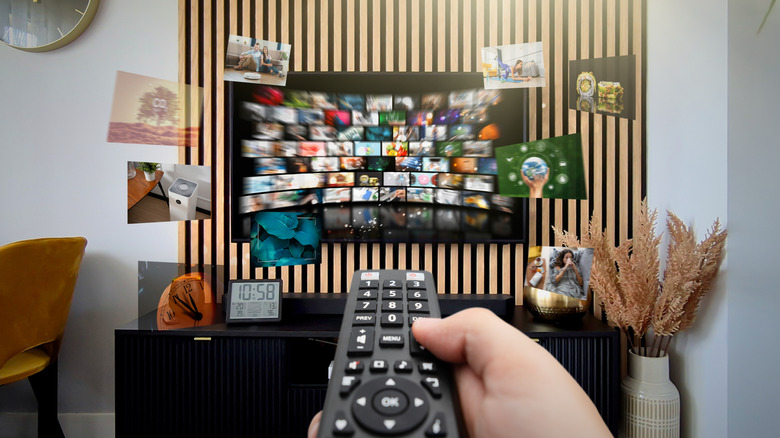
Your TV remote probably sees a lot of handheld action, especially if you're using it to navigate streaming apps like Netflix and Hulu. Many smart TV brands will even let you play games and control smart home devices, and other than voice commands (which often still require a remote), there's only one TV accessory that'll get the job done. That said, in the average household, TV remotes are a staple of everyone's entertainment, and that means they're getting caked up with everyone's germs, oils, bacteria, and snack crumbs.
Keeping a remote clean isn't overly difficult, but there's a lot of conflicting information out there as to how often you should sanitize it. Some say once every week, while others prefer a once-a-day approach. Generally speaking, you don't want to go any longer than a full month without cleaning your TV remote. You should also be sanitizing your remotes more frequently if a family member is sick.
For the best disinfection results, you'll want to use cleaners from brands like Clorox, Lysol, and Purell. According to the Centers for Disease Control and Prevention (CDC), you can also use isopropyl alcohol or bleach (use four teaspoons for every one quart of water). Before you get started, you'll also want to make sure you have windows open or a bathroom fan running to mitigate the scent of chemicals.
Before you do anything, flip your remote over and remove its batteries
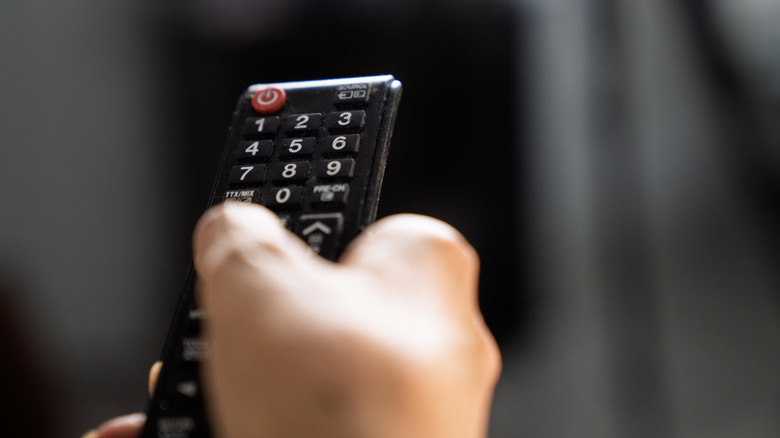
One of the most important parts of cleaning a remote is removing the batteries. The last thing you want is moisture trickling into the battery compartment and frying your controller. Once the cells are removed, your second order of business should be turning the remote upside down (the buttons should be facing downward). Then, give the remote a series of moderate taps to dislodge any debris that has nestled between the buttons. You can also use a can of compressed air or a toothpick to dig out any peskier detritus.
You should never spray a cleaning product directly on or inside the remote; always apply it to a lint-free cloth first, and use gentle wiping motions to go over buttons and the controller casing. When you're finished, use a dry cloth to remove any excess moisture that lingered, and then reinsert the batteries. That's really all there is to it, and the entire process shouldn't take any longer than 10-15 minutes.
We recommend making remote cleaning a recurring chore. It might not be a bad idea to deep-clean game controllers at the same time, too, since they're just as inundated (if not more so) with germs, gunk, and other gross words that start with "G." Fortunately, if one of your TV remotes turned into an irreparable biohazard (it happens), it usually isn't too difficult to purchase a direct replacement, or to swap the defective unit for a programmable universal remote.