

4 Things To Consider Before You Wall Mount A TV
We may receive a commission on purchases made from links.
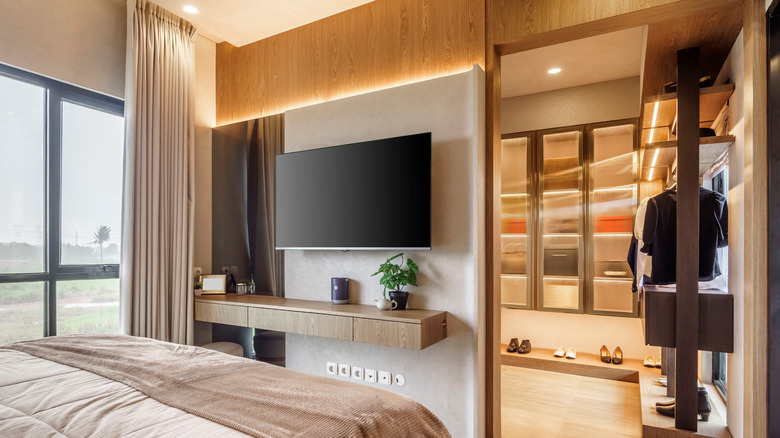
A wall-mounted TV is a staple of the modern home. It's the screen you and yours will likely gather around the most, and the fact that it's floating gives you more space for that surround-sound system you've been dying to call your own. Shopping for a brand-new TV can be a big deal, and where it's going to live in your home is an equally important consideration — especially if you plan on wall-mounting your new QLED or OLED.
Luckily, the TV-buying world has had a couple of decades to make wall-mounting mistakes, so you don't have to. To that end, we've put together this small list of obstacles you'll want to consider when mounting your TV. From selecting the right mount for your TV to accounting for sunlight and glare, we've done our best to highlight some of the most common pitfalls and what you can do to avoid them.
Know your wall before you drill
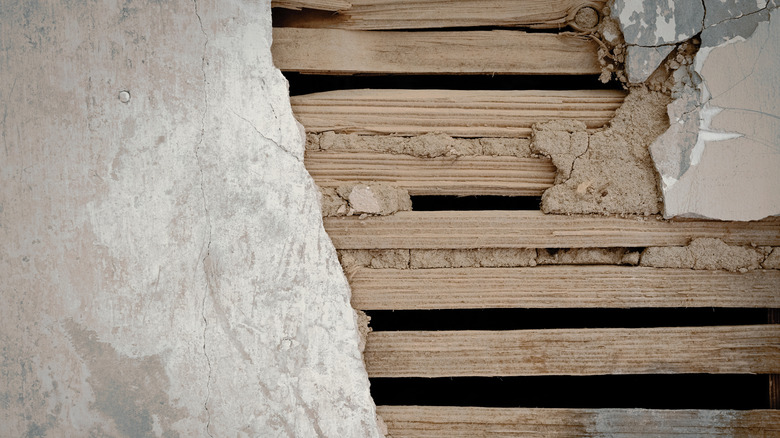
Drywall and studs haven't changed much over the last several decades, so the process of wall-mounting a TV hasn't changed much either; drive lag bolts into one or two studs to fasten the mounting plate to the wall, attach the plate hooks to the back of your TV, then hang it. Unfortunately, the process isn't always this straightforward, especially when you're dealing with older homes and businesses.
Before the age of drywall, interior walls and ceilings were often constructed using lath (thin, horizontal strips of wood nailed to studs) and multiple layers of plaster. While today's stud finders are better than ever, some units may struggle to detect studs if they're behind lath, making it difficult to anchor a TV to certain walls properly. Magnetic finders tend to work best with lath walls, as the device will simply grip the nail heads where the lath was fastened to studs. You can also use compatible toggle bolts if you can only find one stud, or if you're mounting a TV to a studless section of wall.
Even if you're working with modern construction, you'll still want to be mindful of plumbing and electrical lines living in your stud bays. (I used to install TVs for a living, and one of my coworkers infamously drilled into a waste pipe at a nursing home. It was a bad day.) To avoid such a nightmare, figure out if you're working with a "wet wall" (a wall with plumbing behind it) ahead of time. Here's a good rule of thumb: if there's a toilet, sink, or shower on the other side of the wall, at least one stud bay is going to have plumbing run through it.
Choose the right mount for the job
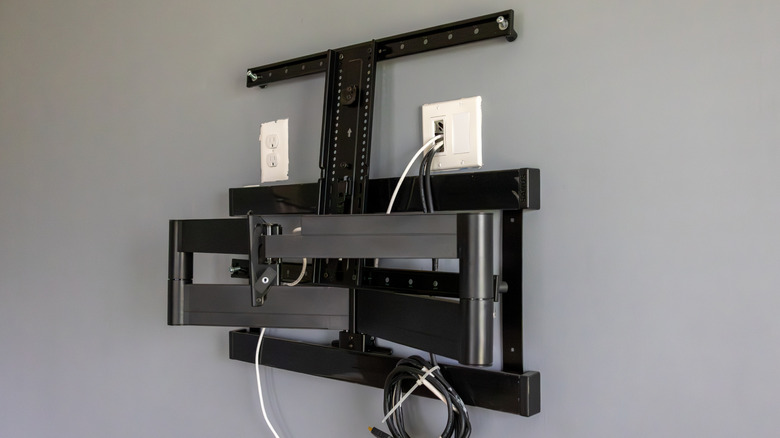
Owning the biggest TV your wall can accommodate is an awesome feeling. Every time you look at your 85-inch LED or OLED set, you'll know you used every last inch of drywall space to give your new screen a home. But before you start drilling pilot holes in your living room, you'll want to lock down the type of wall mount you'd like to use. Generally speaking, low-profile and up-down tilting mounts are safe to use for just about any TV size, especially if you're able to fasten the plate to two studs.
If you can only hit one stud, or none at all, you can still use toggle bolts to mount your TV; you'll just want to make sure they're rated to handle the weight of your TV. But heed these words: do not, under any circumstances, attach a full-motion wall mount using toggle bolts. There's an argument to be made for using toggles if you're able to hit at least one stud, but we'd still suggest otherwise. The largest TVs require some of the largest full-motion mounts, and many of these products are hulking beasts.
Over time, the combined weight of the TV, mount, and forward-backward motion may literally rip your TV off the wall if the main plate isn't locked to two studs. I've personally seen it happen, and it's not a clean-up job anyone wants to deal with. I've also seen a great example of the opposite: Two of my coworkers once mounted a TV using two, proper wooden studs. A severe storm demolished most of the client's home, but the TV wall was spared, and the TV itself didn't move an inch.
Calm the cable chaos
The visual appeal of a wall-mounted TV is never more sullied than when a rat's nest of cables dangles down to a disorganized entertainment center. This is usually a case of putting the cart before the horse, and I'll be the first to admit how easy it can be to forget about all the wires you need to connect to your TV.
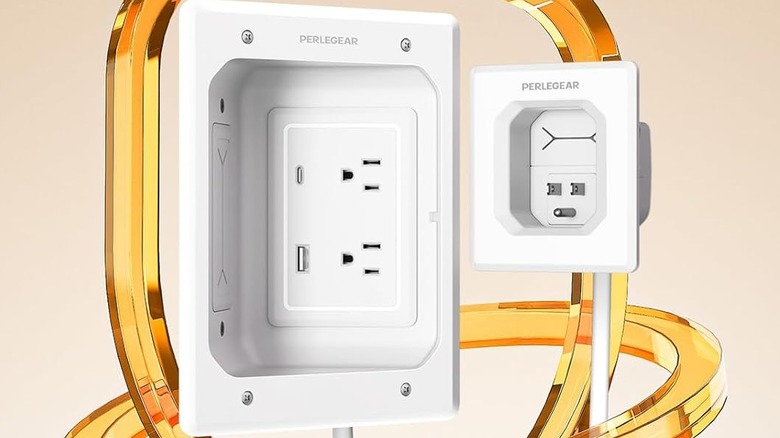
Fortunately, there are a few ways you can wrangle AV and power cables that won't break the bank. If you don't already have a wall outlet installed where your TV will be mounted, one of the best cord management options is an in-wall power kit. There are plenty of reliable brands that make these sleek DIY accessories that help you hide messy TV cables. If you don't feel like putting extra holes in your drywall, there are many different types of cord covers on the market, too, and most simply adhere to your wall with adhesive or shallow machine screws.
It's also worth seeing if you can hook any of your AV gear up wirelessly to eliminate cables. For instance, brands like Samsung and LG make soundbars that can be wirelessly paired to certain TVs over Wi-Fi or Bluetooth. I've also had luck eliminating entire power adapters by using a smart TV's built-in USB ports to power smaller gadgets such as streaming devices, external DACs, and more.
Plan for daylight and glare
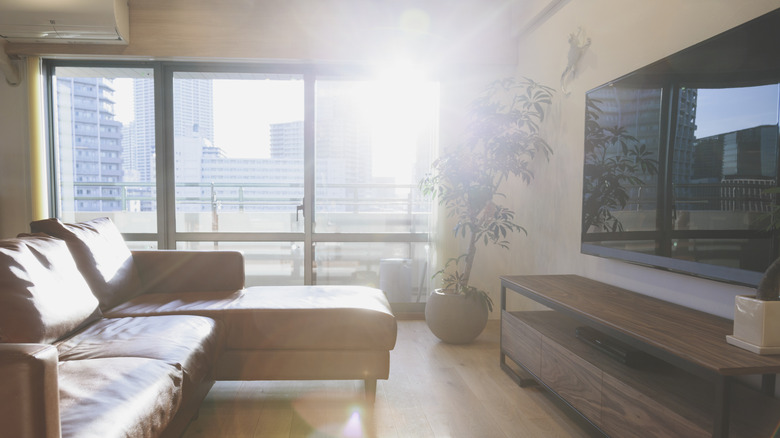
The sun is no friend to any TV screen. The sun also doesn't care whether its UV rays affect your dream TV setup. Fortunately, we all learned a fun fact about the sun: it rises in the east and sets in the west. So, if you're planning on mounting a TV to an east or west-facing wall that's exposed to sunlight, you may be forced to contend with reflections and glare. Fortunately, TV makers have been using anti-glare technology for a long time, and many current LED and OLED TVs are able to withstand a certain amount of ambient light.
Historically, Mini-LEDs are some of the best TVs for brightly lit rooms, because the backlighting can often get brighter than opposing ambient sources. But anti-glare and diode tech are getting so good that even OLED TVs are able to overcome certain levels of glare. I own an LG C5 Series OLED that lives in a well-lit living room with windows, and I have zero issues with glare. That said, midrange and premium TVs tend to be the best options for glare reduction and ultra-bright screens. If your TV doesn't handle bright environments well, mounting it to a darker room might be your best bet.
We also aren't opposed to easy fixes like relocating a floor lamp to a different part of the room. Even slightly dimming your lights (if you have the option) can make a big difference if your TV panel is troubled by glare and reflections. And if you don't mind a cavernous space when you're watching a movie or show, you can always invest in a set of blackout curtains for sun-filled windows.