

Your Amazon Fire TV Stick Remote's Home Button Is Hiding A Useful Feature In Plain Sight
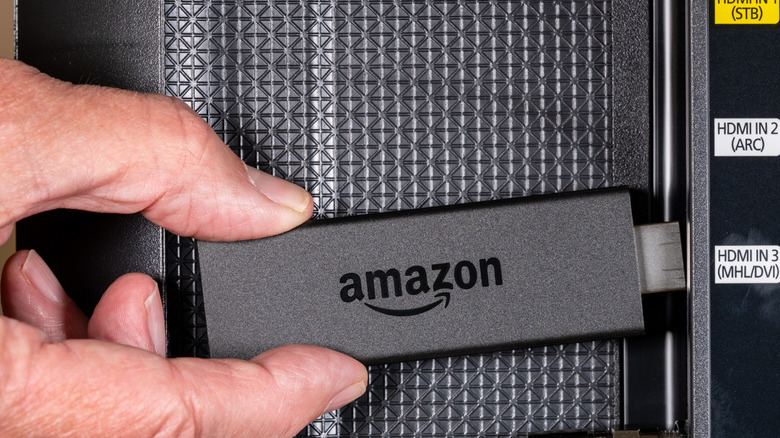
We live in a consumer tech era that favors cosmetic minimalism (generally speaking), which is part of the reason why remotes continue to feature fewer and fewer actual buttons. Fortunately, brands like Amazon considered this when designing its Fire TV stick, one of the 12 major streaming devices on the market. If you own one of these gadgets, Amazon hid an entire section of its user interface behind a single button — you'll just need a long press to unearth it.
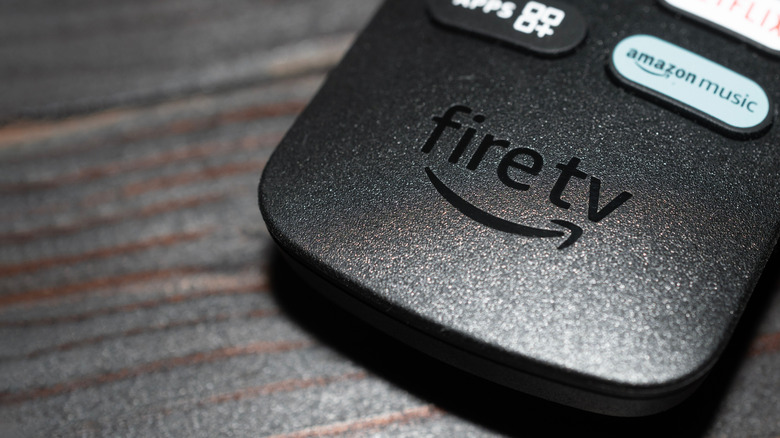
We're referring to the Quick Settings menu, which you can pull up by pressing and holding the Home button on your Fire TV remote. After a few seconds, the Quick Settings interface should load on top of your current screen and automatically pause the movie or show you're currently streaming. Menu options include the ability to move between user profiles, open downloaded apps, dip into device settings, use a sleep timer, and more.
It's definitely one of the most useful Fire TV Stick remote shortcuts, especially if you're the kind of person who likes to tweak picture settings to best support the media you're watching. For those folks, you can press and hold the Up and Rewind buttons simultaneously to manually select a resolution.
Fewer buttons doesn't necessarily mean fewer settings
Hidden menus and tucked-away commands are par for the course when it comes to most streaming devices and smart TVs these days. For example, there are a handful of secret menus built into Roku OS (which can be accessed once developer mode is enabled), as well as a bunch of hidden features baked into Apple TV. The latter even has hidden button commands for its Siri remote, such as the ability to quickly toggle apps by pressing the TV/Control Center button twice.
Depending on the device, access to shortcuts may be well documented by the manufacturer or might require a deeper dive, like with Roku's developer mode. Regardless of who has access and why, these hidden command centers can make adjusting settings simpler and more convenient. That said, if you end up investing in a universal remote, you'll want to make sure it's a model you can program unique commands to; otherwise, you may be locked out of Amazon's Quick Settings interface.