

8 Clever Uses For Your Old Keyboards & Mice
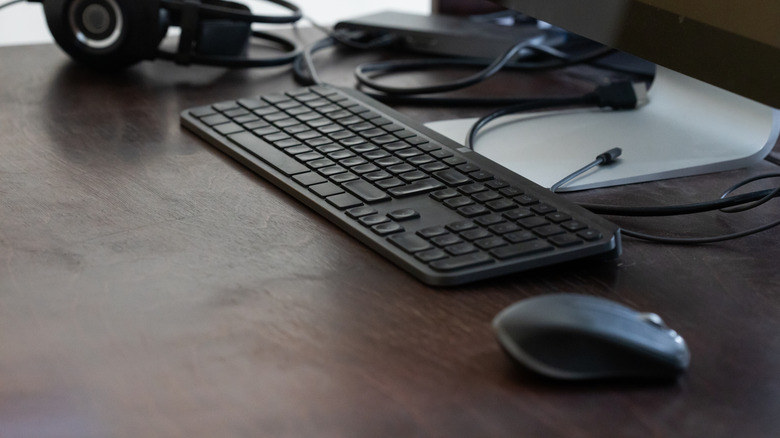
When it comes to computers, there's a special feeling that comes with getting a new keyboard or mouse. There's a satisfaction to the crisp, clean clicks of each key, or how smoothly the mouse travels across your desk. The imperfections of your old gear are whisked away for something new.
What happens to the old one, though? Lots of folks tend to hold onto their old PC peripherals and other components, thinking they might come in handy someday down the line. The new equipment continues to work just fine, so the old mice and keyboards just sit in a box, gathering dust.
The day comes when you decide you need to do something about them. There's no need to throw them out and feel wasteful, though. By repurposing your home's old tech, you can find new, creative ways to turn all sorts of old electronics into something memorable. Here are some creative ways to give your old computer parts a new purpose, whether that's finding a new use for them or completely repurposing their components in ways you might not have thought of.
Try them on other devices
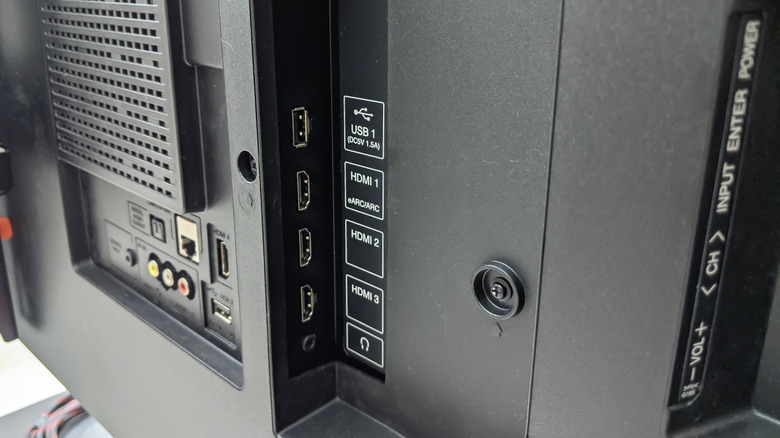
Keyboards and mice are generally designed to be used with a computer. But it doesn't stop solely with desktop PCs and laptops. A surprising number of household electronics support keyboard or mouse controls. Certain TV models support both keyboard and mouse integration, making for faster navigation and easier searching. Smartphones and tablets, when given a mouse input, can be one of the cheapest ways of turning your tablet into a laptop replacement.
When you connect a keyboard to a game console, you can use it to type things out any time it asks for a text prompt, like naming characters or sending messages. Having a physical interface allows for much faster, more natural typing compared to selecting characters with a controller. Consider all of the small moments where you'd think, "a mouse and keyboard sure would make this easier." Check if it has a USB port and give it a try; you might be surprised what ends up working with your castaway equipment.
Keycap jewelry
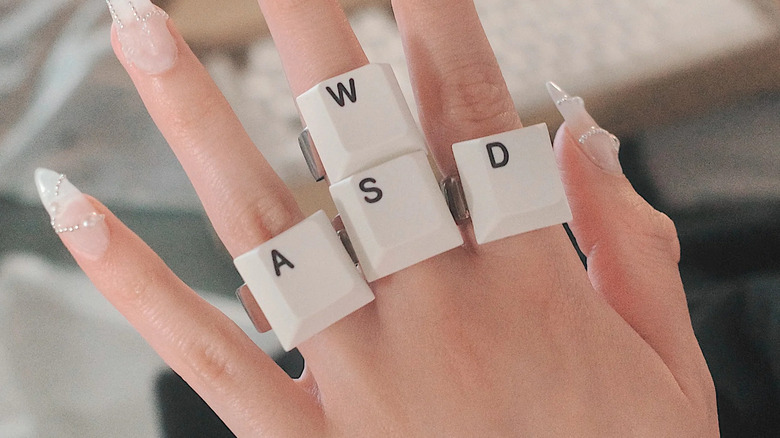
Computer keyboards have a certain style to them. Their blocky, tapered shapes and direct association with technology embody the vibes of the early 2000s. How fortunate, then, that the Y2K aesthetic is making a comeback, especially among the Gen Z community. Why not lean into that style with some custom jewelry?
Keycaps specifically are perfect for creating a customized bracelet, necklace, or ring. Using a small drill, you can create holes on the side of each key to string a chain through. With some adhesive, you can attach a key to an existing broach, pendant, cufflink, or ring. And since each one displays a letter, you can customize it to a specific person's name, a phrase, or whatever you want!
More advanced craft veterans can take it a bit further, shaping the jewelry to match a keycap's connector port, allowing for swappable caps and greater freedom.
Turn them into household decorations
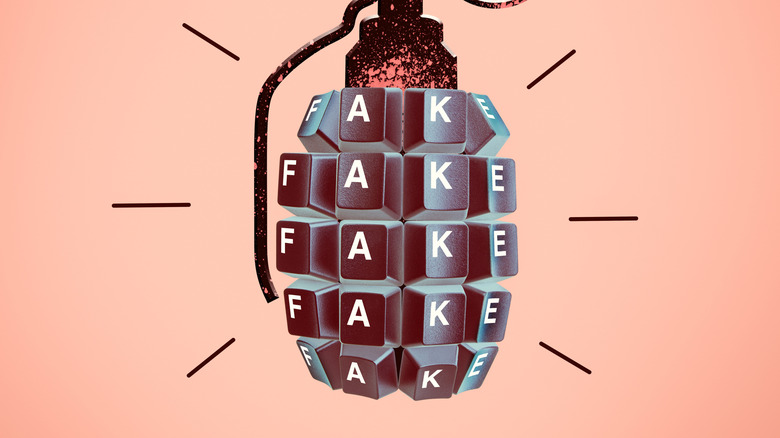
Similar to jewelry, that artistic presentation can be applied to a wide range of decorative pieces. This can be purely decorative, like wall art or trinkets, or they could also be modified versions of items with utilities, such as desk organizers, shelves, or bookshelf stands.
Several old keyboards can be connected together to form a lampshade. The keyboard itself can be mounted on a wall (after rearranging the keys to spell out a message, of course). Individual keys can be attached to magnets to make for a fun, tech-centric take on fridge word art. Mice can be made to look like the animal.
This process will require a healthy bit of craft knowledge, depending on what you want to make. This may include some research into adhesives, wall mounting, sculpting putty, or drilling. No matter how you decide to apply your creativity, there are countless tutorials online for every kind of craft that can guide you. The real limit will be your imagination.
Engineer something new
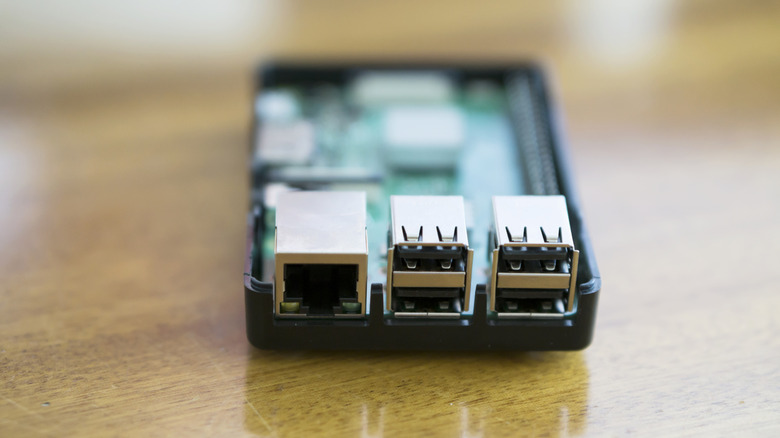
Maybe your keyboards and mice still work. It might not be appealing to take them apart or use them for something that renders their abilities obsolete. Fortunately, the boundless potential of creativity isn't limited to making art or jewelry. Direct that energy back toward their original purpose of interfacing with a computer.
No, not your PC or Mac. Instead, we're talking about microcontrollers, mini computers that can be programmed to do whatever you set your mind to. Anyone with an interest in software development or programming can build custom programs or machines using these devices. Common microcontrollers, like the Raspberry Pi or Arduino Uno, can connect with keyboards and mice, as well.
These peripherals can become dedicated interfaces for your device. Create standalone Commodore 64 emulators, arcade cabinets, digital displays, and more. Combine the project with some other handy Arduino accessories to take it a step further, creating more advanced and dynamic machines.
Make keycap art
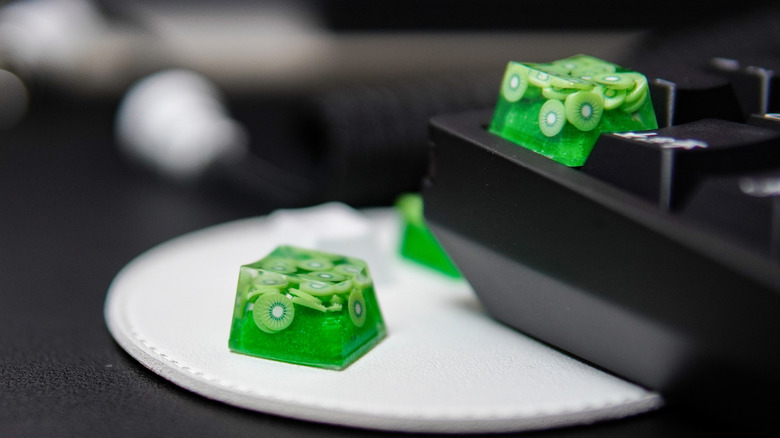
Mechanical keyboards are a popular choice for folks fond of a satisfying typing experience. The level of resistance, key depth, and satisfying clack of the keys as you type provide a wonderfully tactile way to engage with your PC. They also tend to be extremely customizable. Keys can be removed and replaced, creating unique blends of style, color, and design. There are reasons why enthusiasts choose mechanical keyboards.
These same enthusiasts will often seek out unique, original artisan key caps to add to their own keyboard. These kinds of keycaps often put a greater focus on interests and aesthetics over function, showing eye-catching designs or 3D models on the keys.
If you have an old, forgotten keyboard with removable key caps, then you have a pile of bare, unmodified keys that could be painted, polished, or otherwise spruced up into something interesting. Paint tiny scenes or symbols onto a key, create resin castings of the key to create visual depth, or use etching tools to show intricate patterns with some texture. It's a great way to add a personal touch to a keyboard without sacrificing the original keys.
Remap the inputs to new functions

By default, plugging multiple mice or keyboards into a computer doesn't provide any special functionality. They just become duplicate inputs, which isn't much help. But that's not always the case. Keyboard macros are one of the best ways of getting the most out of your PC, and some input macro software can identify and remap the inputs of multiple devices, effectively turning a second mouse or keyboard into an auxiliary interface. A second keyboard on the side can be reconfigured to act as a launchpad or quick start interface. A mouse could be discreetly wired down at your feet to act as a foot pedal.
This idea really shines in fast-paced activities like video games, where an additional input can turn a multi-step menu navigation into a single button press. Quick commands can open software immediately or paste a frequently typed sentence into an email. This opens up a lot of convenience for your PC without having to sacrifice space on your main keyboard or memorize multi-key commands.
Set up a motion sensor

Mice are one of the most convenient ways of telling your computer something. But what if your computer used it to tell you something? It could tattle on kids snooping in your closet, late-night snack runs, or even a potential burglar. Any mouse with a laser-based tracker can be used to detect motion. With software that can record mouse movements, you can establish an unorthodox security system that reports back any time the mouse moves.
By affixing a mouse to things like doors, drawers, or even box lids, you can know if someone might have moved it. The software usually keeps a log of activity for you to reference later. So even if they put it back, you'll know exactly when it happened. This idea pairs especially well with the previously mentioned microcontroller idea, allowing for a very compact setup that can operate independently of your computer.
Make copper wire art and jewelry

One thing that all corded electronics have in common is the wire. The cord or cable from old tech can be stripped, providing a plentiful supply of copper wire. This opens the door to making copper wire art, the practice of twisting long strands of wire together to form interesting shapes, patterns, or designs. This can be through jewelry, bonsai-tree-style sculptures, or decorative wall hangings.
Best of all, copper wire art has a very approachable list of required tools: a wire stripper and some pliers. Use the stripper to strip the protective coating off the wire, then the pliers to bend, twist, and warp the copper however you need to. You can expand it further by introducing beads, gemstones, or other visually appealing accoutrements.
While everything else on this list was about either finding a new use for your mice and keyboards or upcycling them into something creative, this suggestion is about breaking them down into their most basic component and reclaiming it into something completely new. It's a more elegant way to make something new without evoking that repurposed feeling that other projects might have.