

4 Disadvantages Of Streaming Sticks You Should Know Before Buying
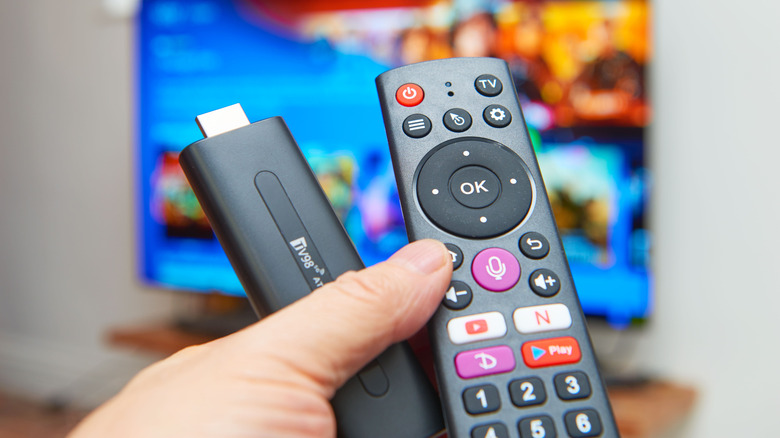
With so many capable Smart TVs, it's become much harder to justify buying a streaming stick as your primary way to access your favorite apps, like Netflix, Hulu, HBO Max, and more. So one of the questions becomes, what becomes the point of buying a streaming device when you own a Smart TV? The Smart TV OS should be able to install your apps and have the hardware to run them properly.
But sometimes the built-in OS of these TVs isn't perfect, and running too many apps on it could slow it down, or at the very least, it's more of a money-saving aspect, and you're not ready to pay for the next hardware upgrade. That's when buying a streaming stick becomes a bit more cost-effective, so you don't need to call your Smart TV obsolete, even if the built-in software feels too sluggish.
Amazon and Roku have some really nice options, and if you're a Prime Day shopper, you can often find some good deals on Amazon Fire Sticks that do a good job of staying under $50, which is equivalent to an evening out at a restaurant. Sadly, streaming sticks, while often much cheaper, have some caveats, and aren't always the perfect replacement for your TV's built-in software. Plus, some streaming devices are ranked worse than others based on their specs, accessory support, and general app compatibility.
Streaming sticks have low storage and RAM
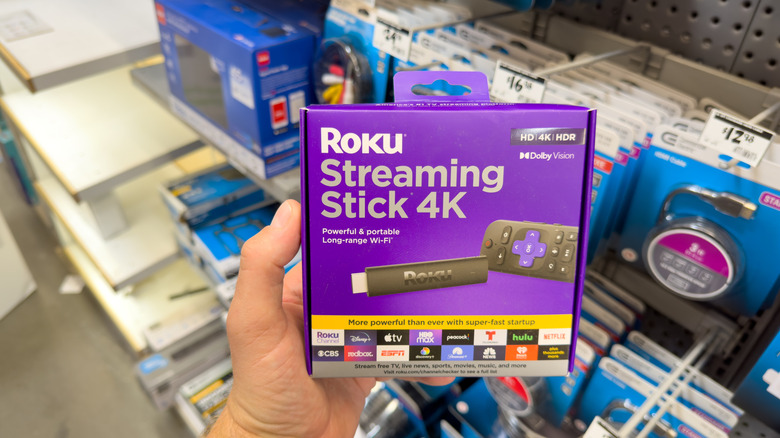
You essentially get what you pay for when you buy a streaming device for around $30 to $50. The hardware tends to be a bit on the weak end, given limited space and very low RAM. For example, the Amazon Fire TV Stick HD 2026 has only 1GB of RAM and 8GB of storage. While this tends to be the least powerful in Amazon's Fire Stick lineup, it is also pretty comparable to what you'd get on a small consumer budget.
Comparatively, you could look at higher-end models, and you'd only get around double the RAM and storage, which isn't amazing. But these sticks do what they are designed for: streaming, so you only need functional software that can handle downloading apps and support 1080p and 4K resolution. So don't expect this to compare to larger streaming devices, like dedicated boxes or your TV's software; unless high-end, these sticks will perform much more slowly.
Streaming sticks depend heavily on your Wi-Fi
Streaming sticks rely on your Wi-Fi to get the most out of them. It's excellent for using streaming apps and cheaper access to live TV, but unless you have the latest Wi-Fi standard paired with a decent internet package at home, your experience may vary. These sticks aren't designed to be flexible, like downloading content from Netflix and watching it back later — the offline download feature isn't even available unless you are using a Chromebook, tablet, or smartphone.
So your entire experience depends on your connection — but only for Wi-Fi. Streaming sticks lack an Ethernet port, so you can't wire it in, in case your router placement is providing a spotty, inconsistent connection. There are some local options you can use to stream your saved media (depending on the stick, if it supports Plex or Kodi), and you can set some devices to mirror your phone's screen — just be aware of the limitations and reduced functionality when you do.
Streaming sticks have limited accessories
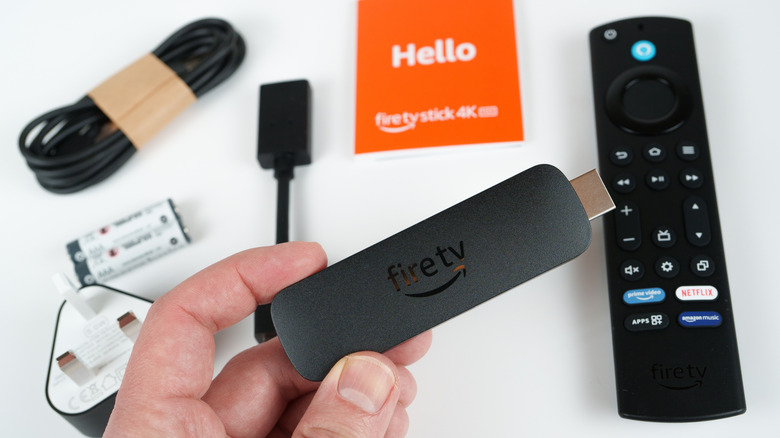
Many streaming sticks are designed to be plug-and-play. Though if you own specific models, you can find some accessories that do work with them, but are somewhat niche. It is usually limited to adapters, power cables, and a few other gadgets, such as controllers and a mini keyboard. While this is better than none, not all streaming sticks offer the same level of compatibility, so when you buy a particular model and want to change out the remote, you'd better read the label to see if your stick is supported.
Notably, one neat feature of Amazon and Roku Sticks is that both companies offer an app that turns your phone into a controller, if need be. While it depends on which streaming stick you buy, the company usually includes the required accessories to make it work. For example, Amazon includes an optional HDMI extender cable, a power adapter, and a USB cable to make your purchased Fire TV Stick work with your TV. Roku, depending on the model, can have one sent for free if you fill out the online form.
Streaming sticks have enforced ecosystem restrictions
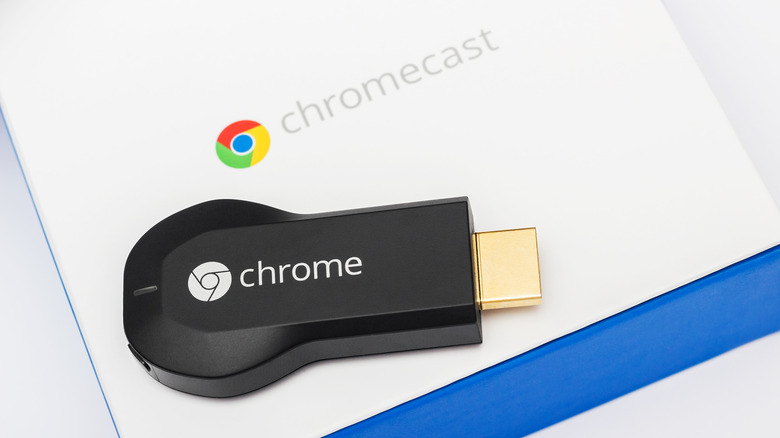
Streaming devices from Amazon, Roku, and even Google are designed to give you controlled access to apps within their respective ecosystems. No, it isn't impossible to acquire other apps — though there is a secret hack, but there are heavy restrictions on it, and not all devices can do it. If you're also using an Amazon Fire TV Stick with Vega OS installed, you're out of luck — even applications like Media Players are being flagged and blocked on the Fire TV Sticks themselves, since sideloading just isn't possible thanks to the VPKG format being required in place of APKs.
Roku and Google Chromecast do not face the same restrictions because they are both Android-based; it mostly comes down to enabling developer options to get it working so you can install APKs. Remember that the streaming stick runs proprietary software, similar to a Smart TV, so you can't make major changes like revamping the home screen or changing the OS — you're basically stuck with the UI provided — unless you attempt to jailbreak it to add a custom launcher. Just the tricky part is that some updates can actually break the launcher and block it.