

If You Own A TCL Google TV, A Free Visual Upgrade Could Be On The Way
We may receive a commission on purchases made from links.
TCL is rolling out some software updates to its older Google TV-powered sets with a few visual upgrades, namely support for Dolby Vision Filmmaker Mode, which is something you should always use on your smart TV if it's available. That's because it automatically adjusts video settings to match the true visual representation of what the original movie makers wanted. You can actually see what Spielberg or Nolan envisioned when making a film.
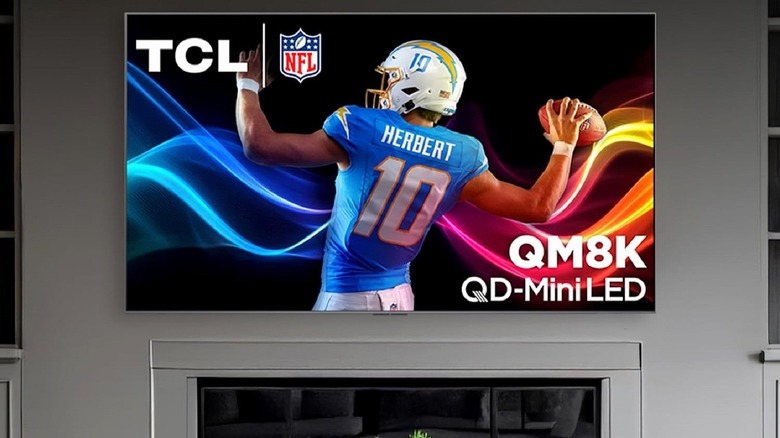
That's not the only new feature being added, either. Select TVs are also getting some bug fixes, wireless subwoofer support, plus compatibility with IMAX Enhanced DTS:X audio on Disney+. The new software version is v643, and it's an over-the-air update for TVs that will be getting it. A few of the models in the update queue are the TCL X11K, C8K (QM8K), C7K (QM7K), X955 (QM851G), C855, C955, and some other options that are best for minimalists.
According to FlatpanelsHD, it includes 2023 to 2025 year models with the Pentatonic 700 chip. The newest 2026 models already have the update pre-installed with bug fixes and new features. The rollout will be gradual, with some users already seeing the changes. Generally, TCL does a fairly good job at supporting its TVs with software updates. However, Roku and TCL are facing a lawsuit over "software defects," but Roku devices offer a totally different experience out of the box.
Checking for software or firmware updates is always a good idea
This rollout helps to highlight one of the biggest reasons you should always update your TV's software, it doesn't matter what brand it is — better experiences and new features. Through bug fixes, especially with what TCL is deploying to its Google TVs, many headaches and frustrations can be remedied, resulting in an overall much better product for you. Since this update is being released gradually, you may have to check if it's available manually. To do that on a TCL Google TV, navigate to Settings > System > About > System Update and select Network Update or Check for Update.
Allow it to finish scanning, and then it will tell you if there's a software update available for download. If there is, simply choose Download and Install and follow the on-screen prompts. In that same System Update menu, you can enable or disable automatic updates, which should handle the entire process for you automatically, provided your TV remains connected to the internet. If the update isn't available yet, you'll have to wait, but it shouldn't take long, seeing as users are already reporting they have it.