

7 Of The Best TVs For Minimalists In 2026
We may receive a commission on purchases made from links.
TVs come in a range of series with a multitude of features. Although these features are nice, they can be overwhelming to those who want a new, easy-to-use TV in their living room. A TV should be straightforward, and you should be able to turn it on to watch your favorite program whenever you want, without difficulty. For those looking for a minimalist TV, there are a handful that you can track down to get the job done.
We found the best TVs that a minimalist would appreciate. These TVs don't have too many bells and whistles, but they get the job done, and they're a reasonable size without taking a drop in quality. We'll go into more detail about why we picked these products in our methodology at the end. Here are eight of the best TVs for minimalists in 2026.
LG C6 4K OLED TV
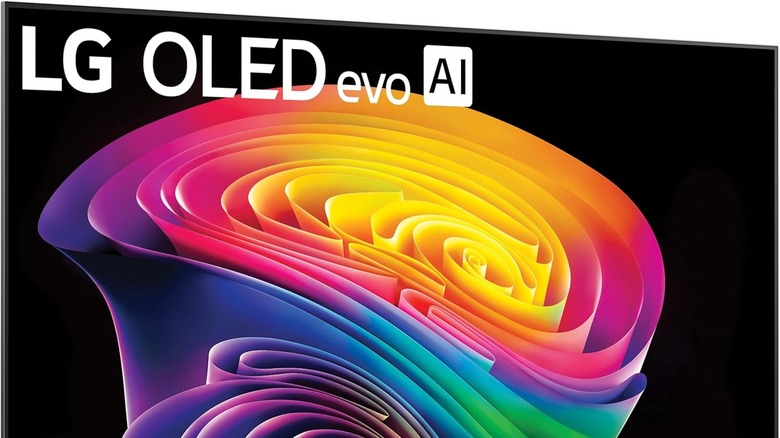
The 42-inch LG C6 is a solid choice for anyone who's looking to add a sleek TV to their home. It has a thin design, with the screen only an inch and a half thick, though you'll have to deal with the stand if you aren't mounting it, which adds another 5 inches. It's a worthwhile addition for anyone who wants to keep their cable management under control, offering a clever way to hide it from view. The TV only weighs 22 pounds and is available for $1,399.99.
Menu navigation is simple. You'll be able to do everything with a single remote, immediately jumping into a screen where you can choose your favorite programs through webOS. You'll have everything on the start-up menu after you choose your profile, showcasing any streaming networks you're watching or letting you resume watching any shows or movies you paused.
There's also a way to turn off advertisements and recommendations, allowing you to focus on exactly what you want on your main screen. It's a clean experience, and while you're watching it, LG's AI technology keeps the screen retention crisp, with a 4K resolution, up to 165Hz refresh rate, built-in speakers, voice assistance, and Chromecast.
LG B5 4K OLED TV
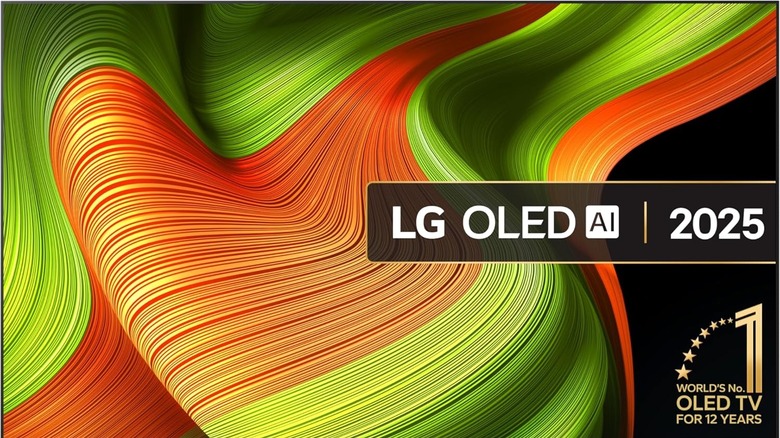
For anyone who wants a slightly bigger TV from LG, there's the 48-inch LG B5. Although on the slightly larger side, it's still thin, sporting close to 2 inches of screen, but this hits a little over 9 inches with the stand. The stand supports it on the left and right sides, and although they go far out, it's easy not to notice them.
It comes with standard OLED technology, OLED Motion, an Alpha 8 AI Processor, 4 HDMI inputs, and Amazon Alexa. You can carry it around and switch rooms, as it weighs 25 pounds. You can get it for $649.99, and it's a budget OLED TV that users highly recommend and reviewers do as well.
When you power it on, the LG B5's interface is quick and snappy to control. You'll find it simple to navigate, with various profiles available for anyone who wants to swap between who's watching what at any given time. You'll be able to choose between various streaming platforms, such as Roku, Apple, or Google Streamer, to name a few. Enjoying the view is one of the many things customers enjoy, as they point out how the stunning picture of the OLED makes it a great choice for the LG B5, given the price.
Hisense U8 4K Mini-LED TV
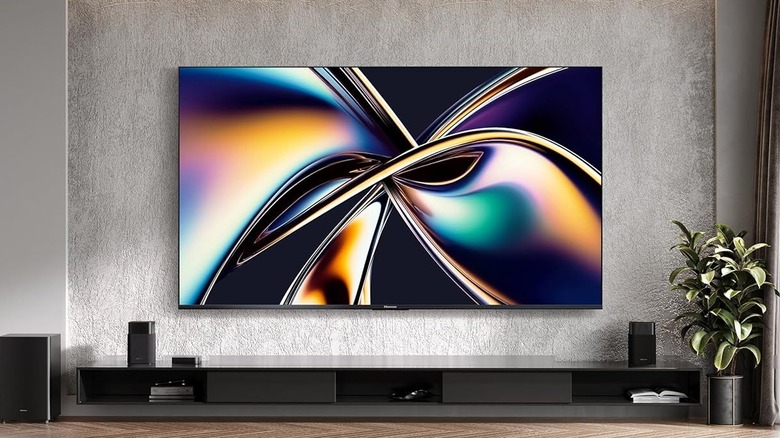
The 55-inch Hisense U8 Mini-LED 4K is 2 inches thick, and the base stretches it out to 11 inches. It comes with Bluetooth, HDMI cables, and built-in Wi-Fi to get your ideal streaming platforms on there, with a 144 refresh rate. It weighs less than 40 pounds, offering plenty of flexibility for you to move it around your house without too much effort. It retails for $899.99, but regularly goes on sale, and in our review of a previous model, we called it the best value in TVs.
Customers who have the U8 recommend it for how easy it is to set up. When you power it on, it features all of your preferred viewing platforms on the main screen, immediately ready for you to jump into your next program. The remote is a highlight, as it's easy to use and aesthetically pleasing. The more you use apps, the higher up they appear in the menu, meaning you can expect to see your favorites popping more often. There's also a Continue Watching section on the home screen if you ever drop off of a show and want to return to it.
Samsung Q8F 4K QLED TV

Another smaller TV worth considering is the 43-inch Samsung Q8F QLED TV. Samsung has managed to shrink this TV down to just one inch thick, but that jumps up to 7.8 inches with the stand, so you're best off mounting this one if you can. It has built-in speakers, several HDMI and USB ports, and Bluetooth and Wi-Fi compatibility. It's relatively mobile at just 18.1 pounds, too, and costs $547.99.
When you turn the QLED on, the home screen shows navigation features and a row of applications at the bottom based on your preferences and the profile you're on. You can switch profiles depending on who's watching, with clean language on screen, and straightforward menu navigation. There's also a streamlined section to jump straight into an application you want to search through, or to return to anything you were already watching. There are several voice commands you can set up.
At the bottom of your menu, it displays recommendations of what's coming up regarding favorite shows or sports, ensuring viewers never miss an upcoming event. And those are just a few of the cool features you'll find on Samsung's latest QLED TVs.
TCL QM7L 4K SQD-Mini LED TV
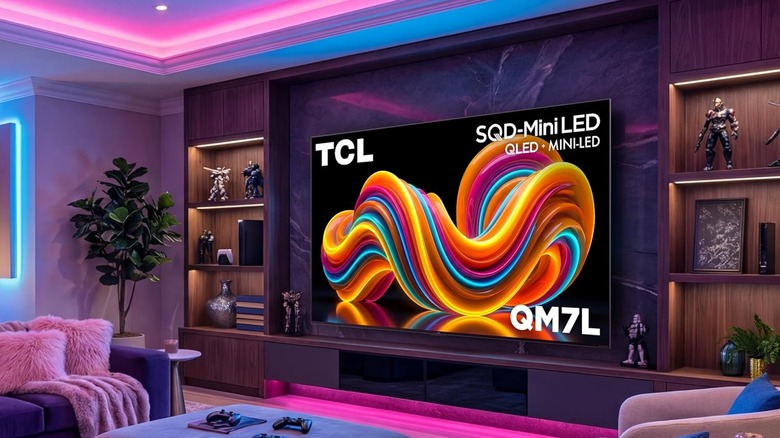
For anyone who is looking for a minimalist TV that also specializes in gaming, the 55-inch TCL QM7L SQD-Mini LED TV could be exactly what you're looking for. The screen is 2.2 inches thick (10.6 inches with the stand). It has a 144Hz refresh rate (or 288Hz Variable Refresh Rate for gaming), precise dimming, and TCL's new SQD-Mini LED display technology.
On the back, you'll find four HDMI ports and 3 USB ports. If you want to hang it up, there are plenty of ways to hide cables. It weighs 29.3 pounds, making it fairly easy to move around. You can get it for $999.99, and it's a good choice if you're looking to put this TV in a bright room.
When you power on a TCL TV, the operating system has smooth, agile motion to it, with all of your applications clearly in view and at the ready on the home screen. Setting it up is simple, and you can choose what applications you bring over. The trending recommendations that pop up can be a bit much, but these are closer to the bottom, away from everything you regularly interact with. You can also quickly switch from the TV mode to any connected gaming consoles without too much effort.
Samsung S90H 4K OLED TV
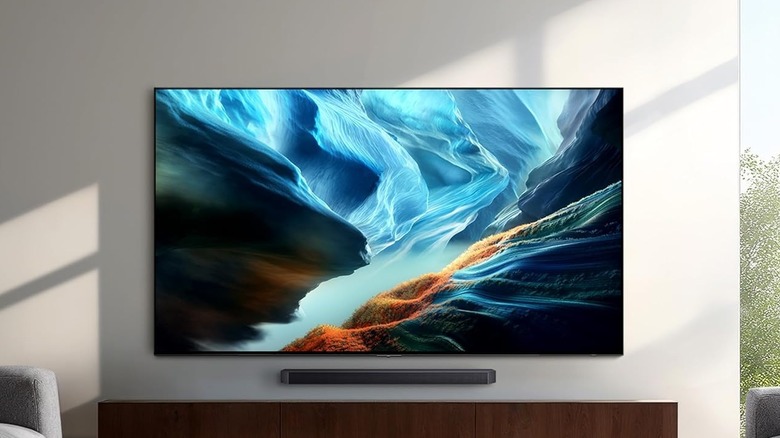
Another lightweight option is the 42-inch Samsung S90H OLED 4K TV, though it costs a pretty penny compared to some other TVs on this list, retailing for $1,397.99. The screen is 1.6 inches thick (8.1 inches with the stand). It has built-in speakers for those without a separate sound system along with a 120Hz refresh rate, multiple HDMI and USB ports, Wi-Fi, and Bluetooth. Moving it from one room to another shouldn't be a big deal, as it weighs just under 20 pounds.
After setting it up, the Samsung S90H uses the same operating system and menu options as other Samsung TVs. You will have the option to create several accounts, where all recommendations are shown on the first screen. The text is easy to read, it's simple to find what you want to watch. Plus, switching between applications is snappy, as you can do it with a few clicks of your remote.
Samsung The Frame LS03F 4K QLED TV

For those who want to hide a TV in plain sight, there's the Samsung 43-inch The Frame. It's designed to go in any room of your house and look like a picture frame hanging up on the wall. With the cables hidden either behind the TV or in the wall, house guests might genuinely mistake it for art. It features a 60Hz refresh rate, a 4K QLED display, built-in speakers, game mode, Bluetooth, Wi-Fi, and multiple HDMI and USB ports. It weighs less than 20 pounds, making it a bit heavier than a standard painting. You can regularly get it for $697.99.
The Frame LS03F's operating system is similar to other TVs in the Samsung family; however, it has several features removed to make it as straightforward as possible with a responsive menu. With a slick menu, you'll be able to choose from any of the available streaming networks to watch, your local networks, or have art displayed to make it appear like a digital picture frame on your wall. It might not have the best refresh rate or picture quality compared to other Samsung TVs, but it's still a reliable choice, especially if the aesthetic is your main concern.
Methodology
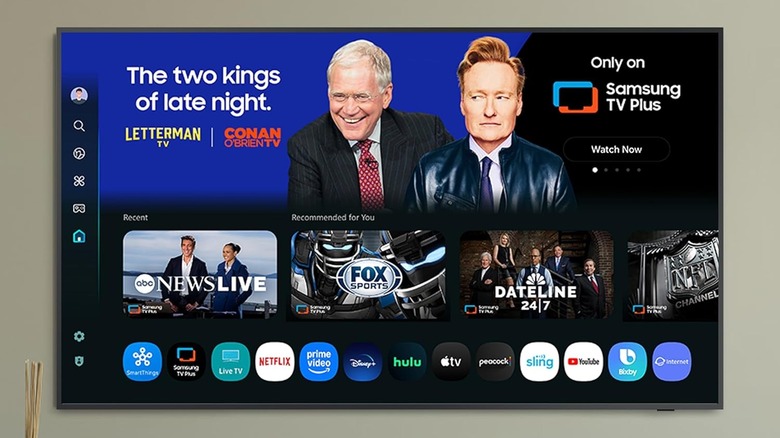
We wanted to focus on television models that provide a simple, clean, and straightforward user experience as soon as someone plugs it in and gets everything set up. We went with the smallest sizes of the available models to ensure these could fit in any location within a household and were lightweight, ensuring they weighed under 40 pounds.
We selected television models that were easy to set up, had bright, thin screens, and offered a good amount of cable management to reduce potential clutter. The operating systems had to be efficient, too, meaning someone could turn it on and quickly jump into a previous program, or boot up an application without too much trouble.