

What's The Difference Between HDMI 2.0b And HDMI 2.1?
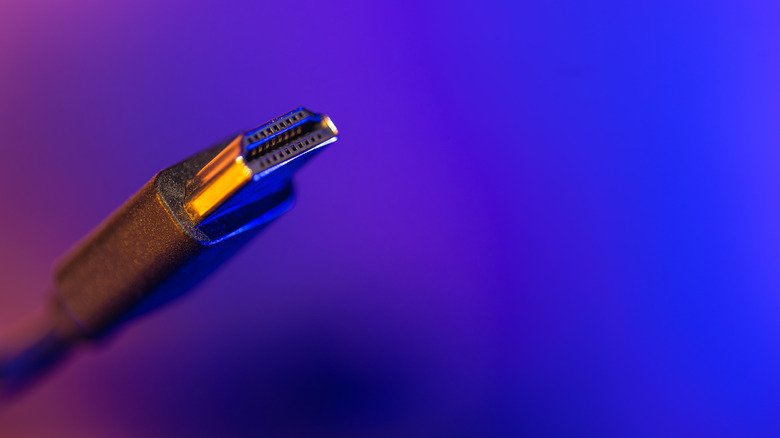
As video and audio standards continue to evolve, HDMI must keep pace with cutting-edge technologies, which is why there are multiple HDMI generations. Represented by version numbers, which kicked off with HDMI 1.0 in 2002, the standard has evolved all the way to HDMI 2.2 in 2026. That said, two leading HDMI ports and cable types you're likely to come across are HDMI 2.0b and HDMI 2.1. The former rolled out in 2016, while the latter hit the market in 2017.
The main difference between HDMI 2.0b and HDMI 2.1 is the amount of bandwidth supported by ports and cables. HDMI 2.0b guarantees up to 18 Gbps, while the 2.1 standard bumps things up to 48 Gbps. That's more than double the data, a feat that translates to improved resolution support and enhanced refresh rates. HDMI 2.0b is capped at 4K/60Hz, which is perfectly fine for most movies, shows, and video games. But HDMI 2.1 adds 4K/120Hz support, 8K/60Hz support, as well as features like Variable Refresh Rate (VRR) and Auto Low Latency Mode (ALLM).
HDMI 2.1 also put HDMI eARC into the mainstream. For those unaware, "ARC" stands for Audio Return Channel, an HDMI feature that allows devices to send audio data both downstream and upstream over a single cable. eARC (the "e" stands for enhanced) ensures that any device or media connected to your TV — including built-in apps — routes audio through the same HDMI connection to a soundbar or AV receiver.
HDMI 2.0b vs. HDMI 2.1: A war of bandwidth
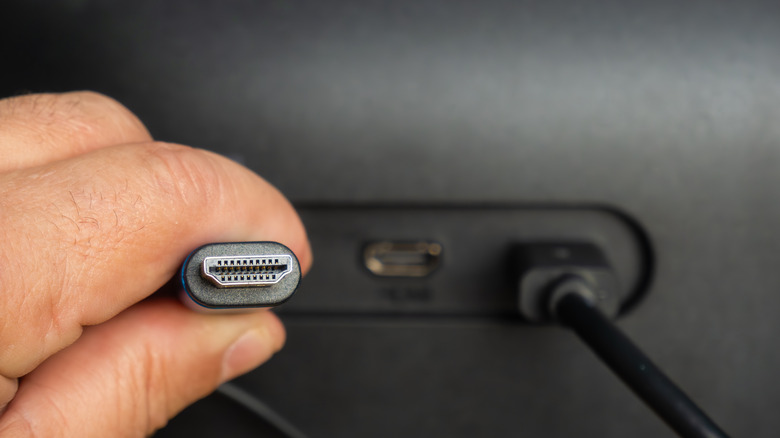
As one HDMI generation becomes ancestral to another, the good news is that all versions are backward-compatible. That means you can plug an HDMI 2.1 cable into a 2.0 port; you'll just receive the best video and audio that a 2.0 connection delivers (up to 4K/60Hz). Fortunately, HDMI 2.0 is usually more than sufficient if all you care about is watching movies and shows in 4K. Cinematic and episodic content is often capped at 24fps, so 4K/60Hz is more than enough for most TVs and projectors.
When should you really care about investing in HDMI 2.1 hardware and accessories? If you're a dedicated PC gamer with a high-end rig or own a current-generation console, like a PlayStation 5 or Xbox Series X. The best gaming PCs support 144Hz or higher refresh rates, along with optimization features like AMD FreeSync Premium Pro. If you own this type of equipment or want to get into gaming, you'll want to make sure all your gear supports HDMI 2.1 or greater. Premium gaming displays may even include DisplayPort connections, which may be better than HDMI (depending on the device you're using and which DisplayPort and HDMI standards it supports).