

8 Things You Need To Know Before Buying A Mechanical Keyboard
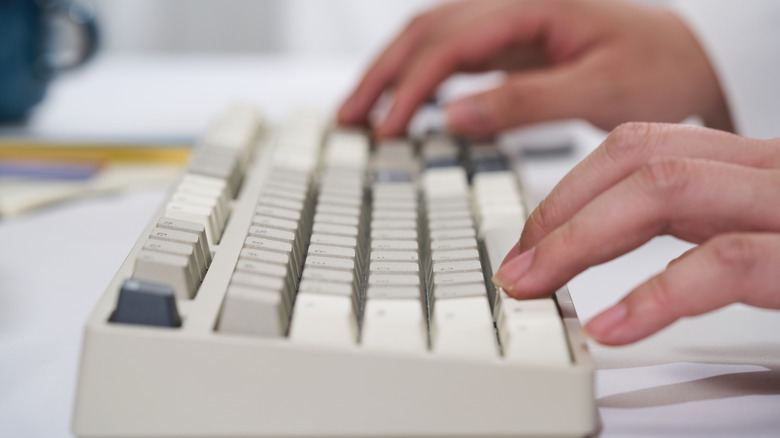
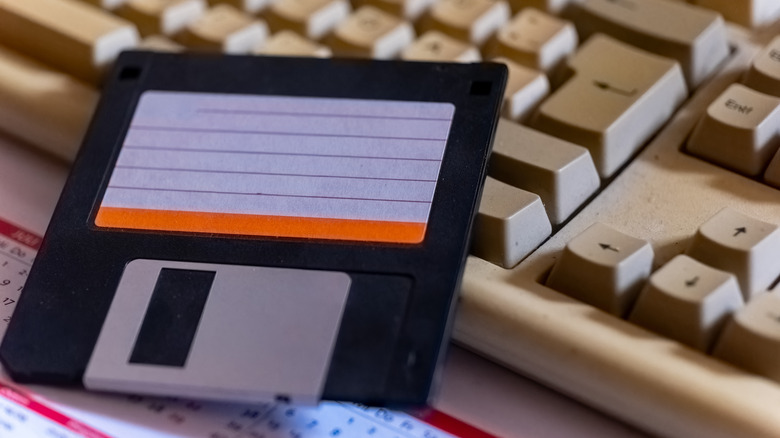
It's a little ironic, but when it comes to keyboards, we seem to have come full circle. People were all too happy to move on from clunky mechanical keyboards like the IBM Model M for cheaper, lighter, and quieter membrane keyboards. Now we think of that old Model M as an iconic '80s gadget, and people are even looking for original '80s models to use them with modern computers.
Mechanical keyboards are now considered the premium option among those in the know, and there are many reasons why enthusiasts choose mechanical keyboards. That includes how durable and repairable they are, but it's mainly about the typing experience and high level of customizability. However, it's exactly that level of flexibility and the many different elements and variations of mechanical keyboard technology that make it so daunting to dip your toes in this world.
For some people, mechanical keyboards themselves are an entire hobby, rather than just being a tool to accomplish something else. If you're just looking to upgrade your typing experience, though, you need to find a sane middle ground, but there's a lot of noise out there. So let's bottom-line it and go over the list of things you need to consider before you buy your first mechanical keyboard, or you might end up seeking a second, third, fourth, or fifth until you find one that works for you.
Your switch type matters more than the keyboard brand
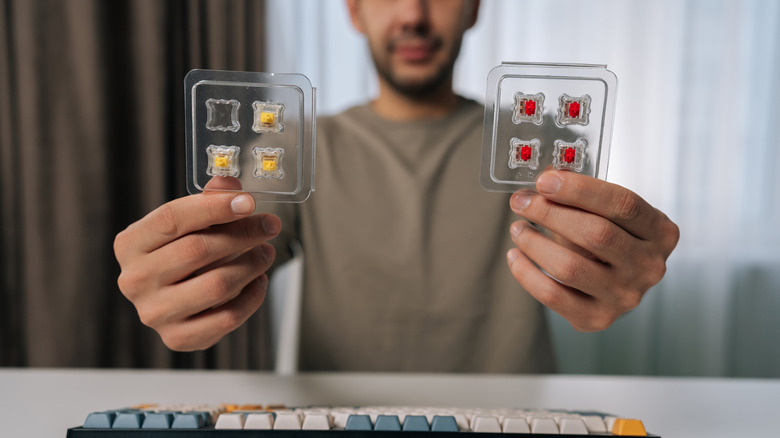
The thing that makes a keyboard mechanical in the first place is its switches. Now, of course, a membrane keyboard technically also has a mechanical component in some cases. For example, the Apple Butterfly keyboard does, which we called one of Apple's biggest design disasters of all time. That means some mecha-membrane keyboards are actually closer to mechanical keyboards in typing feel than you might think, but there's still no substitute for the individual actuation switches of a mechanical keyboard.
The switch design dictates how it feels to press that key. How much force does it need? Where is the actuation point (how far do you have to press the key down for the keystroke to register with the computer)? How does it rebound? These and other factors combine to give you the overall character of the key in question. These keys are color-coded, and, lucky for you, we have a quick guide on what every different keyboard switch color actually means. It's not that complicated!
The real challenge is that the final component in the switch equation is you. No switch is inherently superior to others. Just like ice cream flavors, it's all about taste. The only really valid advice anyone can give is that you should try before you buy, or take the more expensive route and try after you buy. But most computer stores have key switch testers, so you can feel what makes them different. I'm speaking from personal experience here — I'm typing this on a keyboard that uses proprietary purple switches with a 40-gram actuation force, and many trials happened before I realized this was my optimal typing switch.
Hot-swappable switches can save you money later
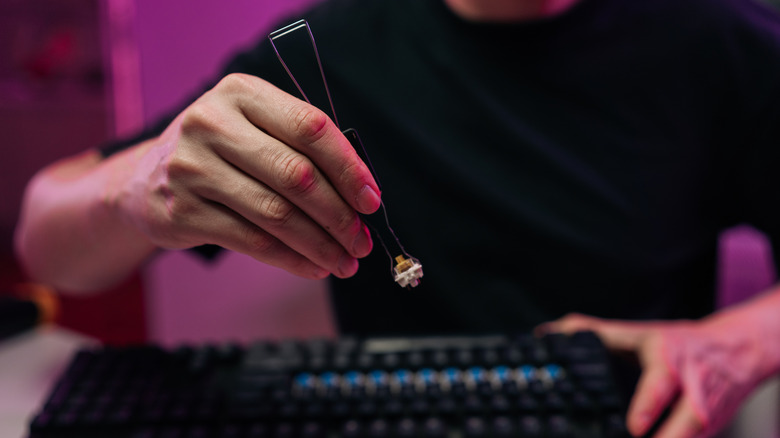
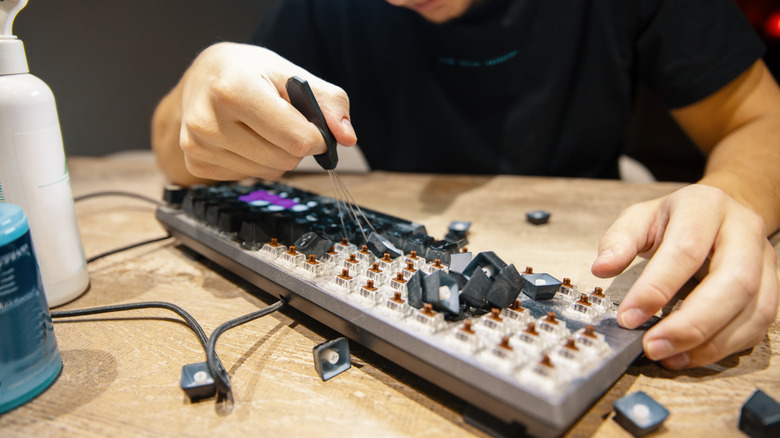
So we just went over how crucial it is to pick the right switches, but what if you change your mind? Well, if you have a mechanical keyboard with hot-swappable switches, you can change them out for something else later in plug-and-play fashion — just remove the key cap, pull the old switch, pop the new one in, and replace the cap. If you have a keyboard where the switches are soldered in, you either have to replace the entire keyboard or learn how to solder.
Keyboards with hot-swappable switches are generally more expensive than equivalent soldered boards, but in the long run, it can work out to be less expensive as you zero in on what works best for you. This is why beginners in particular should consider hot-swappable models. Heck, some people don't even want the same types of switches for every key. You might prefer one type of switch for your typing letter keys, but different ones for the numpad or large keys like Enter and the spacebar.
There's also a strong repairability angle. If one of your switches fails (it happens), you can fix it in seconds. Many keyboards with hot-swappable keys will even throw in one or two spare switches in the box for just such an occasion. This means you can keep going with work or play, rather than being derailed by a single key malfunctioning. Finally, it just makes sense from a longevity perspective, since you can upgrade to better switches that might not even exist yet. Soldered keyboards just don't make sense for most people.
Keyboard size affects your comfort more than you think
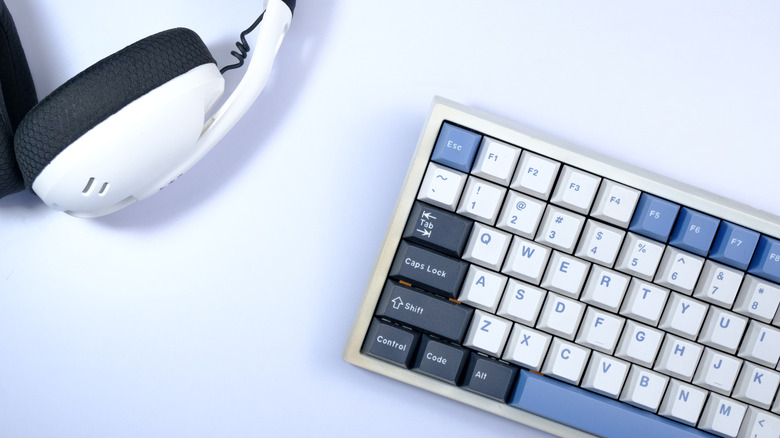
Anyone who claims that size isn't everything certainly isn't talking about mechanical keyboards! You'll find keyboards offered in sizes like full size (104 or 105 keys), 75% of full size, or TKL (Ten Key Less), which lacks a numeric pad. These aren't the only sizes, of course, but nonetheless, you'll need to make a decision about your keyboard's dimensions.
It might seem like the full-size option is the best, but these keyboards take up a large amount of space. In the mechanical keyboard world, full-size boards also tend to come with extras, such as built-in screens and specialized controls. If that's your jam, then by all means go with the large model, but most people don't actually need all the functionality and size of these boards.
The TKL size is probably the most popular, especially among gamers and those who write, but aren't working with numbers in spreadsheets. It's a good compromise that keeps the key size and spacing of a full-size board, but reduces the overall size of the board by chopping off the number pad to the right of the arrow keys. The 75% size is also pretty popular, and it's useful to think of it as a more compact version of TKL. Some keys shrink to accommodate the smaller frame, but most of the keys are still regular size, so you can use standard keycap sizes. As the sizes shrink, the compromises increase. You'll have to weigh how you use your PC against how much space you need to save.
Build material and keycap quality is a bigger deal than most people realize
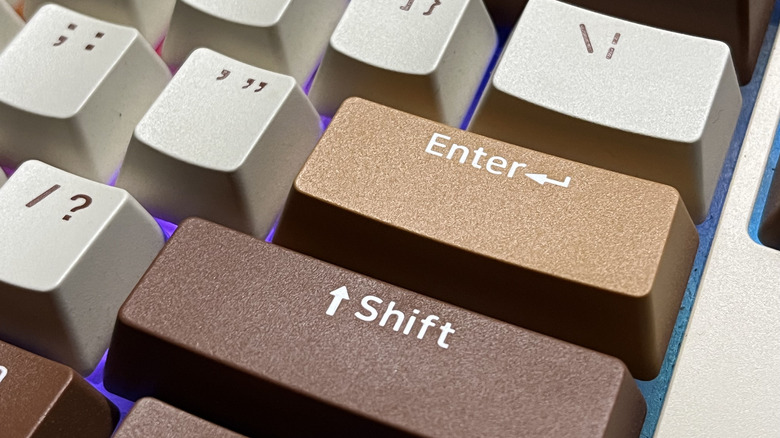
We've mostly been dealing with the switches of the keyboards so far, but the rest of the device matters, too! You can install the most expensive switches in a cheap keyboard frame, and it still won't be as good as a model made from better materials. The keyboard chassis plays a role because it determines how things are mounted internally, how keys are stabilized, and how rigid everything is.
A keyboard with a thin plastic shell won't feel or sound as good as one with a sturdy aluminum shell. If the gasket is too thin or made from cheap materials, the keyboard can sound hollow and cheap. Mechanical keyboard fans are always chasing that perfect "thock" sound. I use the Keychron K8 Pro mechanical keyboard, which is an affordable TKL model that offers a rock-solid base for later upgrades with better switches and keycaps.
Speaking of keycaps, these come in various materials such as PBT, ABS, & POM. Polybutylene Terephthalate (PBT) is the material that most gamers and typists want. Double-shot PBT is the gold standard because the letters are molded into the cap, preventing them from wearing off. Acrylonitrile Butadiene Styrene (ABS) is the same plastic LEGO is made from. It's inexpensive and thin, so cheaper keyboards may come with these caps. Polyoxymethylene (POM) is cheaper than PBT, too, but has a smooth texture some people like, and lets more RGB light through. There's also ceramic, which is nice, but at a price!
Software can make or break the experience
While the hardware of mechanical keyboards is highly customizable, that's only one side of the total customizability coin. The keyboard also has its own firmware, the software that's built into the device and controls how it behaves. Even if you think you've found the perfect keyboard for you based on its physical nature, making the wrong software choice can mean that it won't work well for you in the long run.
There are two main firmware choices for mechanical keyboards. Either the keyboard runs proprietary firmware and partner software as a user interface, or it uses an open-source firmware and software combo. The most popular open firmware is Quantum Mechanical Keyboard (QMK) Firmware. This is usually paired with VIA software to control and program the keyboard.
There's nothing inherently wrong with having a keyboard that uses proprietary software. It just means that what you can do and how long your keyboard will be supported is out of your hands. It also usually means that you need to run the keyboard's software in the background on your computer all the time, and it might not be available for all operating systems. When you make changes to your QMK keyboard with VIA, the changes are saved to the keyboard itself and persist regardless of the computer it's connected to. But there are exceptions. Not all QMK keyboards allow VIA to make changes. Some proprietary boards also store changes to internal memory. You'll need to judge the software situation on an individual basis.
Stabilizers determine whether larger keys feel terrible
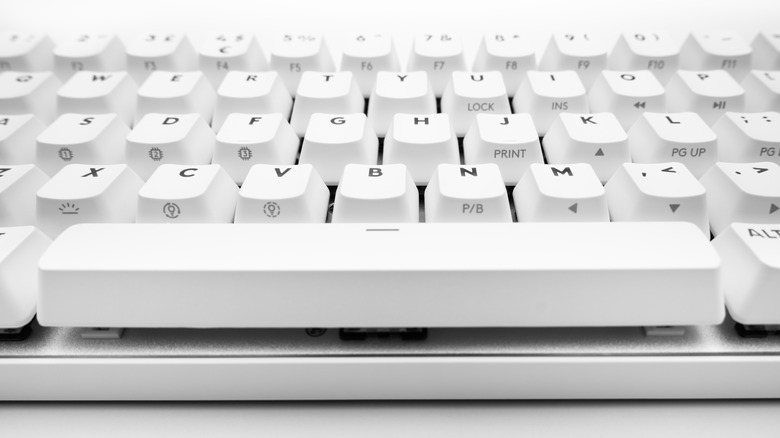
Most of the keys on a mechanical keyboard are supported entirely by the switch, but larger keys like the spacebar, Enter, Shift, and Backspace keys are too big for a single switch. If they were only supported by a single switch, the key would see-saw horribly. That's where stabilizers come into the picture.
Stabilizers keep the key level and stable as you press it down to activate the switch. If the stabilizers are cheap or poorly tuned, it can make even expensive keyboards feel pretty cheap. A bad stabilizer can result in a key that rattles or feels mushy. The spacebar in particular matters a lot, because it's a key you'll be pressing thousands of times as you type, but stabilizers also matter for all your large keys.
The good news is that in many cases, you can replace bad stabilizers just like you can replace key switches, but it's obviously easier to look for a keyboard that has good stabilizers right off the bat. A good stabilizer gives you a consistent keypress. The action should be smooth with no sticking points. Stabilizer lubrication is a key factor here. Good lubrication (dielectric grease is a common choice) also means less unwanted noise, and when stabilizers do their job correctly, your switches last longer because they aren't taking strain meant for the supporting stabilizers. Different keyboards have different ways of mounting stabilizers, though your main reason to care about this is where you'll find replacements later that work for your keyboard.
Repairability and parts availability matter
Once you've found a keyboard that you like, you'll probably want it to last as long as possible. After all, the people who swear by those Model M IBM keyboards are still using them many decades after they came out. Incidentally, you don't have to buy a decades-old IBM Model M to get that same experience. A company called Unicomp makes the New Model M using the original tooling and designs. It's probably as close to the real deal as you'll find among new keyboards today, but it will set you back $189.
So current Model M owners at least know there are spare parts or replacement keyboards to ensure they'll never have to experience anything other than a buckling-spring switch design from the '80s, but what about the rest of us? A key strength of mechanical keyboards is that you can repair and upgrade them. But that's only possible if the keyboard you end up choosing actually has parts available to buy.
No one can predict the future, but a keyboard that's compatible with switches and keycaps that are shared between brands is more likely to be serviceable years down the line, even if the company that made it isn't around anymore. Likewise, the more popular and widespread a keyboard is, the more likely you are to find parts for it in the long term. While some keyboards can be expensive, this isn't really about cost in the long term. It's that once you find a keyboard that really works for you, being forced to change to something else because you can't maintain or repair it isn't a great experience.
Expensive does not always mean good

It's easy to overspend on a mechanical keyboard. It doesn't help that there are many ways to do it, either! You can easily end up paying too much for a keyboard that has gimmicky features you won't use. The other trap is buying a cheap keyboard with "good bones" and then spending a fortune upgrading and customizing it when you could have had something just as good from the factory for less.
A key lesson to remember with mechanical keyboards is that spending more money is not proportional to an increase in utility and quality. Some of my own favorite mechanical keyboards have been from obscure brands sold for $50 on a clearance sale.
Unlike so many other computer products, keyboards are something you really need to test drive. An online store with a liberal return policy is a good start, but nothing beats heading down to a brick-and-mortar store and getting your hands on the actual keyboard you're considering. This is where you'll realize that a $200-plus keyboard might be the typing equivalent of stepping on LEGO bricks for you, while a keyboard at half the price seems to be molded just for your fingers.