

What Does The Orange Light Mean On A PlayStation 5 Controller?
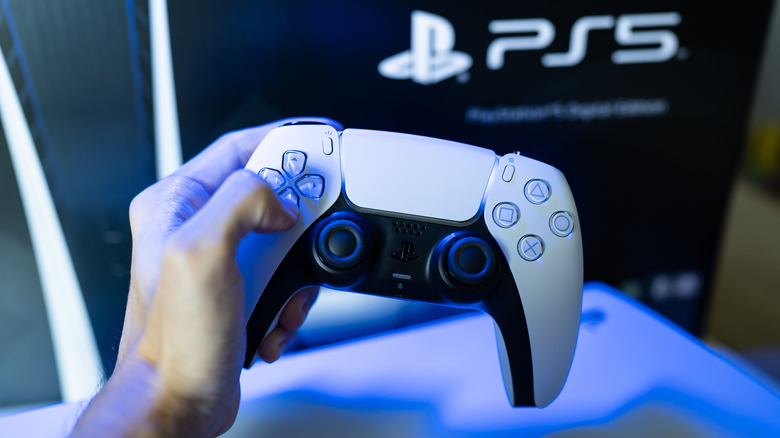
The PlayStation 5 DualSense may be the best controller Sony's made yet. Features like adaptive triggers, cutting-edge haptics, and a built-in speaker deliver the kind of immersion you want from a game console, and that's just scratching the surface of what the DualSense can do. The PS5 controller also has an LED light bar that surrounds the touchpad. Most of the time, you'll see a solid blue light, which indicates a successfully paired, fully charged DualSense.
Another light bar color worth learning about is orange, which either presents as a solid hue or a pulsing pattern. When your DualSense battery starts running low, and it's not plugged in to charge, the light bar should be solid orange. Once you've connected to a USB port to recharge, the solid orange should change to pulsing orange. When the DualSense is fully charged, the orange light should stop pulsing.
Another time you may notice a pulsing orange light is when your PS5 is entering Rest Mode. Under rare circumstances, you may also see the light bar quickly flash orange or yellow when you turn on your PS5. Unfortunately, this means there's an issue with the controller, be it the charging port, the battery, or another internal component.
The PS5 DualSense light bar has a few other colors up its sleeve
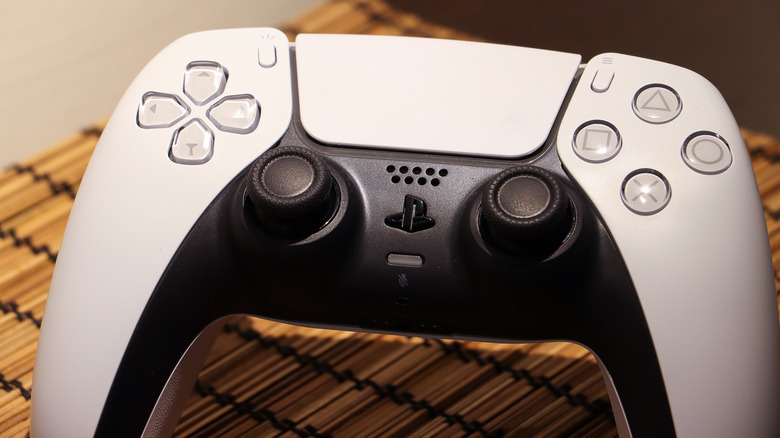
Generally speaking, blue and orange are the two light bar colors you'll see the most when using your DualSense controller. It's also not unusual to see a solid white light, which just means your controller is paired to your console and working correctly. That said, a flashing white light isn't such a good omen: it often means the PS5 has entered an error state. If the light bar is both orange and white, it means the controller is paired to a mobile device or computer.
Another clever use of the DualSense light bar is best observed when playing couch co-op with buddies. Each player's DualSense will display a different color (blue, red, green, or purple) based on player numbers 1-4. While there isn't a way to turn off the light bar altogether, you can adjust its brightness by selecting Settings on the PS5 home screen and choosing Accessories > Controller > Brightness of Controller Indicators.
Sony doesn't let you customize the light bar color when the DualSense is paired to your PS5, but there are a handful of third-party tools that let you mod the controller when it's paired to hardware like a gaming PC or tablet.