

5 Common Problems With Apple Watches
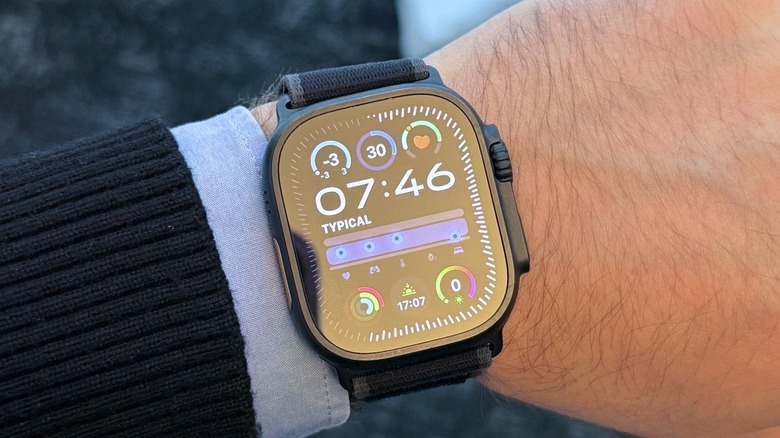
The Apple Watch is one of the best companions for iPhone users with some exclusive features. With it, you can get notifications at a glance, get insights into your health during the day or during workout sessions, and it's also a stylish wearable that you can pair with different bands. However, like any technology, the Apple Watch is not flawless, and many users report problems with it. Among the most common issues, Apple Watch users might struggle to connect it to an iPhone, or even pair it with a newer model, the battery might drain quickly, or it may not properly track activities.
As an Apple Watch user for almost ten years, I also faced some of these issues, and identifying what is wrong with your device might be tricky sometimes. Still, for most common problems, users can rest assured they can fix the issue themselves rather than requiring advanced support or even contacting Apple for a replacement.
If you're currently facing issues with your Apple Watch, or you're considering getting one of the latest models, like the Apple Watch Series 11, Apple Watch SE 3, or the Apple Watch Ultra 3, these are some of the common issues most users face or have faced and how you can quickly resolve them and get your Apple Watch up and running again.
Won't connect with existing iPhone or won't pair with a new iPhone
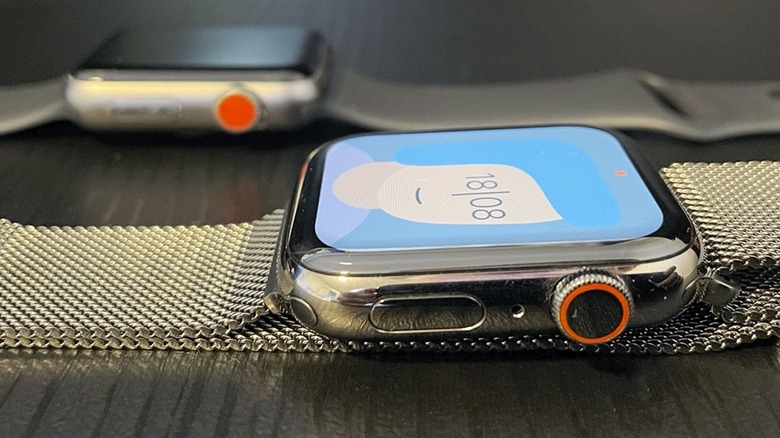
If you just bought an Apple Watch or your old reliable buddy just suddenly stopped connecting with your iPhone, you don't need to freak out, as there's a solution to make them work together again. At first, if your already-paired Apple Watch can't connect to your iPhone, and you see a red X icon or the red iPhone icon, make sure both devices are close together and unlocked. On your iPhone, it's important that Airplane Mode is off and Wi-Fi and Bluetooth are on. Also, on your Apple Watch, make sure Airplane mode is off by opening the Control Center. If you have these settings correctly, you should restart your devices and see if it works. Otherwise, you might need to unpair it from your iPhone and re-pair it.
If you're pairing a new Apple Watch with your old phone or a new iPhone with your Apple Watch and the process isn't working, there are a few things you need to do. For example, both devices must be running the latest available software update. The second thing is to check if you're connecting both devices under the same Apple Account. The third option is to restart your devices and start the pairing process again. If none of these works, you might need to erase your Apple Watch so it can connect with your new iPhone.
Battery draining fast
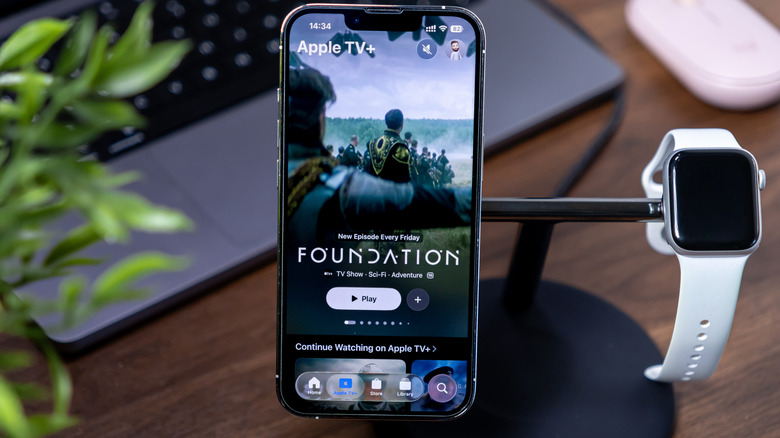
Another common issue Apple Watch users constantly face is battery draining fast. While tests indicate that the Always-On Display can impact your overall experience, it's meant to be turned off. However, there are a few indicators why your battery is draining too fast. For example, if your Watch is already a few years old, the battery may have degraded. On your Watch Settings, go to Battery, and scroll down to see Battery Health. Scrolling down again, you can see the battery percentage. If it needs to be replaced, Apple will let you know it's not performing as it used to. Getting a new one is enough to make everything work great again.
If the battery capacity isn't the issue, then you might be using your Apple Watch while you're far from your iPhone. With that, the Watch will try to gather data on its own, which could drain the battery faster. Other issues include keeping your Apple Watch connected to cellular data, making calls with it, or even using its speakers to listen to songs and podcasts. If you work out without your phone around while streaming music, your battery will drain much faster. If none of these fixes resolve your battery drainage, it's possible that only updating, restarting, or even unpairing and re-pairing your Watch with your phone can fix it.
If the passcode has been forgotten
If you have a passcode on your Apple Watch and you forgot it (believe me, it happens more often than you think), the only way to use it is to reset the device and set it up again. While Apple was rumored to add Touch ID to a future Apple Watch model, it seems this might not happen, which means the only way to authenticate your device is with this four-digit password.
That said, if you forgot it, you'll need to hard reset your Apple Watch. Here's what you need to do: while it's charging, turn it off. To do that, press and hold the side button, then turn it off by pressing the power button in the upper right corner. Then the Digital Crown must be pressed and held until the "Erase All Content" option appears. After that, tap Reset, confirm, and wait for the process to finish. Then, you just need to set up your Apple Watch again with your Apple Account.
Keep in mind that if you don't know your Apple Account password, you might need to go through a lengthy verification process, as there are several steps involved in recovering it. However, for the Apple Watch, you just need to reset it.
Apple Watch doesn't properly track activities
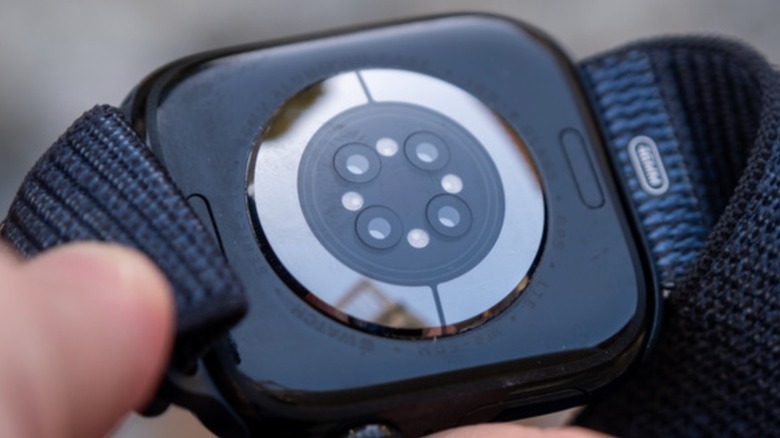
That's a classic issue with the Apple Watch, one that's been plaguing BGR staff for years as well. The most common time it doesn't track activities is during run workouts, because for a few seconds (sometimes for a few good minutes), your Apple Watch can't track your heart rate. While this could affect your overall data, since you won't have a detailed map of your workout, there are a few ways to ensure your Apple Watch can track your activities and overall health more accurately.
For example, it's better to use the Apple Watch on your left arm, as it's closer to your heart. However, you also shouldn't use it if you have tattoos on your wrist, as they could make reading your vital signs unreliable. In that case, if you can't place the Watch a bit higher or lower, you should wear it on your right arm. The Apple Watch band also needs to be a good fit and not too loose, and you should ensure that the sensors at the bottom of your Watch are clean and that the area is not sweaty.
If you do all of that and still have issues tracking your health and activities, Apple released a $249 solution: the AirPods Pro 3. These earbuds can track your heart rate while you're working out. I've been wearing these AirPods while running, and I have never had any issues with missing data because Apple combines the readings from the Watch and the earbuds.
Can't update the Apple Watch
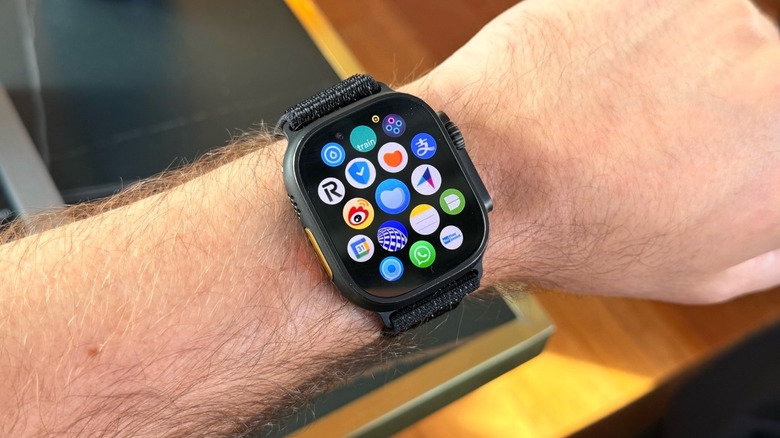
Another common issue Apple Watch users have is with Apple Watch updates. While Apple can sometimes be to blame, there are a few requirements for your watch to run the latest software update. For example, watchOS 26 requires an Apple Watch SE 2, an Apple Watch Series 6, or an Apple Watch Ultra or later model. You are also required to have an iPhone 11, iPhone SE (3rd generation), or later running iOS 26 to update your device.
If you have older Apple Watch and iPhone models, ensure your iPhone is on the latest software update so you can update the watch as well. Other requirements include having your Apple Watch charged to at least 50 percent and an iPhone connected to Wi-Fi while both devices are close together.
If you can't update the watch because you don't have enough storage, you can remove music, photos, or even apps to free up space. You can make apps jiggle in your App Library and then delete them. For Photos and Music, you need to remove synced media from your iPhone. In the Apple Watch app on your phone, you can manage which photos you want to sync and which songs you want it to store for when you don't have your smartphone available.