

5 Apple Watch Features Seniors Will Appreciate Daily
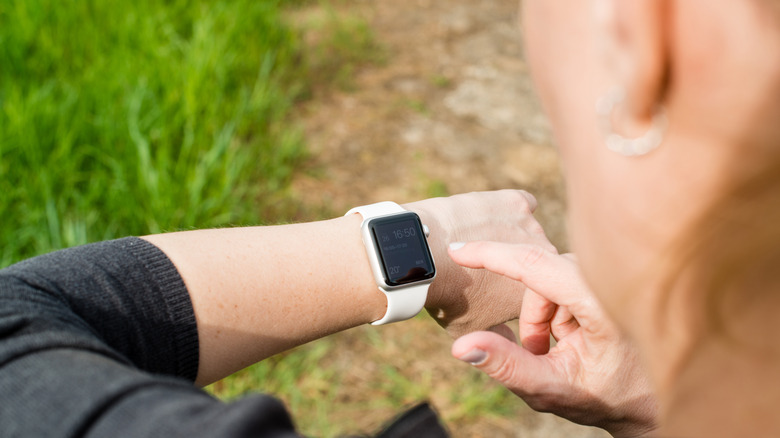
The Apple Watch is an intuitive smartwatch that works exclusively and seamlessly with iPhones. With its focus on fitness, health, and wellness along with security and communications, it's a great option for users of all ages, from teens to seniors. When it comes to the latter, there are features that older adults will especially appreciate, and these can go well beyond healthcare-focused functionality like fall detection and contacting emergency services.
Many seniors are still out and about, living productive lives, and can easily make use of some of the best features that an Apple Watch has to offer. Some features are exclusive to the newest models, including the Apple Watch Series 11 and Ultra 3. But many of them are available across the board to all Apple Watch models on the market, or even ones that a senior might still be holding onto from years back. From staying safe to monitoring health, finding better ways to get around, and staying in touch, there's so much for seniors to love about the easy-to-use, comfortable, and feature-rich Apple Watch.
Safety and emergency features
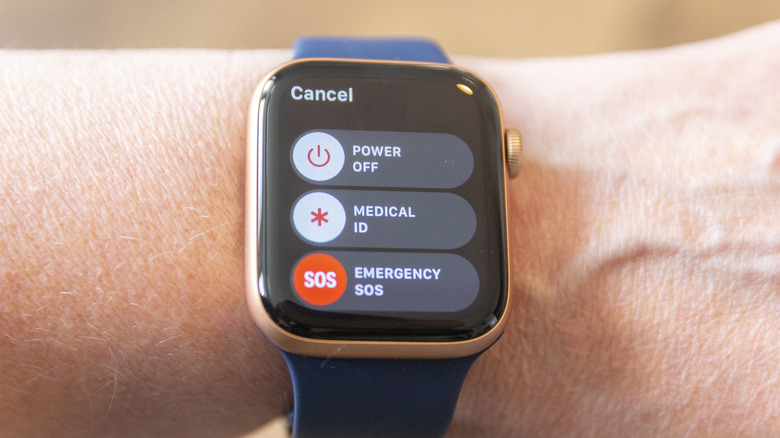
The most obvious Apple Watch features that seniors will find handy relate to safety. Start by creating a medical ID that displays pertinent medical information, like known conditions, blood type, and allergies, on the lock screen if there's an emergency. This allows first responders to see important data before taking next steps. Speaking of emergencies, a senior can press and hold the side button at any time to contact emergency services and notify trusted emergency contacts of their current location. If they have fallen and their phone isn't nearby, they can press this button to get help. With fall detection, the watch can even sense if a person has fallen and contact emergency services on their behalf so they don't even have to push a button.
For seniors who still drive, crash detection can contact emergency services and alert trusted contacts if an accident is detected. For those who go for morning or evening power walks, they can sound a built-in siren if they feel unsafe and communicate via satellite if they happen to be off grid. Yes, even if they are outside of a Wi-Fi zone and didn't bring their iPhone or don't have cellular coverage, their location can still be shared. Note, however, that satellite communications only work with the Apple Watch Ultra 3 model.
Real-time walking directions
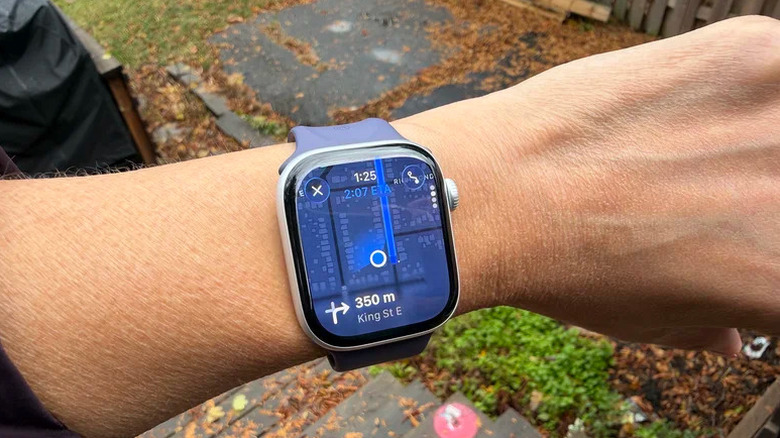
With an Apple Watch connected to an iPhone, seniors can use Apple Maps or Google Maps to get real-time navigation right on the watch face. They can leave their phone in their purse or pocket and see the turn-by-turn directions on a map displayed on the watch face. Once they enter the destination, the route shows up on the watch. When a turn is coming up, the watch will buzz, prompting them to look at it to see the name of the street where they need to turn, the distance to it, and which way to turn. It also shows an estimated time of arrival.
Seniors can also use Siri voice commands to request directions to home, especially useful for people who might be forgetful or anyone who goes for a walk in an unfamiliar area. While out and about, the Check in feature can let friends or family members know when the wearer has arrived safely at a destination. If they fail to check in, the contact is notified. This feature works with Apple Watch models running watchOS 11 or higher and iPhones with iOS 17 or later.
Conversations right from the watch
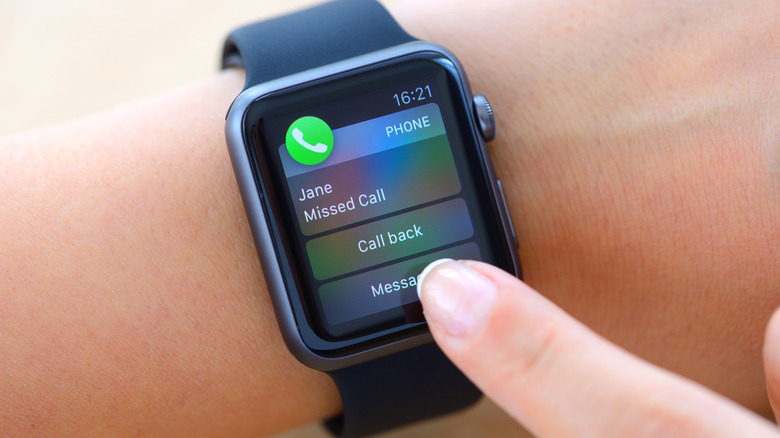
Even if the Apple Watch doesn't have cellular connectivity, as long as a senior's phone is nearby, they can answer calls right from the watch. If they are busy doing chores or maybe their phone is charging in another room, a senior can pick up a call and speak right into the watch's mic, engaging in a conversation while hearing the other person through the Apple Watch's built-in speaker.
If they are wearing connected headphones, they can also pick up the call from the watch and talk through the headphones without having to get up and get their phone. For a senior with mobility issues, this can be tremendously helpful. Meanwhile, family members have peace of mind that everything is okay instead of wondering why their loved one isn't answering a call. If they don't feel like talking, or they're in the middle of something, seniors can tap a button to send a text saying they can't talk right now or asking if they can call the person later, which at least confirms to the caller that they're just busy.
Tracking vitals and medications
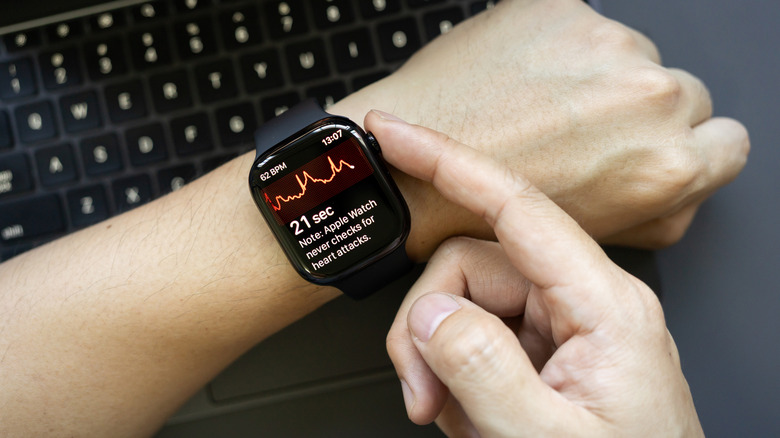
At the core of the Apple Watch experience is the ability to track vitals 24/7. Along with tracking, you can also receive notifications if any of the metrics are outside of your usual baselines. With these notifications on, seniors can be alerted of things like a high or low heart rate as well as irregular heart rhythms that could signal potential atrial fibrillation (AFib). Being able to see a history of captured data is useful to present to a doctor or other medical professional at your next visit as well. Meanwhile, frequent anomalies might trigger a senior to make an appointment to see their doctor when they didn't otherwise have one coming up.
There's also an app for managing medications. Seniors can enter details of medications they need to take regularly in the Apple Health app, including vitamins and supplements. It's as simple as entering the medication type and dosage and setting reminders for when they need to be taken. Once taken, the senior can tap a button on the Apple Watch to log the activity so there's no worry about forgetting or accidentally taking a double dose. Aside from medications, the Reminders app can be used to set reminders for just about anything. That could be recurring reminders like to water the plants every few days, annual ones such as buying a birthday gift for a grandchild, or one-offs like picking up a charcuterie platter for the book club next week.
Monitoring for conditions
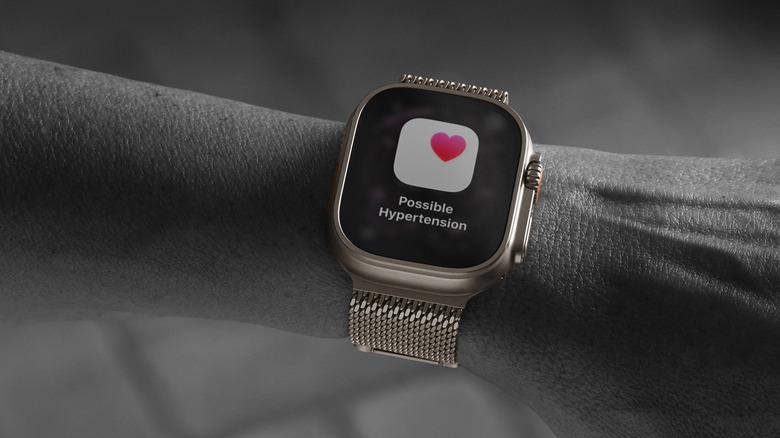
Along with monitoring heart rhythms, an Apple Watch can also monitor for other potential health conditions. With an Apple Watch Series 9 or later or an Apple Watch Ultra 2 or later along with the latest version of watchOS and an iPhone 11 or later, there are now hypertension notifications, one of the features only Apple Watches offer without the need for an arm cuff baseline measurement. Once turned on, the watch consistently looks for patterns of high blood pressure and notifies you if it detects anything. If so, you can make an appointment to see a doctor. It requires a 30-day evaluation period, but after that, it will continually check in comparison to your baseline.
Another relatively new under-the-radar Apple Watch feature is sleep apnea notifications. Available for the same selection of Apple Watches as well as Apple Watch SE 3 or later, you simply turn it on and let the watch track at least 10 nights of sleep through a 30-day period. From there, sleep breathing patterns are analyzed every 30 days. If potential sleep apnea is detected through frequent sleep breathing disturbances, you'll receive a notification. A report can even be downloaded as a PDF to share with your healthcare provider. The feature is designed for those who have not already been diagnosed. All these Apple Watch features are great for any adult user, but seniors especially can benefit from them, adding much more value to an Apple Watch than just counting steps and sleep duration.