

Why Do Some Websites Block VPNs?
Virtual private networks, or VPNs, assign you a remote IP address from a provider's list of servers to mask your original IP. This allows you to achieve a few things while online, including bypassing geo-restrictions and securing a degree of privacy and anonymity. That makes VPNs an excellent tool for almost everyone, and you can use them across all devices, including desktop PCs, phones, laptops, game consoles, and even some media players and beyond.
Unfortunately, VPNs don't always function as intended, especially if websites or service providers block their use. VPN-blocking measures can detect when you're using such a tool and prevent you from accessing a website or related content until you disable your VPN. The parties involved could do this for a number of reasons. Websites that make money via ad revenue and data tracking, for example, might prevent VPN use to improve long-term campaign performance. Some administrators may block VPNs for security reasons, to prevent malicious use, such as users hiding behind a VPN to commit fraud or illicit activities. Additionally, some content providers, mainly streaming services like Netflix or Hulu, will block VPNs to uphold content licensing agreements with partners. Certain agreements require them to block access to specific countries or regions — these are geo-restrictions.
More recently, a spate of regulations have passed, both in the U.S. and abroad, that require online users to verify personal details like their age. VPNs can interfere with these restrictions by obscuring the user's IP and, by proxy, identity, so administrators may block VPNs to uphold these rules. A perfect example of this is Utah's new VPN laws, which could have a huge effect on how you use the internet going forward.
How websites block VPNs
Having a VPN active is generally safer than browsing without one, which is why many organizations install VPNs to add an extra layer of protection for their users and networks. But VPNs are not infallible, nor do they guarantee total privacy. That's a common VPN myth you should never fall for. For starters, websites or server operators can block VPN users, often in one of three main ways. The most common is a simple IP address block that references your assigned IP. Administrators compile a list of known VPN-owned IP addresses and block them from the server side. This doesn't always work to block every relevant IP, but it can also mean non-VPN IP addresses from real users are affected from time to time.
Deep Packet Inspection (DPI) is another way server administrators identify VPNs. They use a tool to examine data packet headers as the information travels between connections to understand unique signatures and recognize any unusual traffic patterns, some of which might indicate the use of a VPN. While VPNs usually encrypt header information, often making the details inaccessible to DPI, the tools can generally still recognize when a VPN is in play and block the related traffic.
Finally, Domain Name Service (DNS) filtering can be used to block or intercept DNS requests between a VPN and the provider. Every time you visit a website, your device sends a DNS request to a server to acquire the proper IP address of its source domain, and then converts it into a usable domain format. This is how we can use domain names to visit websites. Grossly oversimplified, it's your device requesting the address to a website or service. Select tools can block these requests and prevent VPNs from accessing sites.
Can you bypass VPN blocks?
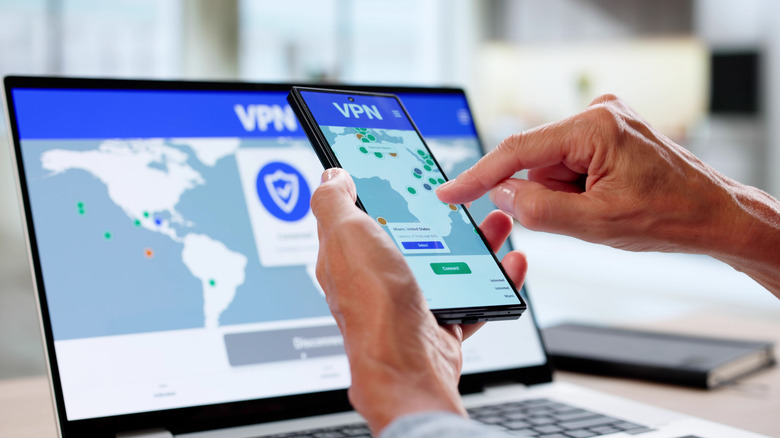
Bypassing the various restrictions we talked about earlier and maintaining your privacy online are a couple of the biggest reasons why Americans are switching to VPNs in droves. So it can be frustrating when websites or services block your VPN access, but you can actually bypass that secondary restriction in many cases, too. If you want to continue browsing behind a VPN, but find your provider of choice blocked, there are some tips that might help get things working again.
Try switching VPN servers internally through your provider. Most VPN services allow you to automatically swap servers, which would assign you a new IP, and if you have a premium subscription, you can actually choose which servers or locations you're assigned. This would help with IP blocks and simple restrictions, as long as the server itself hasn't been flagged. Optionally, you can try changing to a different VPN provider, hopefully one with servers that haven't been flagged or blocked. This also highlights why it might be useful to use more than one free VPN provider or keep multiple subscriptions active. However, there is a risk with using free VPNs that you should know about.
You might also try using custom DNS servers by configuring your devices to use third-party solutions for looking up website addresses, which could help bypass DNS filters. Swapping to something like Google DNS or Cloudflare may help. Or you could opt for what's known as an obfuscated VPN server through a provider that intentionally uses techniques to hide or "obfuscate" VPN traffic. It should go without saying, of course, that VPNs and related techniques should only be used to enhance your online privacy and convenience but never to do anything illicit or illegal.