

4 OnePlus Features Users Love
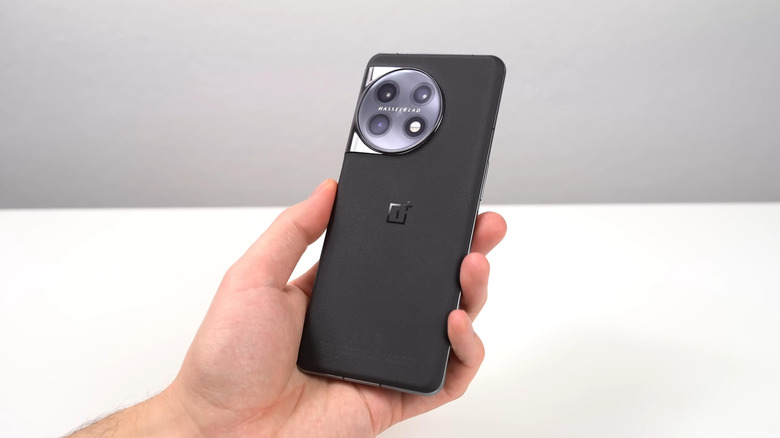
While OnePlus is likely leaving the international markets soon, there's still plenty to love about its phones. Plus, the manufacturer has done a great job of staying in the market, compared to its monstrous competition. One of the reasons is because of its identity: OnePlus runs OxygenOS, a custom skin based on Android, much like One UI, that adds a different flavor to the open OS. Another is the impressive hardware, which is great for its price.
And that's not just referring to its flagship; you'll often see the OnePlus "R" series rival top flagships in the same generation (reviewers will often add "flagship killer" next to some OnePlus "R" phones), like the OnePlus 13R, while remaining affordable. But in general, these devices tend to win hearts, as they offer cool, unique features like speedy proprietary charging via SuperVOOC, a customizable dashboard with OnePlus Shelf, and hearty battery life that's great for gaming.
Additionally, all of these features have helped create and solidify the brand's identity, even if it is difficult to justify buying a new OnePlus phone knowing that support remains limited and may get even worse. Still, if you find one on sale or already own one, you'll want to take advantage of OnePlus' best characteristics while appreciating its industry-leading innovations that a non-insignificant portion will miss.
SuperVOOC can charge your phone rapidly
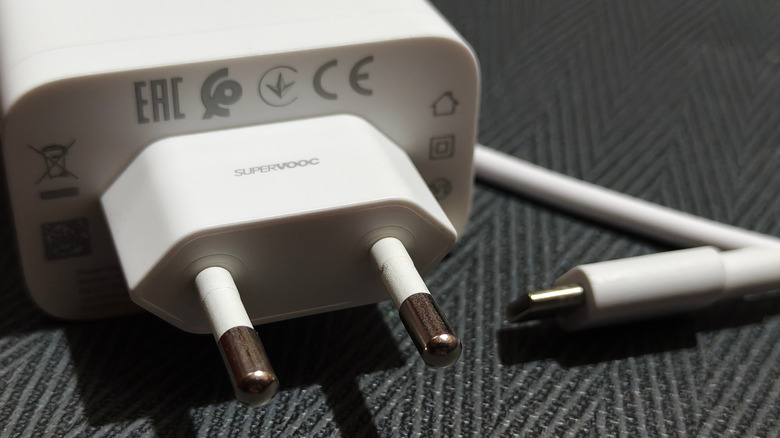
SuperVOOC, with the correct setup, can charge a OnePlus device rapidly, delivering a higher current to safely provide more power without increasing the voltage. But it does come with an asterisk. You can only get the advertised speeds with SuperVOOC if you have the proprietary charger/cable to use it. These chargers don't usually come in the box by default, so you will need to buy one to get the most use out of it.
If you try using SuperVOOC with a standard cable/charger combo, it won't charge faster than what's deemed safe. This is because SuperVOOC actually requires the charging block and thick cable, rather than your phone, to handle the extra heat and higher current. Plus, it takes advantage of the device's dual-cell battery architecture to avoid stressing the battery while delivering power more rapidly. So you don't need to worry about your hardware being damaged when you use this feature (OnePlus and Oppo phones are engineered to handle it).
Organizing your home screen with OnePlus Shelf
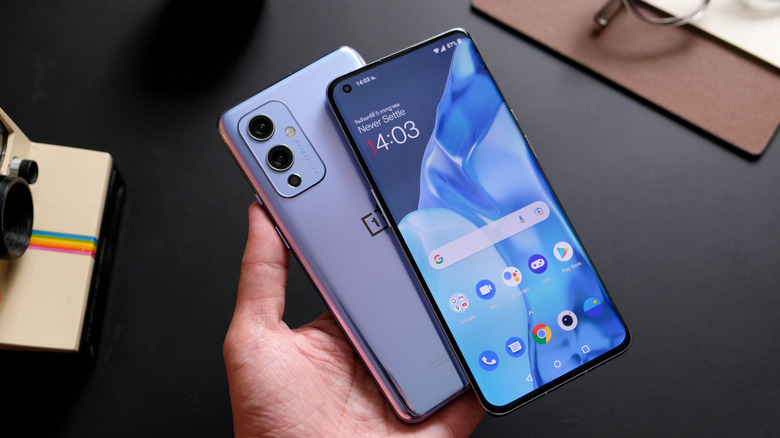
The OnePlus Shelf is a great way to declutter your home screen. It is a place to add widgets, pinned apps, notes, and memos. You can also use it to quickly search for things on your phone, like specific settings, or even use it as your personal calculator. The cards in OnePlus Shelf can also be rearranged and resized. You can make sure anything that shows up is only relevant to you by adding and dropping cards from the hub.
The big downside to OnePlus Shelf is its widget options: OnePlus does not support third-party widgets (unless officially supported), which might put a bit of a damper on your customization plans — still, you can pin apps and treat them as shortcuts as a substitute. Official built-in widgets that OnePlus Shelf supports include media and playback controls for Spotify, step-counting in OnePlus Health, and utility options such as OnePlus Weather, device storage, and data usage trackers.
Incredibly generous battery life
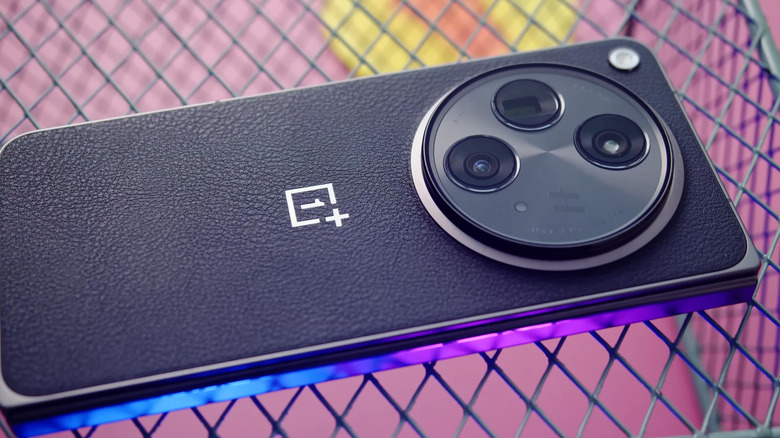
OnePlus phones have always had a solid reputation for fantastic battery life, and that reputation has only strengthened since the release of the OnePlus 13. This is mostly due to the silicon-carbon/silicon nano-stack technology they employ, which packs a high energy density into the phone's size compared to traditional lithium-ion batteries used in most smartphones. You can see this with the OnePlus 15, which has a 7300 mAh capacity — pretty big for its size. It's such an enormous shift from other phones, like the Google Pixel 10 Pro, which is only 4,870 mAh.
As an everyday user, the battery capacity might seem like overkill, since even at a lower capacity, like the Pixel 10 Pro, you should be able to use your phone comfortably throughout a regular workday or school day. Still, for someone who might look into gaming or more demanding productivity tasks, the extra battery life makes it worth it. Then pair that with SuperVOOC charging, and you will barely experience any downtime while using it.
OxygenOS feels smooth
Though this might be a matter of personal preference – minimalists may prefer Pixel UI, while tech enthusiasts would rather have One UI – others who don't care for either may prefer other options like OxygenOS. Generally, users praise the OnePlus OS for its smooth animations and deeper customization options that aren't buried in bloat. Some have even drawn parallels, noting that OxygenOS resembles iOS, especially with OxygenOS 16. But like many OS skins, it's an acquired taste, since OxygenOS, while praised for feeling more clean than One UI, still gets criticized for having more bloat compared to what it was before – it should be mentioned that previous versions of OxygenOS were closer to Android stock in appearance/feel, but had undergone some changes after it merged with Oppo's ColorOS.
The new OxygenOS has had a mixed reception among longtime fans, since the skin has lost its simplicity and has suffered from bugs/notification slowdowns like the others. But eventually, they partially unmerged after receiving feedback, and OxygenOS still gets some love now, since it still retains the visual, while offering a stable codebase that keeps the underlying software running longer.