

What Is The Micro-USB Port On Older Apple TVs For?
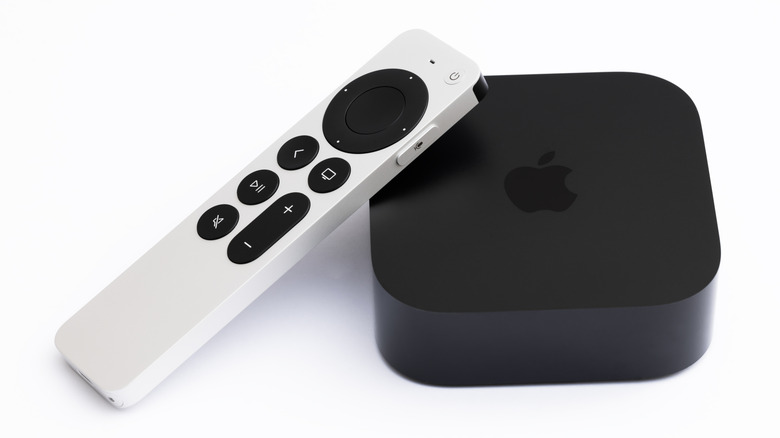
The Apple TV streaming device is multi-generational, with the Apple TV 4K being the latest iteration. Apple's fourth-gen streamer also parted ways with a couple of ports that featured on older models, including digital optical, USB-C (Apple TV HD), and Micro-USB. The latter can be found on the Apple TV (3rd generation) and Apple TV (2nd generation), and it's not a way to charge or power a mobile device. Apple's official word is that it's a service and support connection for technicians, but it can also be used to connect a glitching or bricked Apple TV to a Mac or PC to restore it.
While not a common occurrence, sometimes an Apple TV can encounter update issues when attempting to onboard new firmware. If you own an Apple TV HD (released in 2015) or earlier, and a warning symbol appears on your TV screen during an update, you have a shot at setting things back to normal. Should this happen and you don't have access to a Mac, though, you'll need to install the Apple Devices app or iTunes on your PC before you start fixing things. You'll also need to have a reliable internet connection.
- To get started, simply disconnect your Apple TV from your TV.
- If you own a second or third-gen Apple TV, connect the smaller end of a Micro-USB cable to your Apple TV and the standard USB end to a USB port on your Mac or PC.
- Plug in your Apple TV's power cord, then open a Finder window if you're on a Mac, or the Apple Devices app or iTunes on a PC.
- Your Apple TV should appear in whatever interface you're using. Click it, then click "Restore Apple TV." While it's restoring, don't unplug any wires.
- When the restore is complete, disconnect the Micro-USB and power cord, then reconnect your Apple TV to your TV.
The Apple TV has a small secret menu, and your Siri remote is the key to unlocking it
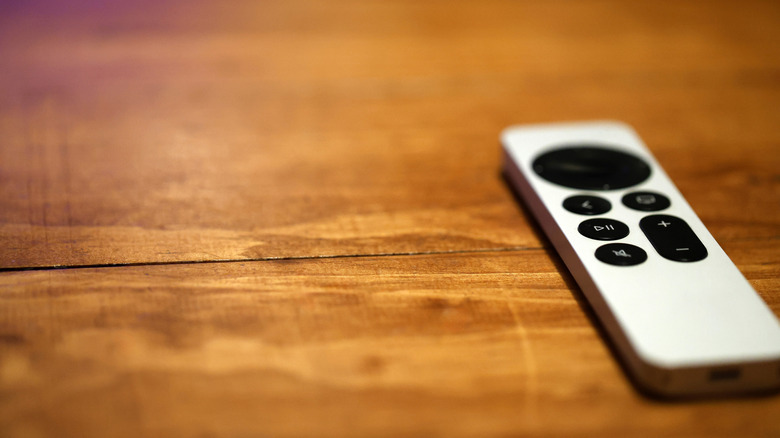
We mentioned that Apple refers to the USB ports found on older Apple TV devices as service and support connections. We weren't able to track down any intel on how to access hidden menus and diagnostic tools via Micro-USB or USB-C, but the Apple TV does have a secret internal settings menu that can be accessed with your Apple TV remote. To do so, grab your remote and select Settings > System > Software Updates. Once you're on the update screen, press the play-pause button four times in a row.
The internal settings screen has three tabs to choose from: AppleConnect (which is primarily for Apple employees), VPN, and Configuration. A word of caution: we wouldn't go messing around with any of these hidden settings if you don't know what you're doing. We tried digging up additional instructions or user stories of successful experiences, but to no avail. The only extra info we were able to find is this Apple Support Community post, from March 2021, that shows an expanded dropdown for the Configuration tab.
You can find secret menus on Roku hardware and Amazon Fire TV streaming devices, too. Even Google thought to include a hidden developer panel on its Google TV Streamer (Settings > All Settings > System > About, then select the Android TV OS Build option seven times in a row).