

Your 3D Printer Can Print Twice As Fast With This Simple Trick
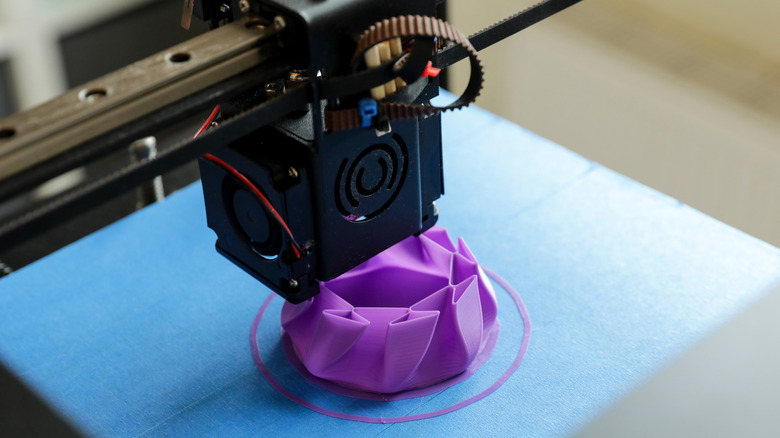
3D printers are great, right up until you wait multiple days to print a decorative prototype, only to realize there's a reason your 3D print has failed after the timer's up. Unfortunately, there's not much you can do to fix a project that was printed incorrectly, but there's a way to make your 3D printer work much faster than it usually does. This simple trick won't let you 3D-print objects in under a second like China's new 3D printing method, but it can make your projects print twice as fast, or even faster. All you need to do is change the infill and its density.
As you may already know, 3D-printed objects aren't complete solids. They're made of the outermost surface that you see — the walls or the perimeter — and the geometrical structure inside — the infill. Changing how your printer approaches these aspects influences how much time a print takes.
There are many different infill types to choose from, all with varying print times. If you haven't touched the infill settings before, you're likely using a Grid or Lines infill with a 15 to 20% density. This is quite fast, but you can switch to Lightning infill for print times that are twice as fast. Lower the infill density to around 10% (and in some cases, even as low as 5%) in order to print even faster, though doing so will reduce the durability of your print.
What is Lightning infill and how does it speed up a 3D printer?
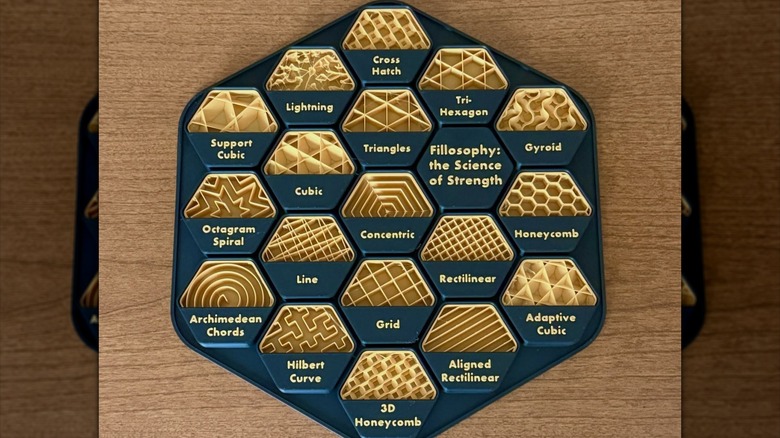
Infill type determines what shapes the internal structure of a 3D-printed object uses for its skeleton. The shapes of the infill — be it one-directional Lines, Grid, or the aptly named Lightning — affect how resistant your structure is to compression and how much force it can take from different directions. Not knowing the appropriate type of infill to use is one of the biggest mistakes beginners make with 3D printing, often leading to slower print times than needed or even completely failed projects. Lightning infill prioritizes fast print times and less filament spending above all else.
To pull this off, Lighting infill prints branch-like structures instead of uniformly packed lines. This results in a finished structure that is mostly hollow, save for the top. With less area to fill, Lighting also uses much less material, producing featherlight structures in which filament is spent only where it's needed.
Since 3D-printed structures made using Lighting infill are mostly hollow, they're much less resistant to external forces than other types of infill. If you're making shelf brackets, hooks, or components that will be subjected to mechanical stress, Lightning infill isn't the way to go. If you're making a decorative figurine or something to put on your desk, the weaker structural integrity won't matter as much.
Other ways to 3D print faster
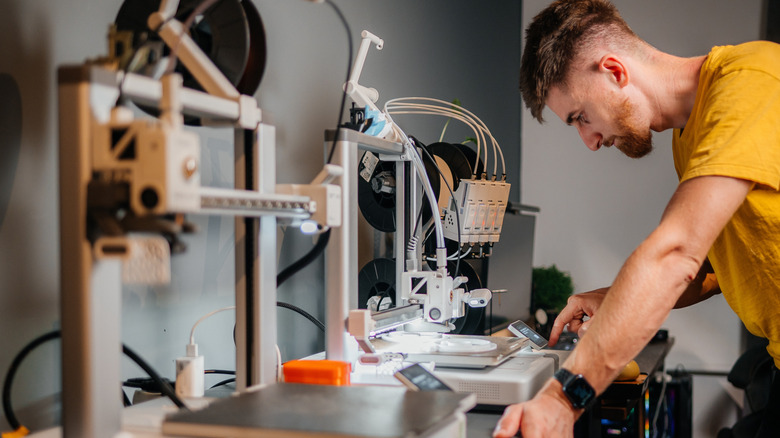
Adjusting your infill is one of the easiest tricks to shorten your 3D print times, but there's a lot more you can do. So long as your physical printer isn't bottlenecking the speed, you can tweak certain settings in the software you're using to print faster.
Whether you're using Ultimaker Cura or PrusaSlicer, there all sorts of options you can adjust. For example, increasing layer height or lowering the print quality can drastically cut the time required for 3D prints because you're reducing the number of movement cycles your printer has to go through. You can increase line width and reduce the number of perimeter walls for a similar effect.
There's also a chance that your slicing software isn't using your printer's full capabilities, in which case you can increase the print speed within the app. You could also try increasing the acceleration, but doing so can cause small imperfections to appear on your print. There are physical changes you can make as well, such as getting a bigger nozzle and configuring your software to support it. Depending on your project and starting conditions, these modifications can shorten your 3D print times by up to 85% of what was originally estimated, leading to faster execution of projects and potentially less frustration.