

128 GB Vs. 512 GB: What iPad Storage Size Do You Need?
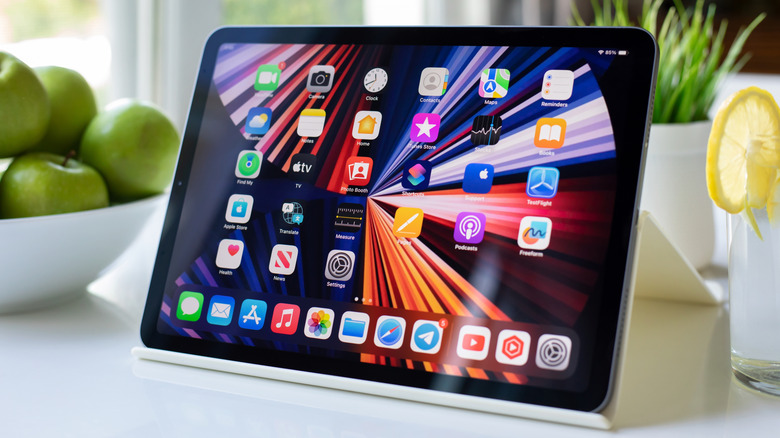
Apple famously does not include expandable storage in its mobile devices, including the iPhone and iPad. In fairness, very few brands offer it at all anymore, relying solely on beefed up internal storage, cloud storage options, or the use of external devices. When it comes to the iPad, the latest models now include a minimum of 128 GB storage and go up from there, including 512 GB. There's a big leap in cost for storage, so it might be tempting to go with the 128 GB version to save a few bucks. But how much are you really saving?
To determine this, you need to consider a few things. First, what will you be storing on the tablet? While there are clever tricks to free up space on an iPad, you will probably be loading a selection of apps and games, as well as files like high-res photos, videos, documents, emails, messages, and more. You get basic iCloud storage for free, but if you want more than 5 GB of extra space, you have to pay to upgrade. So, it's a good idea to consider the cost of that monthly upgrade versus the uptick in price for a higher storage option as an investment. When you weigh the pros and cons, you'll probably find that you're better off getting the 512 GB version — unless you don't plan on storing many files on it or only need slightly more than 128 GB but less than 512 GB.
How you use the iPad matters
Your storage needs will always come down to your individual use case. Someone using an iPad for productivity, to be used with a case and keyboard, will likely need more storage than someone streaming videos and playing simple games. An average user might be okay with 128 GB, but apps, games, and images can take up space quickly. Creatives using an iPad to make and edit music, videos, sketches, or high-res photos will require more storage — but those users might invest in an iPad Pro with even more space. Besides, if you plan to subscribe to Apple iCloud, get an Apple One subscription, or use an external storage device, you can save some money by going with a 128 GB option, right? Let's explore that.
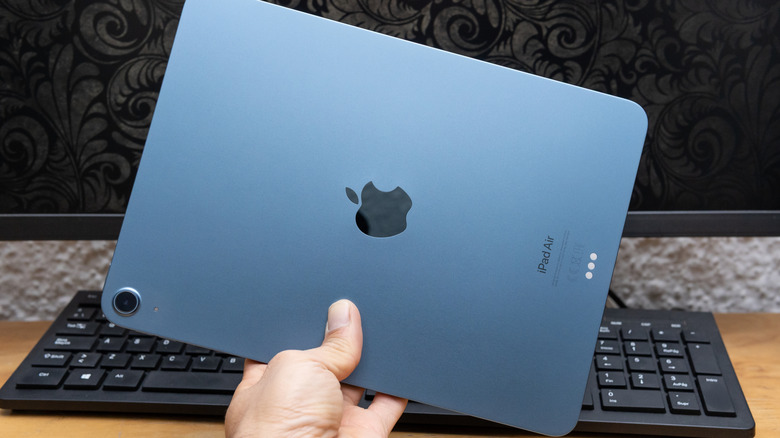
The base iPad — which is the best iPad for most people — starts at $349 for the 128 GB model and goes up to $649 for the 512 GB version. The slim and sleek iPad Air starts at $599 for 128 GB storage with its 11-inch screen size, and the price goes up to $899 for 512 GB. For pro-level users, the iPad Pro starts at $999 for 256 GB storage (there is no 128 GB option), and it'll cost $1,199 for the 512 GB option. Basically, you're looking at a $300 delta for the iPad and iPad Air and a $200 gap for the iPad Pro (which has twice as much storage to begin with). That's a hefty premium for pure storage space, but when adding up how many years you'll spend using the device, the value might be better than it seems.
Weighing the cost of storage
If you went with the 128 GB model and need more storage later, you get 5 GB iCloud storage for free. You can also upgrade to 50 GB for $0.99 per month, 200 GB for $2.99, 2 TB for $9.99, 6 TB for $29.99, and 12 TB for $59.99. So, for 328 GB storage (128 GB on-device, 200 GB cloud), it would cost $35.88 per year. Apple usually supports iPads for about six to eight years, so going with the top end of the scale at eight years, that's an additional $287.04 — slightly less than the upgrade to a 512 GB iPad, but with 184 GB less storage.
Jumping to the 2 TB plan, it would cost $959.04 more for the expected life of the tablet. Granted, you're also getting significantly more storage. Apple One, which starts at $19.95 per month, includes Apple Music, Apple TV, Apple Arcade, and 50 GB of iCloud storage (or $37.95 per month for Premier with Apple News, Apple Fitness, and 2 TB storage). But it only makes sense if you'll use all or most of these services. Note that this is all based on U.S. pricing — cost for iCloud tiers is slightly different in other countries.
What about the external drive route? You can get a basic 1 TB drive for as little as $100, or a premium one for about $250. That's loads more storage, but you need to manually offload files, which can be a chore. Plus, those files are only accessible from the tablet itself if you load them back onto it. So, unless the tablet is for a child or light use, get the 512 GB model. If you plan to keep the iPad for a long time, it's the most cost-effective option.