

5 Clever Ways To Use Alexa On Your Fire TV Remote
We may receive a commission on purchases made from links.
Devices from the Alexa ecosystem have become fairly commonplace in modern homes, and Amazon's digital assistant is leveraged for everything from recipe help and kitchen timers to whole-home intercom announcements on Echo speakers and smart displays. Alexa is also built into most Fire TV devices, such as the Amazon Fire TV Stick, and any smart TV that runs the Fire TV software, allowing you to automate and entertain in some pretty interesting ways.
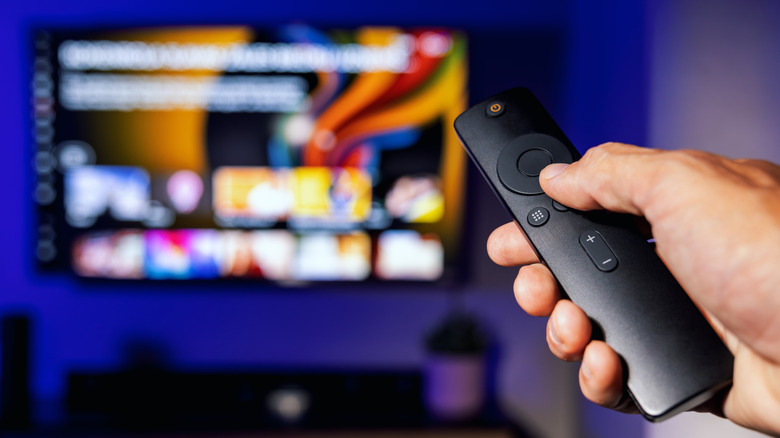
To summon Alexa using a Fire TV device, just grab the Fire TV remote that came with the hardware, then press and hold the blue Alexa Voice button to give a voice command. While you can use Alexa on a Fire TV to search for movies and shows and control smart home devices, these aren't the only handy tricks the digital companion is capable of. And now that Alexa+ has entered the conversation, the generative AI-powered version of the Amazon tool opens even more doors for Fire TV users.
Thinking outside the box to come up with clever Alexa or Alexa+ actions and automations may not come naturally to most folks, so we did all the brainstorming for you. Here are five clever ways to use Alexa on your Fire TV remote. Alexa+ comes up a lot in this article, and if you don't have Amazon Prime, you can sign up for the enhanced assistant separately (it costs $20 per month). Fortunately, if you already pay for Amazon Prime, you get access to Alexa+ for free.
Automate every movie night

Movie night should be an exciting occasion, and what better way to enhance your viewing experience than with a bit of automated lighting? You can kick off your home theater illumination with just a couple of multicolored smart lights, or you can spring for a complete TV backlight kit with peel-and-stick LED light strips. After you've onboarded your new tech in the Alexa app, you can then set up a handful of trigger phrases you can speak to your Fire TV remote (e.g., "I'm watching a scary movie," or "I'm watching a musical") to activate custom lighting routines.
You'll need to use the Alexa app to build these routines, and the setup wizard makes it a fairly intuitive process. To get started, open the app and tap More, then Routines, then press the "+" icon. You'll then be prompted to Add an event, which is when you'll key in your custom command. The last step is Add an action, which is when you'll choose what smart devices are involved in the routine and what actions they perform. This is also when you'll be able to choose the colors and brightness level your bulbs change to when your custom command is spoken.
Nothing beats planting yourself on the couch and using Alexa on your Fire TV remote to properly set the mood for the genres you most frequently indulge in. Those with access to Alexa+ can take things a step further by skipping manual routine builds and letting AI do all the heavy lifting. Try saying something like, "Set the room up for a horror movie" to see what mood lighting the smart assistant chooses. Depending on how well-trained your Alexa+ is, it might even lower your smart blinds if it detects that they're raised.
View live feeds from compatible cameras
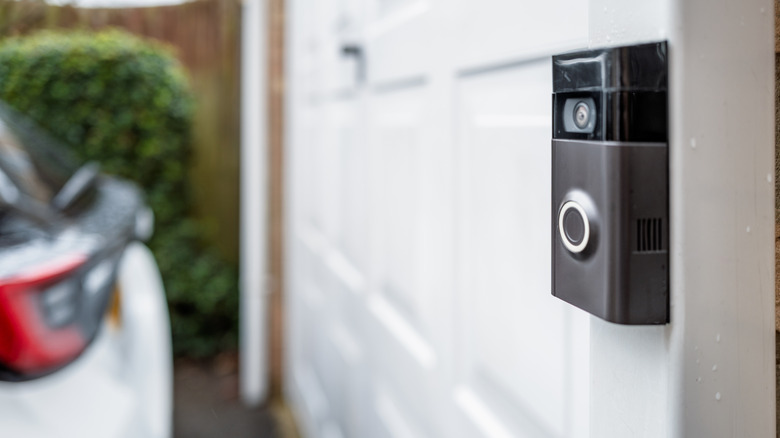
Investing in a home security system doesn't require professional installation and monitoring services anymore. Thanks to DIY smart home surveillance, you can easily set up hundreds of compatible security cameras, video doorbells, and other detection tech on your home Wi-Fi — but did you know you can also use Alexa on your Fire TV to pull up live camera feeds on your smart TV? You'll just need to make sure the security devices you purchase are compatible with Alexa (and that they're appropriately weather-rated if they're being mounted outside).
If you have multiple cameras set up on your property, when you say "Show my cameras" to Alexa via Fire TV, you'll automatically be taken to the Fire TV Smart Home Dashboard, where all your compatible cams will be shown. If you have a single camera programmed to a specific group (e.g., Garage, Backyard, Secret Lab), say "Show me the Secret Lab," and Alexa should pull the feed for that single cam. Better yet, Alexa+ users can use conversational queries to ask about recent visitors and activity.
For example, saying something like "Did that black van park by the house today?" can cue Alexa+ to dig through event recordings to see if a vehicle matching your description was in the vicinity. And if you own or decide to purchase Ring cameras, you'll even receive instant notifications on your Fire TV. Conveniently, many Ring cams and video doorbells automatically show a picture-in-picture feed on Fire TV, which can be expanded by saying "Switch to full screen."
Become a couch commerce connoisseur
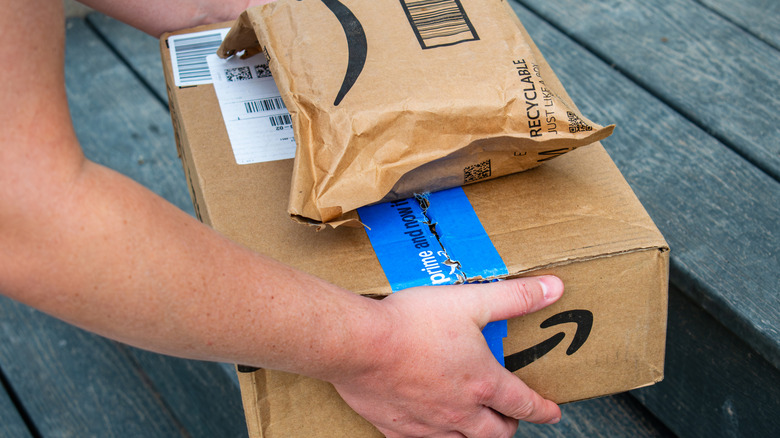
Sometimes we don't remember that we needed to order coffee filters until we're settled down for the night with our Fire TVs to watch a show. On said show, the characters are enjoying coffee, and you know for a fact that if you don't add the item to your list right now, you'll forget about it again. But instead of having to manually add products to the Alexa app on your phone, you can use Alexa via Fire TV to quickly add something to a specified shopping list — all without taking your eyes off the season finale of "Widow's Bay."
If you've been buying the same brand of coffee filters for several years, Alexa+ can even use contextual tools to find the product in your purchase history, so all you have to say is "Reorder coffee filters." This also carries over to package tracking, where you can say things like "Where is my 'Everybody Loves Raymond' DVD?" to have Alexa+ search for a specific item across all your incoming deliveries. Or, if you know there's an Amazon package en route, you can use Alexa+ to hone in on an exact arrival time ("Will my order get here before 7 p.m.?").
We should also mention that you can configure Alexa+ to shop for deals and automatically make purchases when the price falls below a certain threshold. This can come in handy during Prime Day sales events and the dreaded holiday season, as you won't need to be glued to your Amazon Shopping app to nab a discount. Instead, Alexa+ transacts on your behalf and uses whatever payment method you've specified to do so.
Turn Alexa into an all-knowing DJ
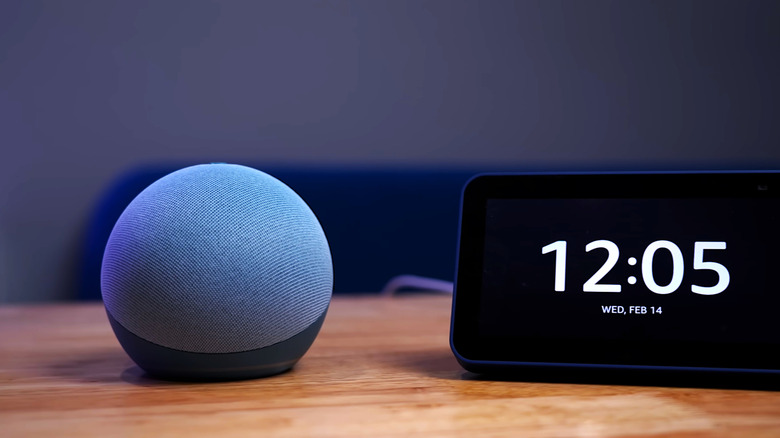
Whether you own a smart TV that uses Fire TV OS (brands like Hisense and TCL come to mind) or a streaming device with Fire TV built in, you can use Alexa via Fire TV to curate albums, artists, songs, and playlists. To make things even easier, you can even set up a default music-streaming platform (e.g., Amazon Music, Spotify, Apple Music) in the Alexa app, so you won't have to specify which service to use when you're searching for tunes.
While TV speakers do a decent job at projecting sound, a connected soundbar or AV receiver with multiple speakers can enhance your listening sessions. This becomes even more entertaining if you have Alexa-compatible speakers set up throughout your home, so you can say things like, "Play country music upstairs," or "Play metal everywhere." Alexa+ users can also turn the Amazon tool into a musical detective by prompting the assistant to search for a song based on a few lyrics, era, or even the movie soundtrack they first heard it on.
For those who'd prefer to browse within Fire TV, just say "Open Music & More," and Alexa will navigate you to this built-in Fire TV dashboard. From here, you'll be able to search for music, radio stations, and podcasts, with filters like "Now Playing" and "Recently Played" to help organize your auditory experience. We should also mention that if you own a Fire TV Stick 4K Max or Fire TV Cube, you can create an Alexa Home Theater Group for up to five Echo speakers and a subwoofer, or two Echo speakers and an optional woofer.
Get the inside scoop on your favorite flicks
When you're streaming a movie or show using Prime Video, Amazon's X-Ray feature can be used to access bonus content for whatever you're watching. This includes cast, production, and soundtrack details, as well as little-known behind-the-scenes facts and trivia. Just say "Alexa, open X-Ray," or press up on your Fire TV remote, then click the View All button. You can even use the feature when you're watching live sports via Prime Video to get game stats, info on players, and more.
Fire TV users have had the ability to use Alexa to skip around a movie or show for a while, but Alexa+ households will be able to use AI to navigate to specific scenes based on generalized descriptions of the cast, characters, song, or other elements. An example prompt may sound something like "What's the song that Vincent and Mia dance to?" Alexa+ should provide an answer ("You Can Never Tell" by Chuck Berry), and if "Pulp Fiction" is streaming on Prime Video, it should also skip to the famous dance sequence.
While Alexa+ scene skipping and other X-Ray-powered features can only be used in the Prime Video app, you can still use Alexa or Alexa+ to search for movies and shows across multiple streaming platforms. This is particularly convenient if you're trying to find something to watch that's similar to a movie or show you just finished. Say, "Alexa, help us find another creepy show that's like 'Widow's Bay,'" or "Find every '90s Steven Spielberg movie that David Koepp wrote."