

5 Cool And Creative Ways To Use A Raspberry Pi
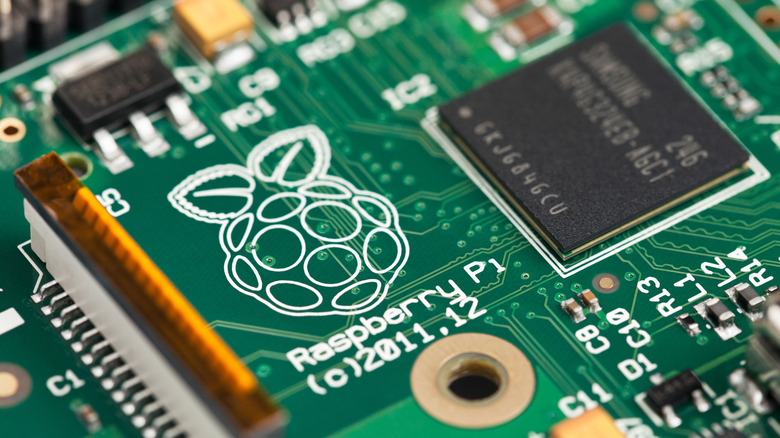
Nearly every version of the Raspberry Pi has some cool and creative projects that you can get real far down the rabbit hole with. From setting up your own modern dial-up ISP to hacking a retro console, there's far more than just five out there. There are quite a few versions of this nifty little device on the market right now, so be sure to check out every Raspberry Pi series to see which one you should buy if you don't have one already.
The Raspberry Pi is a roster of single board computers (SBCs) that was originally aimed at hobbyists, but is now very much embedded within the industrial and education sectors as well. Supporting various flavors of Linux, these low-powered computers can serve as the heart of tons of projects. It also helps that there's always some kind of support for them, with some operating systems even opting to create specific versions for the hardware.
With so many different projects out there, these are a handful that will not only be impressive to everyone you show them to, but also give you a fascinating drive down the educational path. Learning while tinkering will never feel as cool as when you get done following instructions and see the work you've gotten up and running.
Dial-up ISP
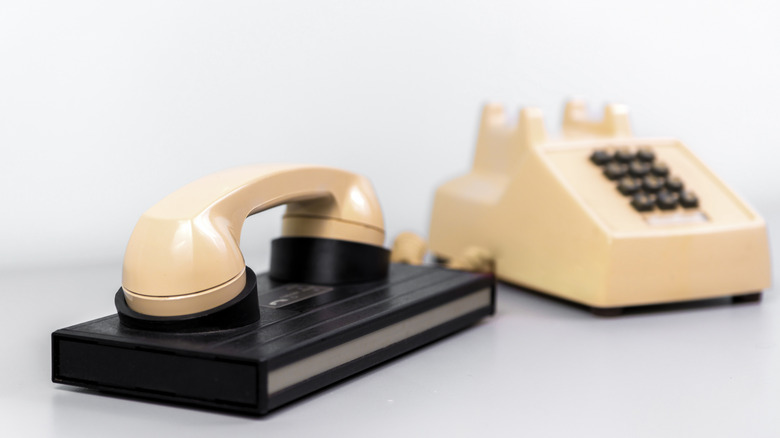
One of the major content creators within the Raspberry Pi and SBC space is Jeff Geerling. One project Geerling highlighted in April 2026 was recreating a dial-up service powered through the Pi itself. There's a great video covering it, and the project is open source, available through GitHub to get you going, including an Ansible playbook for semi-automatic configuration.
Now, is this going to have any impact on your modern life? Probably not, but would you rather look at yet another Raspberry Pi-powered smart mirror or do something cool? The PiSP (if you will) under Geerling's setup will hit a maximum of 56K, just like the old days. In the video, Geerling also demonstrates how to turn the tiny connection into a Wi-Fi one with an Apple AirPort. It's mostly useless, but damn if it isn't cool.
There are alternative guides, too, for more in-depth explanations as to what's going on. We recommend the unfortunately named Doge Microsystems, which has an extensive guide on building your own ISP.
CCTV security cameras with Frigate
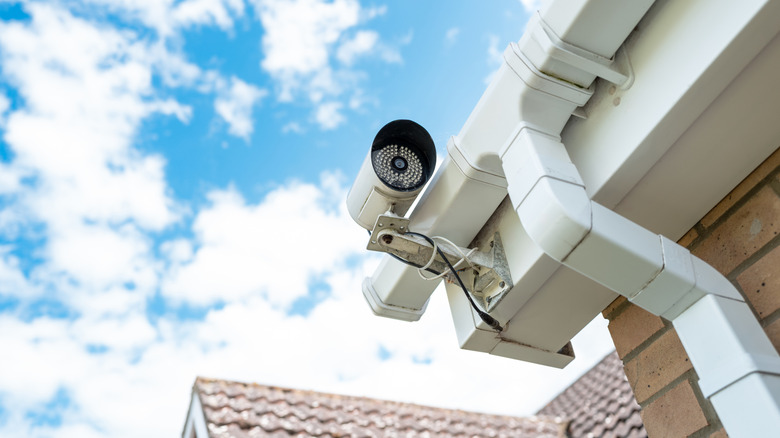
With the Raspberry Pi 5 and a compatible add-on like the AI HAT+ or the harder-to-find AI Kit, you can build out an AI-powered CCTV solution. All this without having to rely on products owned by unknown companies out of China or the likes of Amazon that don't have the greatest track records when it comes to protecting your data. All it needs is an SD card (or SSD) with the free Home Assistant operating system, which can be easily installed via Raspberry Pi's official installer.
Frigate is a free, open-source network video recorder that can serve as a hub for security cameras. It now supports the AI kit sold by the company, which features a Hailo 8L neural processing unit (NPU). This connects over the PCIe slot and will elevate Frigate into a tracking machine. The 8L can assist with tracking people, cars, or any other thing that you set Frigate to keep tabs on. Examples given, like monitoring traffic on a busy road, show that the pint-sized bit of kit can manage multiple entities at once.
As the Raspberry Pi is a lightweight component, your security system won't eat through wads of cash as you fork over for your next electricity bill. As you add more hardware to your setup, you can scale Frigate to meet your needs and record footage separately — which again, you'll own entirely. All you need to do is find one of the best security camera options for you and verify it's supported over Frigate.
Make a keyboard

Surprisingly easy to do, but also incredibly tedious, making your own keyboard with a Raspberry Pi is incredibly well-documented online. Leveraging the huge community support, there's even dedicated custom firmware called QMK that lets you get in the weeds with how you'd like your buttons to function. This is the same software that Raspberry Pi uses with the Pi 500, the all-in-one keyboard and SBC device. Alternatives for this firmware include TMK, KMK, and ZMK, which all focus on different functionality.
This would predominantly be a Raspberry Pi Pico project, using the microcontroller to not only provide the software required, but also power it. Some across the net have detailed videos or blogs about building split keyboards for ergonomics, and there are also macro pad projects for those who want to give this a go on a smaller scale. Building one of these will give you your very own Elgato Stream Deck-like device — except you built it for far less.
Building your own DIY keyboard is the ultimate test in soldering and cable management. Not only will you need to investigate stabilizers and learn how to avoid ghosting when typing (when connections get crossed, sometimes it'll input another key), but you'll also need to figure out which setup is right for your hands. Keyboards might not seem like it, but they can be incredibly interesting, and building your own will not only make you more familiar with the Raspberry Pi ecosystem, but also the one thing most of us use every day.
Hack a GameCube
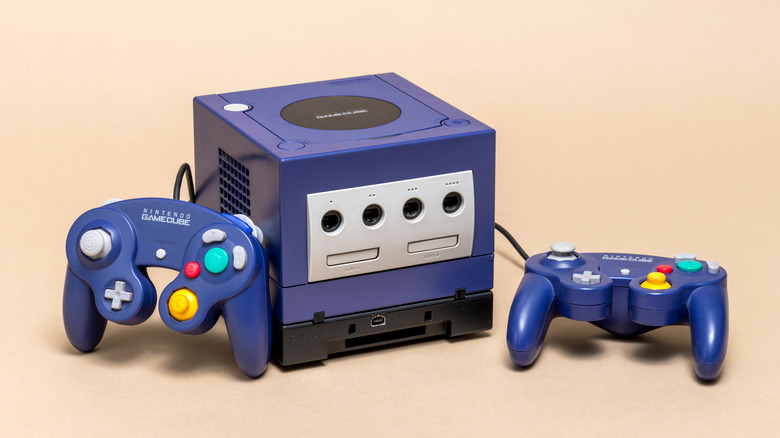
As rabid collectors drive up prices of nearly all pop culture and geeky tech, including those old beige PC boxes we used to have, it's getting harder to find reasonably priced GameCube games second-hand. Nintendo might be doing some work to get versions onto the Switch, but what are the chances games like "Cubivore," "P.N.O.3," or "Custom Robo" ever come to the service? That's where the PicoBoot comes in.
Using a Raspberry Pi Pico and a bit of solder, you can turn your GameCube into a full jukebox of classic cubey goodness. PicoBoot will effectively shunt the original software to the side, allowing for homebrew software like Swiss to take charge. Once combined with an SD card loader, you'll be able to play a wealth of games from the system.
This is also an excellent way to bring your GameCube back to life if it has been sitting unused for years. A faulty disc drive can be completely ignored by opting to load games via an SD card. It also means you won't have to track down or rely on software exploits or other soft mods that need to be repeated between power cycles.
Get your Dreamcast back online
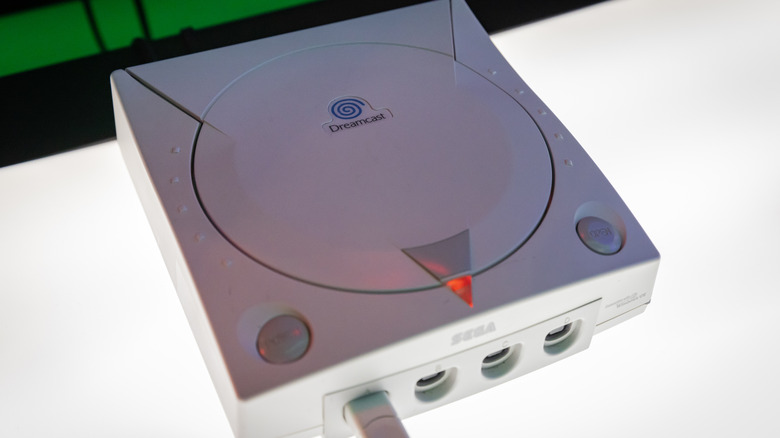
An incredibly cool, if niche project, DreamPi is software that uses a Raspberry Pi to get an original Sega Dreamcast console back online. When the console launched in 1999, it came equipped with a modem out of the box, perfect for using "SegaNet" or "Phantasy Star Online." However, with Sega on the ropes and the quick death of the console in 2001, the company ultimately shut all of its online services down by 2003 for online games on the system.
The entire DreamPi project is incredibly well-detailed and documented, with written and video guides to follow. There are some extra bits you'll probably need to pick up, like an RJ-11 phone cable and a USB modem or adapter if using the Pi Zero line, as there's no standard USB port. However, it's not an overtly long process, with four main steps to follow.
DreamPi supports almost every Raspberry Pi, excluding the Pico (the microcontroller doesn't support the software) and the Raspberry Pi 5. Once connected via DreamPi, you'll have access to 52 online games, including the recently fan-translated "Rune Jade," a Japanese exclusive action role-playing game in the same vein as Diablo. Some games without multiplayer have had online leaderboards resurrected and supported on the platform.