

5 Things You Probably Didn't Know AV Receivers Could Do
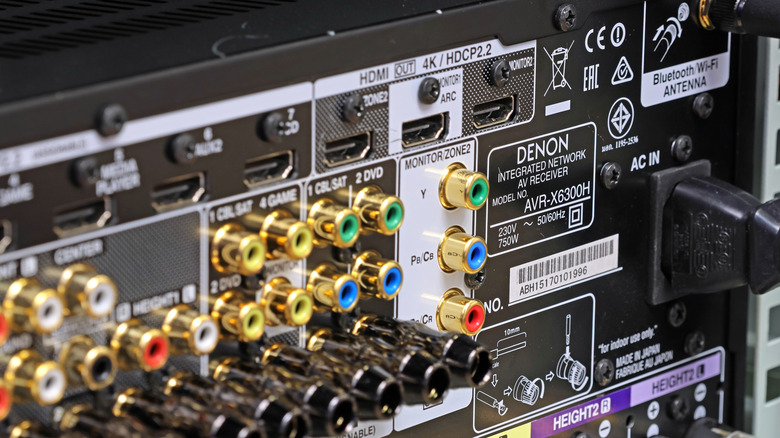
A surround sound system is nothing without an amplifier to drive the speakers. One type of specialized amp commonly used for home theater setups is an AV receiver, an all-in-one device that combines power and audio-video signal routing. Think of it this way: instead of plugging all your AV components into your new smart TV, you'll plug them into a receiver. You'll then run a dedicated HDMI cable from the output on your receiver to one of your TV's HDMI inputs. This takes a load off your treasured Mini LED or OLED set, at least as far as signal processing and upscaling go.
As for your speakers, the amp section of your AV receiver will feature speaker terminals that you'll connect speaker wire to. Each set of terminals delivers a certain amount of power to a particular channel (e.g., front left, rear right), and that's basically the long and short of how an AV receiver works. But as you may have guessed, many home theater hubs are capable of so much more, and we're not just talking about settings that'll fine-tune the amount of bass your system dishes out.
For the true home theater devotees of our readership, we did some digging to find out what AV receiver features aren't getting enough attention. To that end, we came up with this list of five things you probably didn't know AV receivers could do. Not all AV tech is created equal, so some of what we discuss in our roundup may not be applicable to certain receiver models. That said, we did our best to stick to lesser-known features shared by multiple manufacturers.
Your AV receiver can probably send audio to other rooms
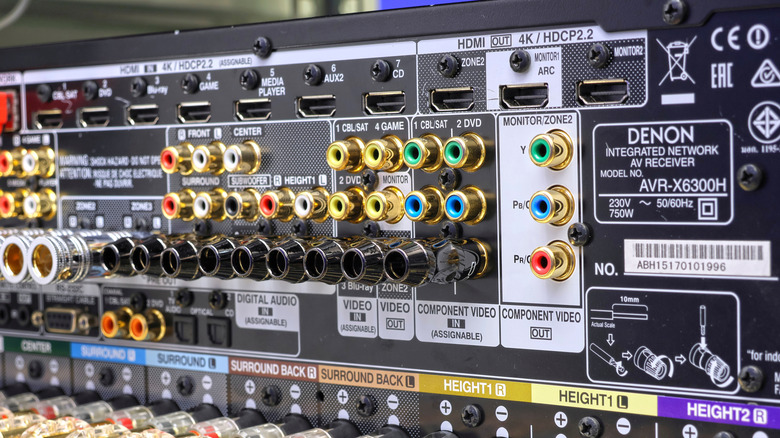
Many AV receivers are billed as 7.1 systems or higher, which often means that the receiver can power a second listening area. This is also referred to as Zone 2. Using our 7.1 example, this would mean you'd be able to wire up a complete 5.1 speaker system in the main zone (be it a living room or home theater space), while repurposing the two leftover channels as a stereo pair for another room. Once configured, a receiver with Zone 2 capabilities can route audio to both zones simultaneously.
The lion's share of midrange AV receivers will lock you to the same audio source for both rooms, but many premium models let you set up a dedicated source (e.g., Blu-ray player, game console, streaming device) for your second zone. Some of the most high-end receivers even feature Zone 3 and Zone 4 options, such as the $7,200 Denon AVR-A1H. This particular model is capped at three zones, and each zone has a dedicated output on the receiver.
Dual and triple-zone configurations are great for whole-home audio setups, and AVRs like the AVR-A1H also include line-level outputs for connecting separate amplifiers to your receiver. This lets you outsource power duties for Zone 2 and beyond, so that your main theater zone can drive a 9.1.6 or 7.1.4 Dolby Atmos setup, without taking a bite out of your multi-room audio dreams.
Your Denon or Onkyo box may be able to send audio to your wireless headphones
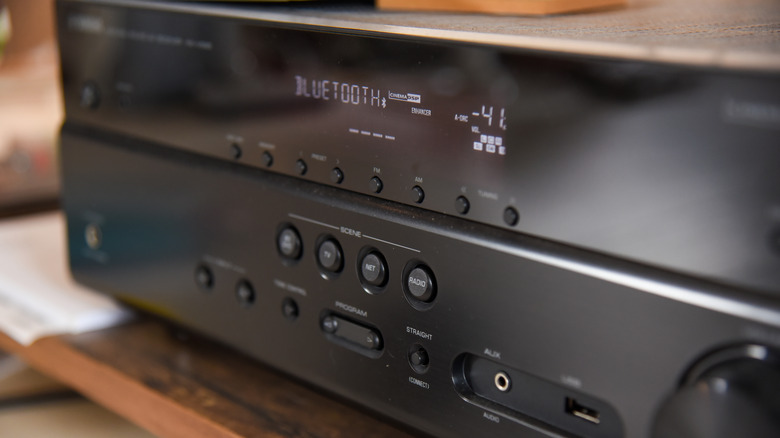
If you do a lot of your movie and TV show watching late at night, a pair of wireless headphones or earbuds can be a godsend for you and yours. While the majority of AV receivers support Bluetooth, most systems can only receive Bluetooth audio from a host device like a phone or laptop. Fortunately, there are also AV receivers that both receive and transmit Bluetooth signals, which usually means you'll be able to link up a pair of Bluetooth headphones.
This isn't always an obvious feature, either. The $1,800 Marantz Cinema 60 is able to transmit Bluetooth, but you'll be hard-pressed to find any mention of that tech on Crutchfield and similar sites. To confirm, we had to dig up a digital version of the Cinema 60 user manual, which buried the "Listening to audio on Bluetooth headphones" instructions under the "Playback" dropdown. There are also some receivers that will let you output audio to your main zone and wireless headphones at the same time (including the Marantz Cinema 60).
Private listening is a feature you'll find across many streaming devices and smart TVs, and it makes just as much sense to include this function on AV receivers. Plus, it'll prevent you from needing to invest in a separate Bluetooth audio transmitter that may or may not be compatible with your home theater setup.
Your system may have integrated music streaming via Wi-Fi or Ethernet
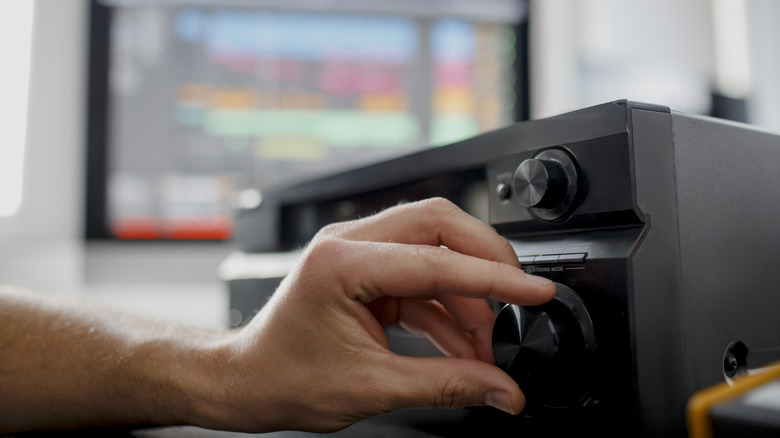
Wireless music streaming has gotten so good that most of us probably can't remember the last time we used an auxiliary or USB cable to connect a phone or tablet for playback. Bluetooth really stepped up to the plate, and it continues to be a fast and reliable way to cast tunes and podcasts — but what you may not know is that many AV receivers offer internet music streaming. Instead of sending audio from a host device, your receiver becomes the host device, and uses Wi-Fi or Ethernet to connect out to platforms like Spotify, Tidal, and Amazon Music.
Depending on the model of your AVR, you may be able to control internet radio functions with the included remote, but many systems can also be controlled via a companion app. Doing so doesn't require any media from your phone; you're simply using software to tell your receiver to log into an audio-streaming server. Technically, once your receiver starts playing tunes, you can close the app and turn your phone off, and the tunes should keep playing. Many systems will also let you use ecosystem tools (e.g., HEOS, MusicCast, etc.) to wirelessly group rooms and configure audio sources.
Keeping your AVR connected to the internet ensures you'll receive software updates as they become available, too. As an added bonus, many receivers will even let you use casting tech like Apple AirPlay and Google Cast to transmit audio over your home network.
Your home theater hub may be able to bi-amp certain speakers
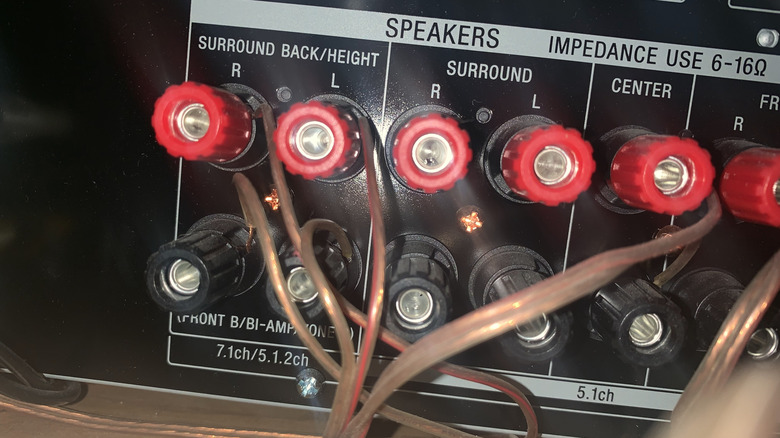
If this is the first time you're even hearing about bi-amping, it's one of the best ways to maximize the audio potential of your Dolby and DTS-capable surround sound, and equally beneficial for dedicated hi-fi listening. This is because bi-amping employs separate amp channels to deliver power and audio signals to your speakers' low- and high-frequency drivers. The result is often fuller, more detail-oriented performance from the speakers you're bi-amping.
Not all AVRs have bi-amp capabilities, though, so you'll need to make sure that a.) the receiver you want to buy has a bi-amping feature (which means you'll be investing in a 7.1-channel system or larger), and b.) that at least two of the AVR's unused channels are assignable. You'll also need to make sure the speakers you're looking to bi-amp have two individual sets of binding posts. Generally speaking, bi-amp-capable speakers are often midrange and premium-tier products, so don't expect to see budget-friendly prices.
Oh, and heed these words: bi-wiring isn't the same thing as bi-amping. The former is what it's called when you run two sets of speaker wire to separate binding posts on the same speaker. Doing so may bring slight improvements to your home theater or hi-fi lair, but you're still only providing a single power source to all speaker drivers. And while you don't need to buy special speaker wire to bi-amp your speakers, companies like Audioquest make cables that are specifically designed for bi-amping.
Your AVR may have an analog-friendly audio preset
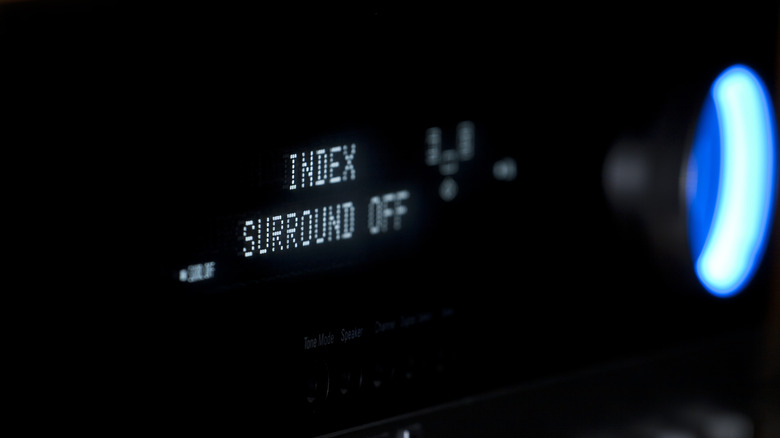
Last but certainly not least, there's an AVR feature that's tailor-made for enhanced stereo playback. Hi-fi enthusiasts who relish sonic warmth and precision should invest in a receiver with a "Direct" or "Straight" audio preset. When enabled, Direct will usually disable a number of digital processing functions built into your AVR, all with the end goal of getting your stereo setup to sound as analog-natural as possible. Settings like tone controls and dynamic EQ presets are often turned off, and the front display of your AVR will likely be dimmed or completely blank.
Direct mode aims to remove as much electrical noise and other signal interference as possible, which can be particularly great for listening to music. Instead of relying on room acoustics software and other digital optimizations, Direct mode pushes the cleanest, most direct source signal to your speakers. This bodes particularly well for vinyl record enthusiasts and CD lovers who want to squeeze as much performance out of a 2.0 hi-fi setup as one can get.
When it comes to home theater sound, Direct may actually get in the way of how well your surround sound performs. Room correction software is meant to give you the best sound based on the unique acoustics of your theater space, and enabling Direct eliminates any auto-calibrated speaker adjustments you've made to your system.