

5 PC Rules The Internet Tricked Me Into Believing
They say bad habits are hard to break. And when it comes to trying to break bad computer habits learned over the years from the internet, this might never be more true. This is especially the case for those who have been in the digital trenches for decades. If you hear something enough times, eventually you'll just start believing it.
While I consider myself pretty aware of misinformation and have a skeptical nature, I've still found myself being tricked by the internet into believing a number of tech-related myths. Sure, I was tricked into believing many of the following because I was young and naive, but other times they came from experts in the field whom I relied on for their expertise.
While none of the myths I fell for at one time or another are overly damaging, they go to show that just because you hear something repeated a lot on the internet, that doesn't make it true. And in some cases, several of these PC rules were at one point legitimate and valid, only losing their importance as technology evolved, and unknowingly becoming relics of a time when PCs were very different.
You don't actually need to shut down your PC daily
Windows is a notoriously unstable mess of an operating system, with Microsoft even acknowledging several bugs affecting core Windows 11 features. While the latest Windows version might be a mess, things used to be a lot worse in many respects. I can remember the nightmare that was trying to use a laptop running Windows Millennium Edition.
The idea of regularly shutting down a PC made a lot of sense, as doing so can refresh your system and reload drivers or peripherals that might be acting up. Another reason we were told to shut down was to preserve our hardware. But while components today are much better, even older hardware runs fine when left on day and night. Every component inside your system today, or even 20 years ago, was designed to last for decades.
Even RAM and your CPU can potentially function indefinitely, no matter how much use they get. All that being said, I'd still recommend you shut down your laptop or computer when not in use, or at least set it to go into sleep mode in order to save on your electric bill.
You don't need to defrag your hard drives anymore
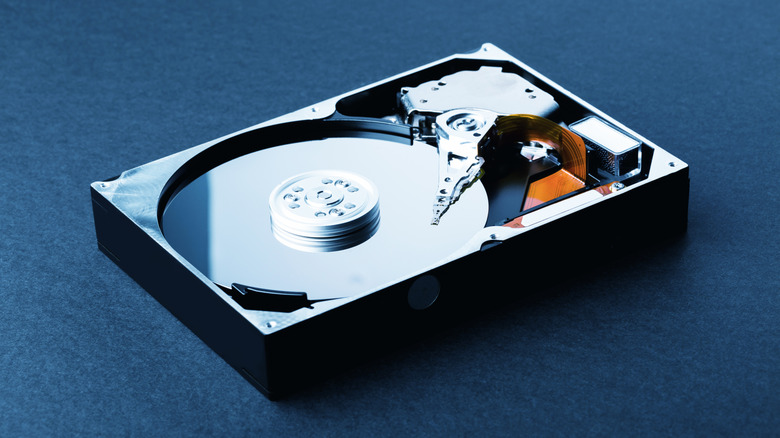
This PC rule falls into the category of once being very important, but now being potentially harmful to your system. Old hard disk drives worked very differently from the more common SSDs that we use today. These older drives had fragile moving parts, relying on a spinning disk that was read by a mechanical arm.
The data on a hard drive is like a bookshelf filled with books, with the drive pulling a book off the shelf to read it and load the data for you. Now imagine that the drive didn't place a book back in the same spot from where it pulled it. Finding that book to read later would require searching the entire bookshelf. Defragmentation essentially helped to take all those loose books and place them back in order.
Modern SSDs are non-mechanical and don't work in that way, using advanced algorithms to store data in a more efficient fashion. SSDs also have a limited number of write cycles that can be made before dying, meaning that if you defrag an SSD, you're only helping to kill the drive off faster. Windows now also smartly defrags an SSD as needed, so doing so manually is best avoided.
Free programs are often as good as paid ones
If you asked people running in the PC circles of the 1990s and 2000s — before the rise of open source software and online applications — they'd tell you a free program was almost always inferior to a paid one. In the old days, you simply couldn't get good free alternatives to things like Microsoft Office or Photoshop. There was no other option than to buy something like Sony Vegas or Ableton Live in order to create and compete in your given industry.
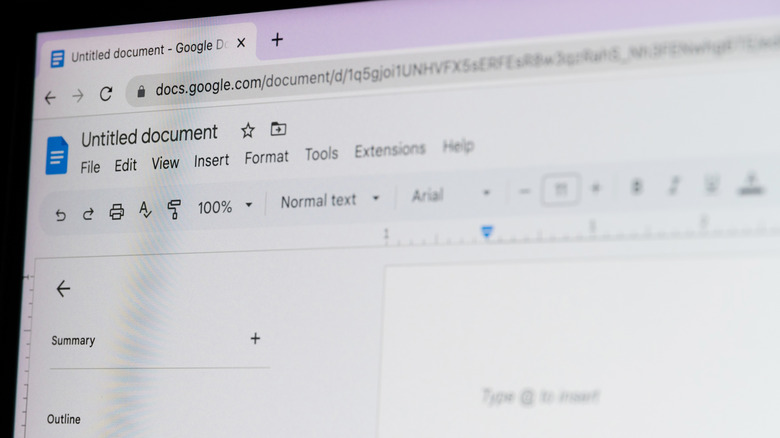
Today, things have changed tremendously. Microsoft Office is now a bloated husk of its former self, relying on subscriptions to retain users. And there exist several free apps that you can use to replace your Microsoft Office subscription. Full office suites like Libre Office are excellent, and even browser-based apps like Google Docs are just as good as Word.
If there's a paid program, chances are that you can find a good free alternative. DaVinci Resolve, which I use to edit YouTube videos for several channels, is just one of the many free video editors out there. In fact, DaVinci Resolve has been used in the editing process for major motion pictures such as "F1" and "Jurassic World Rebirth."
Incognito Mode isn't truly private
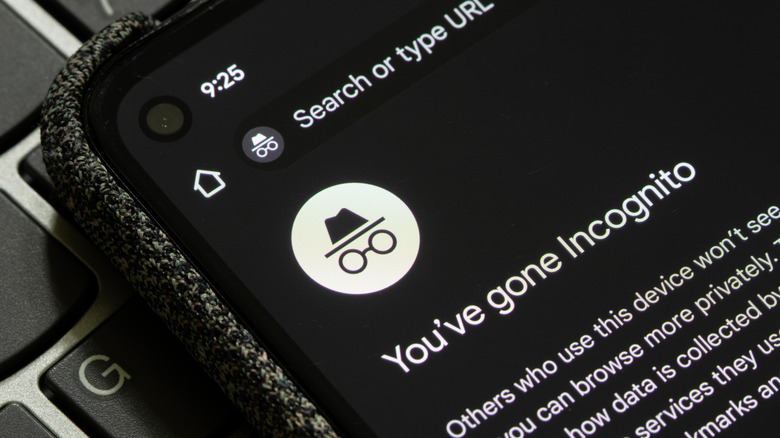
With the way the world is today, many people feel a little bit safer when using the internet after they click that little incognito button in their favorite browser. These modes are common on just about every web browser available, and they have long served to make users feel a little more secure.
Perhaps you go into incognito mode when doing your banking, when using social media, or even when doing a little online shopping. The problem is that there are a number of myths surrounding incognito mode, and the fact is that the mode doesn't actually keep your browsing private or provide you with any substantive anonymity from prying eyes. The reality is that incognito mode simply erases your cookies and tracking data after you close your browser.
It does not prevent websites from seeing who you are, your school or work knowing the sites you've visited, and most importantly, your ISP from knowing what you're doing. Your browser still has an identifying fingerprint that websites see no matter what mode you are using, and this can be used to gather data on you. If you want some actual privacy online, I recommend a security-based browser like Brave or LibreWolf.
Macs actually can get viruses
Back in my day, the people who owned a Mac would often tout how much safer they were. One of the prescribed talking points was that a Mac couldn't really get a computer virus. And I believed this for a long time — the old Macintosh 512K that my dad bought from Sears in 1985 never once got a virus, after all.
But the reality is that Macs do get viruses, they just aren't as common. The real reason this internet myth persists even to this day really comes down to installed user base. Mac devices, while popular, pale in comparison to Windows-based machines. Windows is simply everywhere, from homes and schools to businesses and government offices around the world.
This means virus makers are more likely to target Windows-based machines because they'd get more bang for their buck. Why create a virus for a Mac when the platform has just under 10% of the global PC market? But as the Mac line continues to gain market share, it's only a matter of time before we start hearing about more Mac-based viruses such as Safari-get and OSX/Pirrit.