

What Is The Button On A Portable Power Bank For?
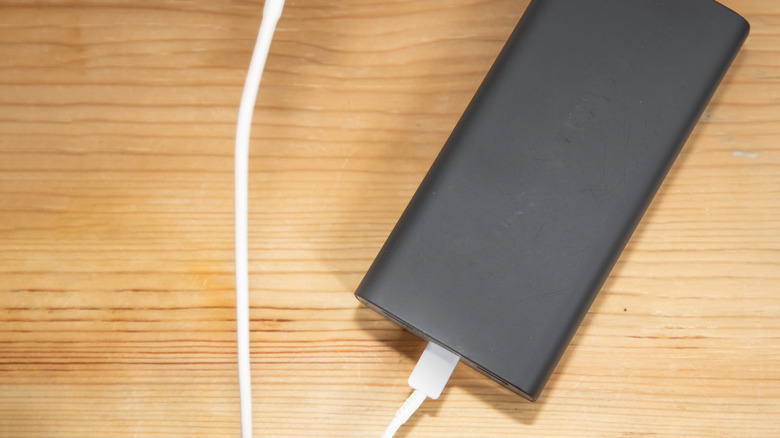
Carrying around a portable power bank is going to make you a very popular person. You're guaranteed to have at least one friend, family member, or coworker who needs to fast-charge an iPhone or work tablet, making you and your trusty device official lifesavers. Portable chargers are simple enough for just about anyone to use, too; just plug in your dying gadget via USB and wait for its battery to recharge. And if your power bank has a single button, it's more than likely used to power your charging station.
This isn't brand-specific, either: companies like Anker, Mophie, Belkin, and even Raycon (yes, they make power banks) typically include a button, whether it's on the top or side of the charger. Pressing it once might be all it takes to wake your charger, or you may need to press and hold for a few seconds to activate it. There are also some power banks — such as the Raycon Magic Power Bank 5-in-1 — that will automatically start charging a device once it's connected. For chargers like this, you may be able to press (or long-press) the bank button to put the charger to sleep.
This bodes particularly well for those who want to cut off power to a device without physically unplugging it. A small, USB-powered gadget like a fan comes to mind, as well as tech like portable LED lights, a set of hand warmers, or a coaster-style warmer for coffee drinkers.
One button with (potentially) many functions, or maybe it's just a power toggle

While power cycling is one of the more traditional functions of a power bank button, it can also be used to check your charger's battery status. Most banks feature a series of LEDs that light up (and sometimes pulse) to indicate how much charge remains. When only a single LED is illuminated or strobing, it usually means it's time to recharge the power bank. And if you happen to own a unit with a small LCD display to track remaining battery, the bank button likely controls the screen's wake and sleep functions.
It's a bit rarer, but some button-equipped chargers may require a specific sequence of presses or a long press to toggle between settings. For instance, this version of the Raycon Magic has a wireless charging pad that doesn't activate unless you double-tap the bank button when a Qi-certified device is placed on the pad. If your power bank has a special feature like that, I wouldn't be surprised if you need to use the button to control it.
Not all portable power banks are created equal, so one charger's button functionality could be wildly different than another's. Your best course of action if you're shopping for one: read the user manual, hands-on reviews, and peruse user feedback on sites like Amazon. You can also make your research easier by using CTRL+F (or Command+F) to search for words like "button," "power," and "press."