

Cloud Storage Vs. Local Storage: Is One Safer For Your Personal Data?

Protecting personal data is a vital aspect of managing your digital life. A breach or loss of sensitive identifying data could leave you open to financial problems, scams, or threats. Losing family photos and videos might not cost you any money, but it can be emotionally devastating. Investing in privacy gadgets that can protect your data is one option to try to prevent loss and breaches, but another step you may consider is deciding whether cloud storage or local storage options are safer for your personal data.
This decision doesn't have a clear-cut answer that will be the same in every situation. Each type of storage delivers strengths in certain areas. Some people find cloud storage a safer option because the system creates automatic backups, guarding against a physical disaster in one location wiping out the hardware that holds the data. Others simply prefer the peace of mind of having their data stored locally on their own devices.
Ultimately, if you don't mind spending the extra money and want the safest option, using both cloud and local storage in combination is the best strategy. Often called the 3-2-1 rule, it calls for keeping three copies of your data in at least two different places with one of the places off-site (such as in the cloud). Otherwise, you can select one option based on how you personally define data safety.
Understanding potential privacy problems with cloud storage
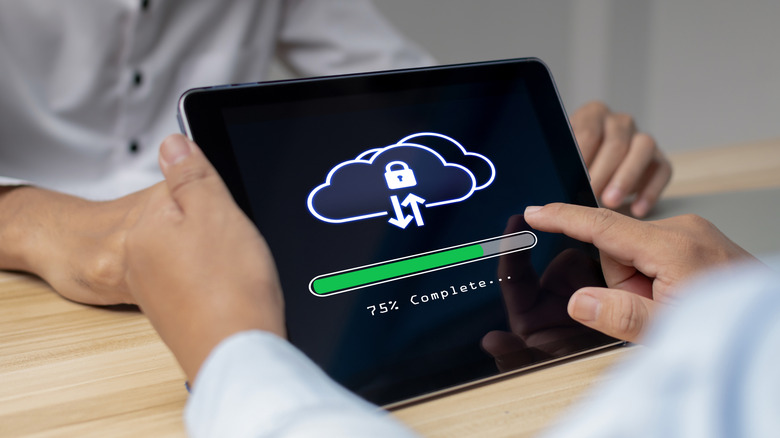
Cloud storage offers many significant benefits, including being able to access your data from anywhere and the option of creating automated backups. With your data backed up in an off-site storage location, it's safe from a fire or natural disaster destroying your computer and external hard drive at home.
However, some people may feel uncomfortable passing these files to an off-site provider instead of keeping the data on a local device. Customers may worry that the cloud storage provider doesn't have up-to-date security measures or has poorly trained employees, giving hackers a chance to access the site and putting all of the stored data at risk. Should a cloud storage provider suffer a data breach, it could take several months to discover the problem if the company doesn't have continuous monitoring procedures in place. Because of the potential for hackers to gain access to your cloud storage account, you might have concerns about the safety of files that contain sensitive personal data.
One of the most common mistakes people make when using cloud storage is using poor security measures when setting up their accounts, such as weak passwords or failing to activate multi-factor authentication (MFA). Some cloud storage sites may offer outstanding security measures, but if they're difficult to set up or understand for average users, the users may skip configuring them correctly, increasing the chance of losing data to a breach.
Why external data storage drives have a reliability problem
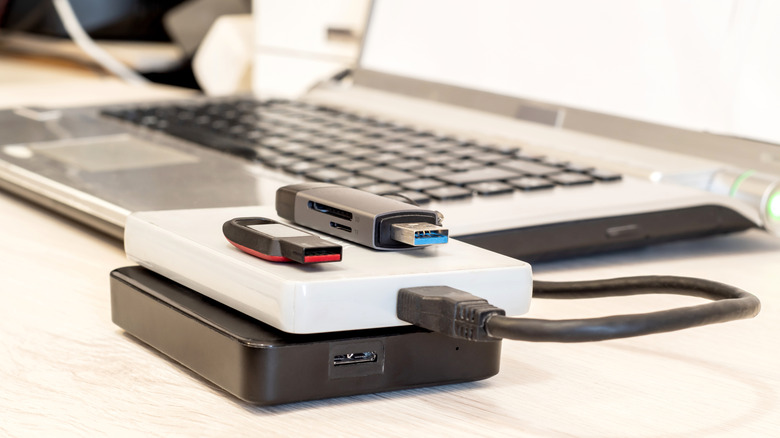
Some people only feel comfortable using USB flash drives or external hard drives to safely store their data. Even if the external hard drive is stolen, you can set the devices up with password and encryption protection that should prevent most people from accessing your data. Beyond actually losing the hard drive, your data's safety is at risk when you're relying solely on one of these devices because of the chance of the unit failing from wear related to frequent usage and age.
Reliability can be a problem with these devices. Some physical storage devices begin operating slowly or make unusual noises before they fail, but others provide no warnings. The typical external hard drive will last up to five years before failing and potentially losing your data, while USB flash drives may last 10 or more years. The redundant backup methods that cloud storage providers use negate this concern with their storage hardware.
If your external hard drive or USB flash drive fails, you might be able to salvage some of the data. It can be a costly and time-consuming process with no guarantee of success, though. Spending this money on having a second backup copy of your data stored with a cloud storage provider and using the 3-2-1 rule may be the better option.