

4 Useful Smart Home Automations That Will Make Your Mornings Smoother
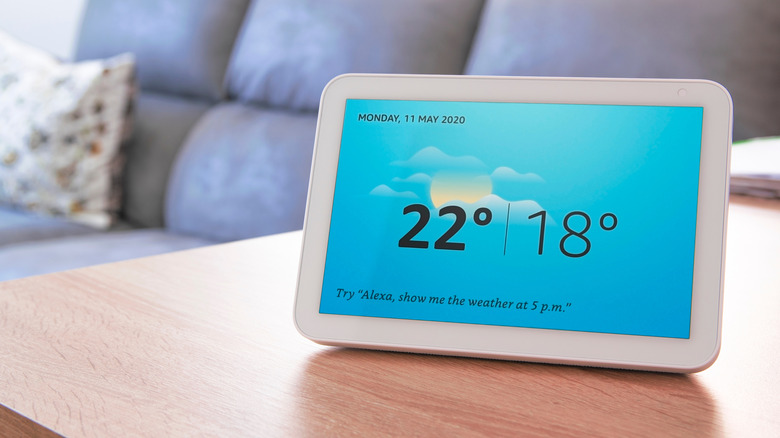
You invested hundreds of dollars into starting up a smart home, complete with smart speakers, smart lights, a smart thermostat, and a handful of other internet-connected gadgets. You've also gotten familiar with using several voice commands to instruct your tech to do this and that, but now you're ready for the next level. Getting up in the morning and starting the day is the bane of many folks' existence, so we thought we'd try and use a handful of smart home devices to alleviate some of your sunrise woes.
You've graduated past device-level voice commands and using the Alexa or Google Home app to control and customize your smart home devices; today, we'll be focusing on building multi-level smart home automations. And for the sake of simplicity, we'll be framing everything around the Alexa ecosystem. This isn't to say you won't be able to build our recommended automations using Google Home or Apple HomeKit, as many of these actions can be recreated in other smart ecosystems with just a few menu or vocabulary variations.
To that end, we'll be using Alexa Routines to put together these four automations that are tailor-made for easier, smoother mornings. Creating a Routine is as easy as opening the Alexa app and tapping More > Routines, then tap the plus icon to start building a custom set of automations. Even if you don't own every device we mention in this article, we're willing to bet you'll walk away with a few cool ideas of your own for improving that 6 A.M. wake time.
Alexa, good morning (but not too bright, please)
A common setup for bedroom tech often involves a smart speaker or smart display, typically on a bedside table or dresser. Smart lights are also pretty common, and even if you don't own any right now, bulbs and LED light strips are relatively cheap on Amazon. If you couldn't tell, we're gearing up to build a "wake up" set of automations. Use the Alexa Routines builder to create a trigger phrase you can mumble to your Echo Dot after your morning alarm sounds. Something like "Alexa, good morning" should do the trick.
On the actions screen, you can program your bulbs and/or LED devices to fill your room with enough light to get the day moving. If you can't trust yourself to use a trigger phrase at 6 A.M., you can also program your smart speaker to start playing music when you're supposed to get up. For a more gradual wake routine, you can even program your lights to simulate a sunrise. Set the automation for a half hour before your alarm sounds, and choose a color like warm white.
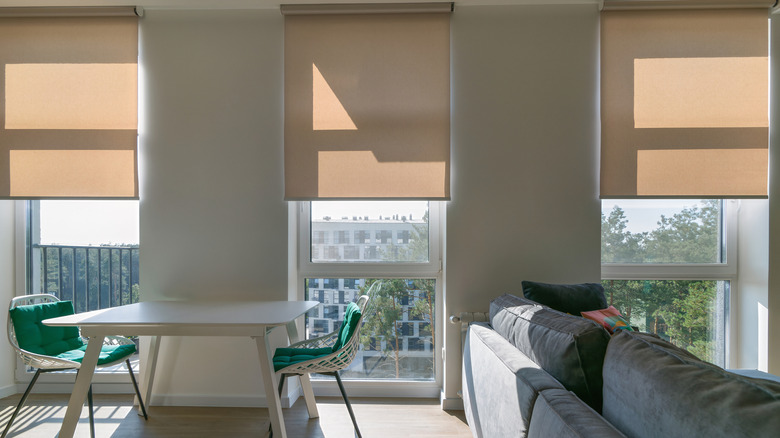
Better yet, you could invest in a set of smart blinds. This option's a bit more boutique, but once they're rigged up, you can program them to begin opening at a certain time. After all, nothing beats a true sunrise for dialing in your circadian rhythm.
Alexa, it's coffee time
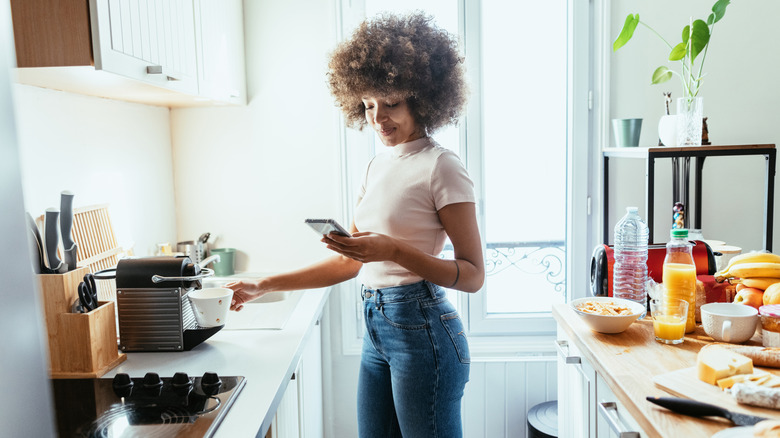
You've managed to drag yourself out of bed, and now you're in the main hub of your home: the kitchen. This is the part of the morning where you require caffeine before you can think about doing anything else, so why not task Alexa with brewing your daybreak elixir? Fortunately, there are a handful of coffee makers on the market with built-in Alexa functionality. Thermador is one such brand that has a few Alexa-compatible machines, and all you need to do is program an action phrase like "Alexa, it's coffee time," or "Alexa, give me caffeine."
You'll likely need to have a smart speaker or smart display in your kitchen, as most Alexa-capable coffee makers don't have a built-in microphone. (You can also speak/type trigger phrases in the Alexa app.) If you're the type of person who likes hearing news and weather forecasts in the morning, you could program your Dot or Show to read out the headlines as a secondary action, too.
And if you have personal or shared calendars linked to your Alexa devices, you could even program Alexa to start with news and weather, followed by daily and weekly event reminders. Getting your head together before you step out into the great, wide world doesn't need to include a delectable coffee drink, but who said a piping-hot dark roast brewed for you can't be a part of your success recipe?
Alexa, start my car

Starting your car remotely isn't groundbreaking anymore, but it's still an extremely convenient feature — especially during the winter and summer months. For the following Alexa Routine to work, you'll need to own a vehicle that has Alexa built in. Fortunately, the list of compatible vehicles continues to grow, with big names like Chevrolet, Ford, and Honda supporting Alexa on specific models.
Your trigger phrase can be as simple as "Alexa, start my car," at which point the assistant should be able to turn the ignition. But before you start building your official Routine, you may first need to add the vehicle manufacturer skill to the Alexa app. Vehicles aren't a listed option on the actions dashboard either; according to r/Alexa, you'll need to select "Custom" to build a vehicular automation. For best results, you may also need to have your car parked within a certain radius for a solid connection to your home's Wi-Fi network.
Do you park your car in a garage? There are several Alexa-compatible garage door openers on the market, so you know what that means: incorporating the opener into your "start my car" Routine. Want to take things one step further? You can even program Alexa to automatically start playing your drive-to-work Spotify playlist (vehicle infotainment must support the streaming services you want to use).
Alexa, lock it down (and also unlock it)
You've caught up on your daily reminders and finished your cup of coffee. That means it's time to head out for the day, and if you own a networked security system, you can create an Alexa Routine that will make your home more secure, no trigger phrase required. Thanks to a feature called geofencing, your phone can function as a geographic beacon. Once you cross a certain invisible threshold, your phone will tell your at-home Alexa tech that you've left for the day.
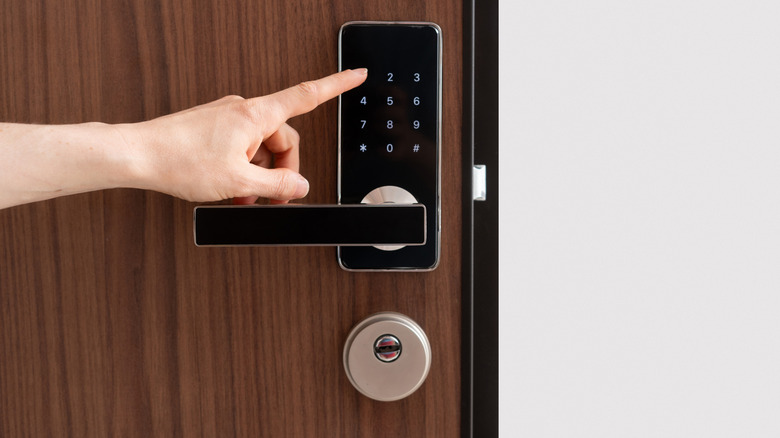
To ensure your domicile is under lock and key, you can program actions to ensure all smart locks auto-lock. You can also arm security cameras and various detection sensors that may be in sleep mode. This is also a good time to add some energy management to your Alexa ecosystem. Once Alexa detects you're out of range, you can pre-program a set temperature for your smart thermostat and use reverse geofencing to detect when you arrive home. Once your phone pings your router, the thermostat will change to a preferred "welcome back" temperature.
You can even incorporate light and lock behaviors for your homecoming, so you'll be greeted with warm hues and unlocked doors when you step out of your vehicle. Heck, you could even throw in an action that plays the theme song from "Cheers" when you walk in the front door. After all, who wouldn't want to go where everybody knows your name?