

Why Do Gamers Prefer Wired Keyboards Over Wireless Ones?
We may receive a commission on purchases made from links.
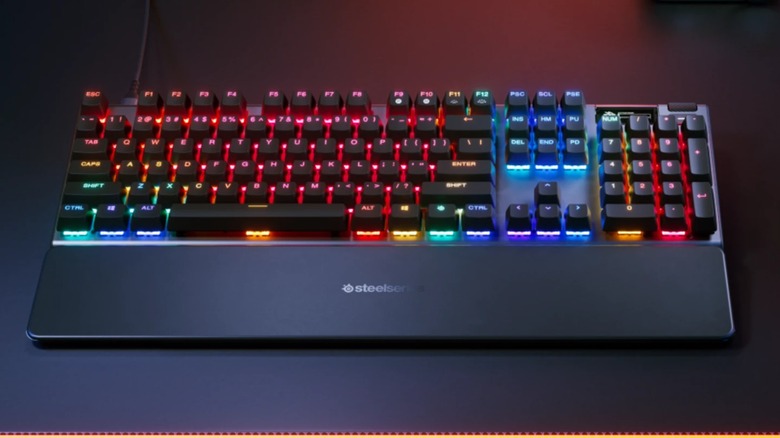
If you mostly play video games on consoles (or certain game genres on PC), you probably use a gaming controller. For everyone else, the mouse and keyboard are where it's at. Of course, no two people agree on whether mechanical or membrane keyboards are superior, but most PC gamers prefer the keyboard that provides the fastest response speeds.
Keyboards primarily communicate with computers and other devices one of two ways: wired and wireless connections (or three, if you split wireless connections between those that use Bluetooth and those that rely on a 2.4 GHz dongle). While the nature of wireless technology lets you place keyboards in a variety of locations — which is a boon for people concerned with ergonomics — this comes at the cost of latency, i.e., the delay between pressing a key and the computer registering the input.
In the spirit of fairness, a variety of factors affect keyboard latency; signal transmission mechanics are only one of them. Device firmware and polling rate (how often the keyboard sends data) also affect latency. However, wired keyboards generally dominate the competition in all of these metrics and sport latency between 1 and 4 milliseconds — most wireless connections can have input delays anywhere between 5 and 40 milliseconds. Moreover, when you plug a keyboard into a computer, you don't need to worry about batteries giving up in the middle of a PvP match or dungeon raid. While we can recommend plenty of wireless keyboards that give the best typing experience, whip out a wired keyboard for gaming.
Gaming mice and controllers follow the same logic
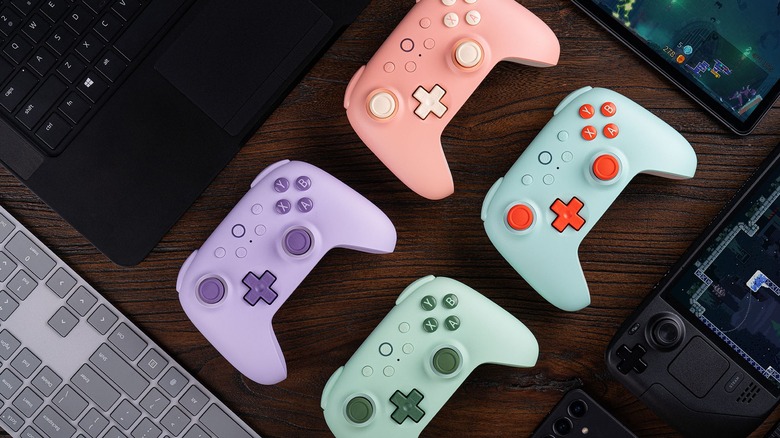
Since wired keyboards offer lower latency than wireless keyboards, you might wonder whether the same applies to other gaming peripherals, such as gaming mice and controllers. Well, since they run on the same technology, yes.
Like with keyboards, you can connect gaming mice and controllers to computers, consoles, and other devices using USB cables, Bluetooth, and 2.4 GHz dongles. And for the most part, these connections follow the same rules: Wired connections provide lower latency and higher polling rates, and vice versa for wireless connections. However, some peripheral manufacturers make it their mission to close this performance gap. Companies such as Turtle Beach and 8BitDo sell controllers with wireless latency that generally rivals that of wired controllers, which is why many gamers swear by these brands. So long as you use the 2.4 GHz connection.
Despite all the advances manufacturers have made, allowing 2.4 GHz controllers to match wired ones' speeds, Bluetooth continues to fall behind because the technology is designed to prioritize battery life over connection speed. It's the same reason turning off Bluetooth doesn't make a difference for phone batteries. And we can't forget the inescapable fact that Bluetooth is unreliable because it is prone to interference. Unless you are playing on a device that only accepts controller or mouse inputs via Bluetooth (or a workaround requires components you don't own), you should always use a wired or 2.4 GHz connection.