

4 Tablet Display Specs Worth Paying Extra For
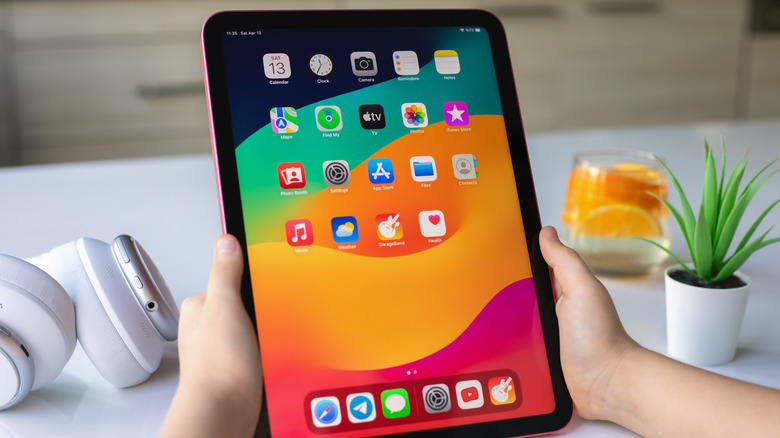
When you're purchasing a new tablet, you probably already know what specs you want to look out for. Depending on how you plan to use your tablet, you'll probably want something with a solid amount of RAM, as well as something that has enough storage to fit your needs. Having a powerful enough chipset (CPU and GPU) to deliver the performance that you require is also another important factor to take into consideration. All of these components are important to having a tablet that works well and lasts a long time.
However, with so many different display types out there now, as well as different resolutions and even brightness levels, knowing which display specs are worth paying extra for is also important. Not everyone will need the highest resolution or even the fastest refresh rate, but that doesn't mean those specs are worth ignoring just to save a little extra cash. Each of the specs that we'll cover in this article can greatly affect how you use your tablet, and in some cases, they might even change how the experience feels altogether.
Pixels per inch
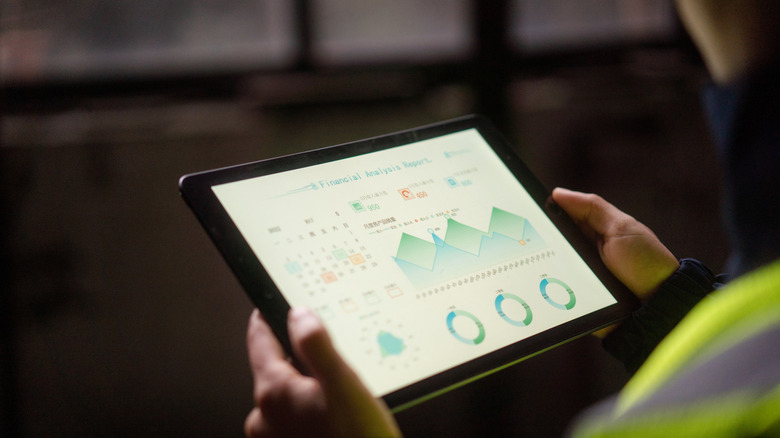
While resolution is an important spec to keep in mind, it's actually the pixels per inch (PPI) that you want to take into account when choosing your next tablet because the resolution of a tablet's display versus the size of the tablet's screen itself actually changes the PPI drastically. If you have a higher PPI, then you have a clearer, crisper image, as the pixels are closer together and harder to spot individually. Alternatively, a lower PPI means that the image might not appear as sharp or clear.
Having a sharp-looking image can be important, especially if you're planning to use your tablet for entertainment purposes. A higher PPI and sharper image can also be extremely important for creative users who plan to use their tablet for art. Many higher-end tablets will sport a higher PPI as well. The Liquid Retina displays found in iPads like the iPad Air often feature at least 264 PPI, providing a crisp and clear image, which has likely helped the iPad remain one of the best-reviewed tablets on Amazon.
For tablets, the sweet spot for optimal PPI is going to be between 250 and 300 PPI. That means having a tablet with a high enough resolution that even at 11 to 13 inches, it provides a PPI above 250. You can calculate the PPI yourself by using the following formula: PPI = √(Width² + Height²) / Diagonal Size. Alternatively, you can always make use of online PPI calculators to help you get an idea of what PPI the tablet offers before you buy it.
Panel type

Another important spec that you'll want to pay attention to when choosing a new tablet is the type of display panel. There's a big difference between a tablet that utilizes an OLED display and an IPS one. While both can look great, they each have their pros and cons. Each individual pixel in an OLED display provides its own light, offering more vibrant colors and darker blacks. This makes them great for crisp and clear images with great viewing angles.
However, they also suffer from a risk of burn-in caused by the use of static elements. This is less of a problem than it used to be, thanks to advancements made in display features that can help clean up the pixels, but it's still recommended that users know ways to prevent OLED burn-in on these screens. On the other hand, an IPS panel uses LCD technology, meaning the pixels are lit up by a single backlight. This provides a greater view in brighter environments.
IPS displays are also known to offer better text clarity and burn-in protection compared to OLED displays, though they aren't as strong in colors and viewing angles. If you're going to be watching a lot of movies or videos or playing games, then going with an OLED display will provide a sharper, cleaner-looking image. Meanwhile, those reading a lot of text or working in documents on their tablet will likely find an IPS panel more worthwhile, especially if they're going to be looking at the same documents for extended periods of time.
Refresh rate
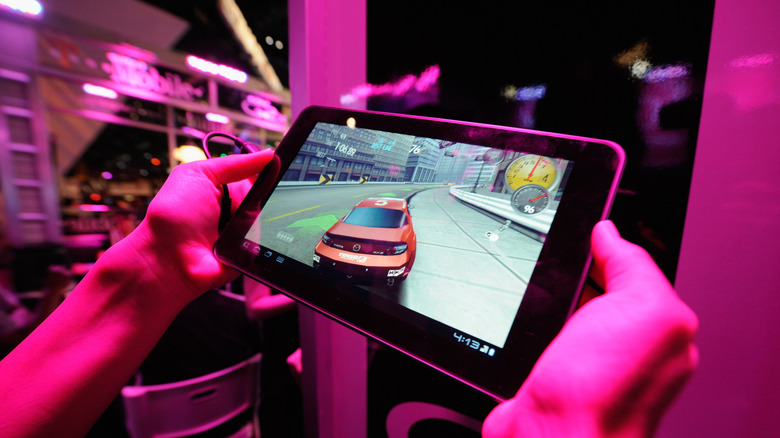
The refresh rate of your display is essentially the measurement of how quickly the display refreshes the image presented on it. Having a higher refresh rate results in faster image refreshes, so you're going to see significantly smoother motion as well as reduced motion blur. A higher refresh rate is great because it can make your tablet feel snappier and more responsive — especially in gaming and entertainment-based uses.
However, there are times when you could spend more for a refresh rate that is too high for your needs. Depending on what price range you're looking at, tablet refresh rates can range from 60Hz to 144Hz. The high-end of the spectrum here is more designed for gaming devices, and while it can be useful, it can also come with increased battery drain and is often saved for the most expensive tablet offerings on the market. For most users, 120Hz is going to provide the most stable and smooth performance for the price.
Just getting a tablet with a high refresh rate is not guaranteed to provide the best performance out of the box, though. This is one of those areas where understanding the other specs that your tablet offers is going to be key, as you'll want to ensure that the chipset in the tablet is strong enough to actually utilize the refresh rate of your display. Understanding the difference between 120Hz and 144Hz can help you determine whether or not you should spend the extra money to reach that higher end.
Sustained brightness

The final display spec you want to consider when looking at a tablet is how bright it can get. This metric is mostly important for viewing the tablet in bright environments, as you want to be able to use your tablet without the image being too hard to see. However, there are technically two brightness levels that you want to keep in mind: peak brightness and sustained brightness.
Peak brightness is the maximum amount of light that a display can give off for a very brief amount of time. For example, the 11-inch iPad Pro's Ultra Retina XDR display provides a peak brightness of up to 1600 nits when viewing HDR content. Tthe display is not going to run at 1600 nits all the time, though. Instead, it's set to run at 1,000 nits of full-screen sustained brightness, a feature that the company has offered on its Ultra Retina XDR displays since 2024.
Companies often measure peak brightness based on a very small part of the screen — sometimes even just the brightness of a single pixel — and not every tablet breaks down the differences as clearly as Apple does with its iPad Pro, so it's important not to get too distracted by the overly high numbers you might see next to a peak brightness spec. Instead, we recommend looking for any information about the sustained brightness that the display offers, as that will give you a much more realistic idea of what you are working with.