

4 Disadvantages Of Installing iOS Public Beta On Your iPhone
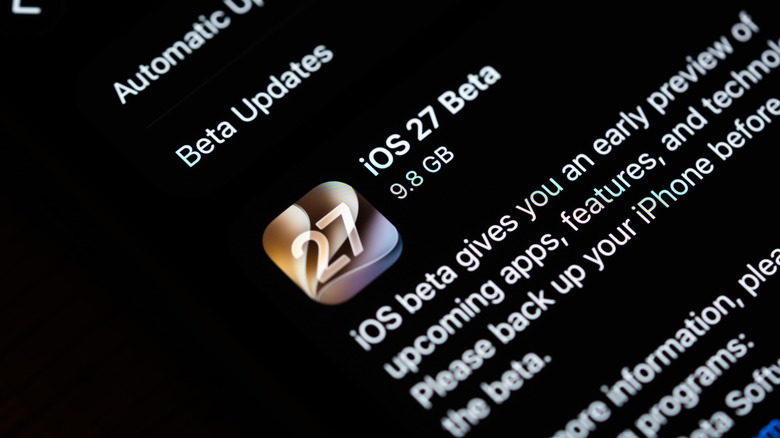
With the public beta version of iOS 27 now available for users to test, many are wondering whether it's completely safe and what the downsides are to installing a beta build of iOS on their iPhone. Generally speaking, public beta versions of iOS are for anyone who wants to test upcoming iOS features. They're different from the developer-only beta that's released earlier and is intended for software developers who want to test their apps on the latest release. But there are several disadvantages that have long kept users from trying out any of the beta releases, and you can't overlook them.
Common problems you can run into after installing a public beta version of iOS include stability issues, potential security concerns, app incompatibility, performance slowdown, and poorer battery life. Much of this stems from the fact that the beta build is still an unfinished version of iOS and is bound to have some bugs and issues. That's the idea of releasing it: letting users test and report bugs, which can then be patched before the iOS version is released to the general public.
Apple also recommends against installing public beta builds of iOS on your primary iPhone or any device that is critical to your daily workflow. It suggests using a secondary device for the beta version, while running stable releases on the primary one.
Stability issues and security concerns

Public beta versions of iOS aren't as refined or polished as the stable release that people generally run on their iPhone, and the latter often arrives a few months later. During this period, Apple identifies and patches bugs in the beta release. That's why if you go ahead and install the beta version as soon as it is out, you are likely to run into bugs, stability issues, and some features that may not work. For instance, built-in apps may crash as soon as you launch them, the interface may feel glitchy, or iPhone notifications may not show up under specific situations.
You could run into any of these issues and more. With different iOS versions, different problems show up. Also, it's important to remember that not every iOS beta is glitchy and unstable. Some are surprisingly stable, while others become more stable over time as Apple rolls out newer beta updates. Besides, a beta release, be it the public beta or developer beta, may have security vulnerabilities, exposing your iPhone to attacks and threats. Although less common than stability issues, the risk of security threats is real.
App incompatibility
It's not just built-in apps that show signs of instability in beta releases. You may also run into similar issues with third-party apps. And the reason is simple: developers haven't had the time to extensively test their apps with the latest release. So, with public beta builds of iOS, some features may not work, and installed apps may crash or even fail to launch altogether. The likelihood of this happening on a stable iOS release is relatively low. That's because app developers test their apps on the beta release and eliminate any bugs that impact the core functionality or user experience.
The worst part is that you don't know which app will be impacted and the extent of it before you actually install the iOS beta version. Sometimes, banking apps stop working, while in other cases, configured iPhone VPNs break. So, if there are critical apps you rely on every day, it's best to steer clear of beta releases on any iPhone they might be installed on.
Performance and battery life issues
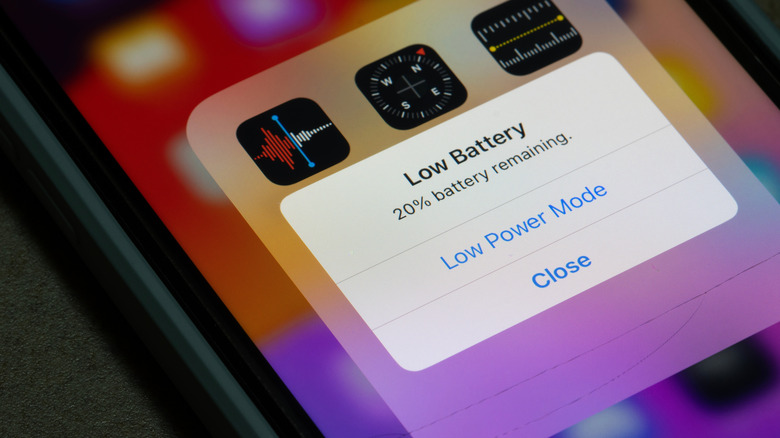
Performance and battery life may also take a hit when installing an iOS beta, and these are often widely talked about. Over the years, beta testers have reported a drop in their iPhone's battery life across iOS versions. Slowdowns, whether occasional or persistent, are also a possibility. Even within the beta-testing period, one release may fix part of the problem, while the next may introduce more. This uncertainty should be taken into account before you consider installing an iOS beta release.
Of course, for some users, the problem is more severe than it is for others. A major factor behind this is the age of the iPhone being used. For example, an iPhone 17 is less likely to show performance or battery issues with iOS 27 beta than an iPhone 11, although both are officially supported. That said, it's also important to highlight that iOS 27 beta versions appear to be more stable than previous beta releases, with early adopters reporting fewer issues.
Risk of data loss
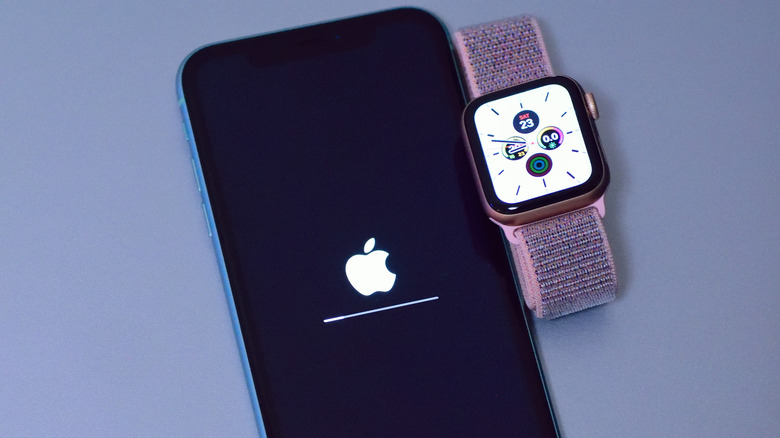
One of the biggest risks of installing the public beta version of iOS is data loss. Although uncommon, you could end up losing all the files and apps stored on your iPhone, both while installing and removing a beta version. That's why experts recommend backing up your iPhone beforehand. A backup helps if your iPhone becomes unresponsive during installation or too unstable to use after installing the public beta. Remember, rolling back to a stable iOS release from a beta version isn't as simple as it sounds. You will need to put your iPhone into Recovery Mode to restore the latest stable version of iOS. But this also means that the iPhone will be wiped clean. So, if you are proceeding, always create a backup.
Even when it comes to backups, local backups on a computer should be the preferred approach over iCloud backups. That's because an iCloud backup can be overwritten with one from the beta version of iOS. A local backup, on the other hand, will let you restore your iPhone to the same state it was in at the time of backup. The only things you lose out on are changes made post-backup.