

What A Flashing Red Light Means On Your Blink Camera
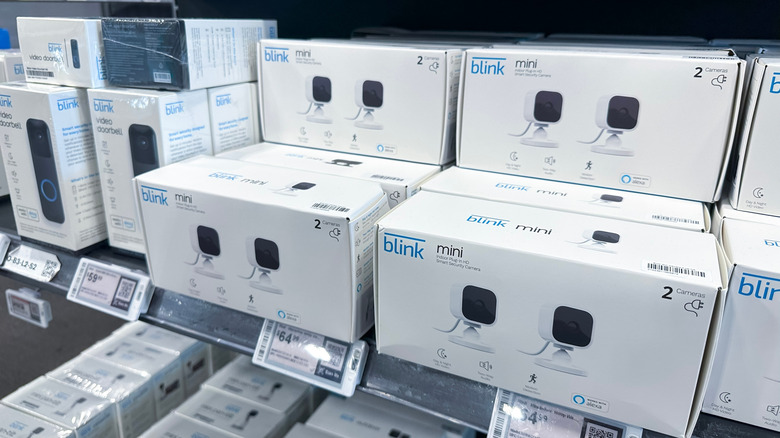
We may receive a commission on purchases made from links.
Affordable home security isn't as difficult to come by as it used to be, especially with brands like Blink on the market. The Amazon-owned tech company specializes in indoor and outdoor security cameras that won't break the bank while still delivering essential features like motion detection, two-way audio, and strong battery life. Most Blink products also have an LED status light for at-a-glance device health monitoring, and if yours is flashing red, it could mean a few different things, though the specifics will vary based on the Blink device model.
If you happen to own the Blink Outdoor 4, you're supposed to see a strobing red light when you're initially setting up the camera or changing it over to a Wi-Fi network. If the flashing red light sticks around, Blink recommends taking the batteries out for about five seconds and then reinserting them. Blink Video Doorbell owners will see a flashing red light around the doorbell button when the device is ready to connect to Wi-Fi. This also appears to be the case with wired indoor cams, like the Blink Mini 2+, Mini 2, and Mini.
Owners of the Blink Outdoor and Indoor (3rd Gen), XT2, and XT devices will see a flashing red indicator every three seconds or so when any of these products are disconnected from Wi-Fi. You'll also see long and short red light patterns when these cams are attempting to join a network.
A low battery could cause a flashing red light
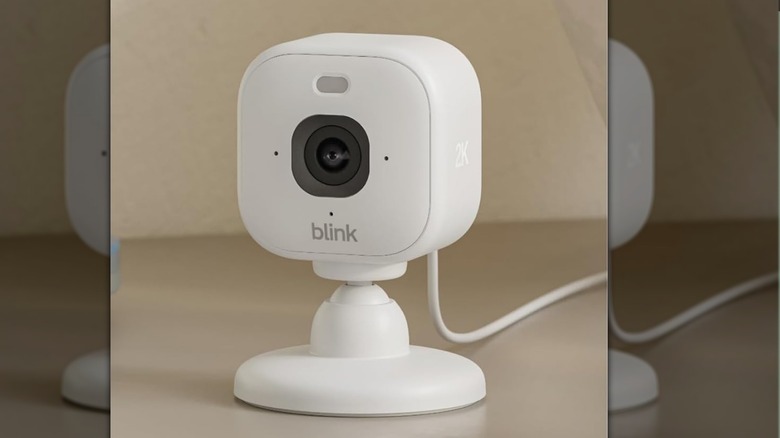
Blink Outdoor and Indoor (3rd Gen), XT2, and XT cameras may also throw a quick red LED when motion is detected. The only other time you'll see a flashing red light on your Blink tech is if the battery level is critically low. This should happen right after the device's blue recording light stops, and you should see five or six red pulses in succession. You can also set up the Blink app to ping your phone or tablet with a low battery notification when your Blink gear is running out of power.
Something to keep in mind: Actual Blink cam owners over at r/blinkcameras have reported inconsistent low battery warnings. Some users have received alerts when battery life is dwindling, while others didn't know their cameras were dead until they fell offline or stopped responding. To that end, it's probably best to get into the habit of routinely checking your Blink's battery level, just in case the software is having a bad day.
As always, your best course of action with home security cameras is keeping firmware and apps up to date. Not only does this ensure that your equipment operates at peak performance, but it's also one of the only ways to shore up any security loopholes that could put your privacy and personal info at risk.