

The 5 Biggest Disadvantages Of Buying A Budget Projector
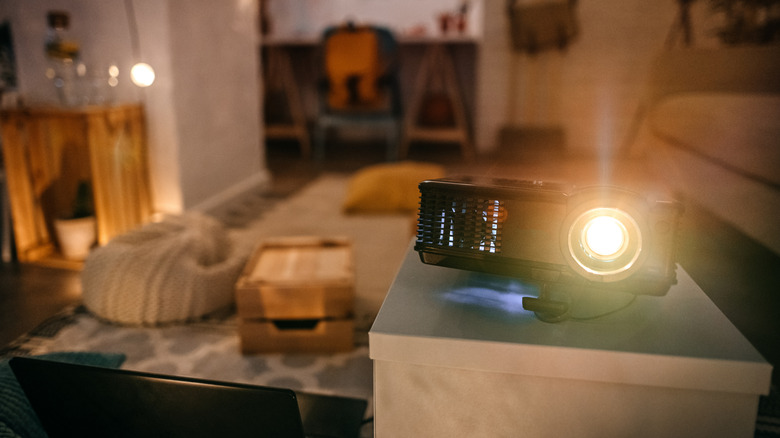
Saving money on consumer tech is a great feeling, and it's even more thrilling when it's major hardware like a TV or projector. As for the latter, a quick Amazon search will reveal that budget-friendly projectors are not in short supply. Many of these devices cost less than $100 and are small enough to fit in the palm of your hand. We're also willing to bet that the manufacturer is super into talking about the onboard audio system, even if it's just a single five-watt speaker.
When you're getting a cheap projector, there are bound to be compromises. Whether it's poor image quality or a dull picture, you're certainly not going to get the best experience. We're not in the business of deterring our readers from buying the AV gear they really want. But when it comes to bargain binning, we know what it's like to think you're getting the greatest deal in the world, only to be slapped in the face with buyer's remorse. To help you avoid such a fate, we put together this roundup of the five biggest disadvantages of buying cheap projectors.
Brightness and color accuracy take a big hit
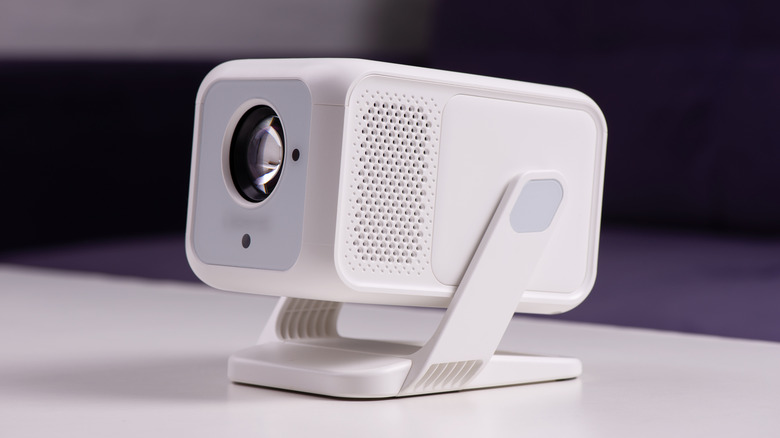
Budget-friendly projectors are an appealing choice for summer movie nights. Invite your pals, light up the fire pit, and then quickly put it out once you realize the ambient glow is overpowering the image your projector is attempting to throw. Unfortunately, in most cases, inexpensive projectors struggle to output the kind of brightness that outdoor movies call for. The worst part is that a lot of manufacturers aren't transparent about this.
If the company is boasting about a projector's "10,000-lux output," that really doesn't mean anything. Instead, look for an "ANSI lumens" or "ISO lumens" figure to get a better sense of how bright a projector can get. The former is a standard developed by the American National Standards Institute, a nonprofit organization, and the latter is a newer measurement created by the International Organization for Standardization. Luckily, these two standards have a lot of overlap, so their figures are normally within about 5% of each other when measuring the same output. For spaces with uncontrollable lighting, your best bet is a projector that delivers at least 1,000 ANSI or ISO lumens — ideally even more — and that's not a spec many ultra-cheap projectors meet.
You'll also need to be mindful of the image size you're working with, because the bigger the projection, the dimmer the final picture will be. Even if the manufacturer claims you'll get enough picture to fill a 130-inch screen, it won't matter much if you can barely tell what you're looking at. Stick to official ANSI or ISO lumens ratings, and treat all other brightness specs with the utmost caution.
Lackluster colors and contrast
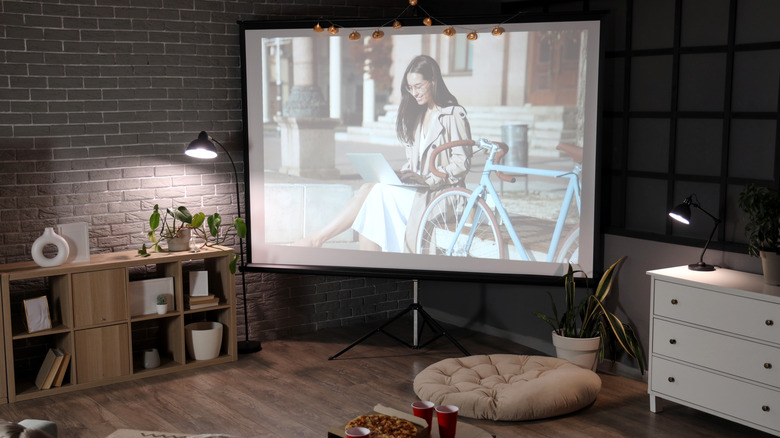
Technically, this section goes hand in hand with brightness output, but it's important enough to receive its own discussion. In order to produce rich, accurate colors, a projector needs to dish out a decent amount of light. Unfortunately, this just isn't the case with many cheap models, and that lack of lumens can have a direct impact on color saturation. So, don't be surprised if movies and TV shows start looking washed out.
Projectors and TVs both support HDR, but mainstream formats like Dolby Vision and HDR10+ aren't as represented in the cheap projector space, not to mention the fact that many units won't get bright enough to make HDR look any different from SDR content anyway. And as you can guess, a decline in colors also comes with a dip in overall contrast. It's already hard enough to get inky black levels out of a top-dollar home theater projector, so it's pretty likely that a $30 product won't be working any contrast miracles.
Unless you're able to control the ambient lighting in the space where your projector is operating, it's really a crapshoot as to what kind of colors, contrast, and overall brightness you can expect. Want our advice? Temper your expectations, and hang onto your receipts.
I/O will likely be lacking
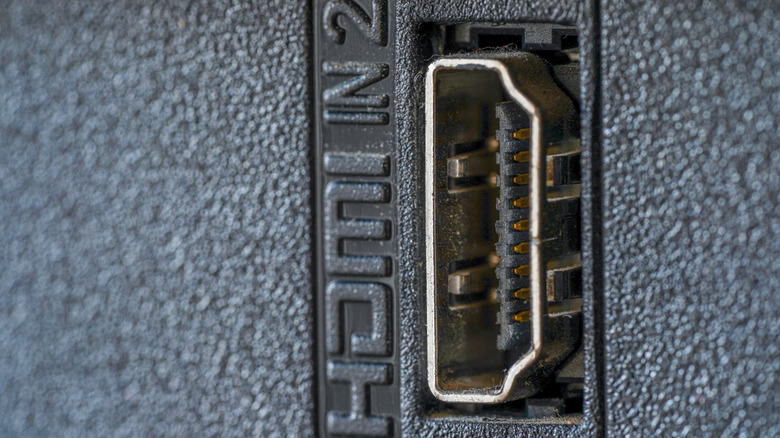
One shouldn't necessarily expect a projector to have numerous HDMI ports and other physical connections. There's less chassis space to work with than most TVs and AV receivers, so even a handful of upper-midrange and premium projectors are lacking in inputs and outputs (I/O). At the budget-friendly level, the situation can be ever more dire. Instead of two or three HDMI ports, it's not uncommon for a cheap projector to only include one HDMI and maybe a USB-A for hooking up an external flash drive.
Cheap projectors may be lacking when it comes to audio outputs and Ethernet connectivity, too. It's also worth mentioning that if you're planning on connecting a streaming device or game console, many inexpensive projectors only support the HDMI 2.0 standard or lower, so your devices will be capped at 4K/60Hz. Speaking of which, you'll want to keep your eyes peeled for misleading resolution info, because manufacturers love saying things like "It supports 4K UHD" when what they actually mean is that the projector accepts a 4K signal, but then downscales the media to a lower resolution.
While a lot of cheap projectors have built-in streaming interfaces, they often leave much to be desired. And even if you can manage to look past the clunky software, bargain binning may only end up landing you support for older, less reliable Wi-Fi and Bluetooth standards.
Meager onboard audio offerings
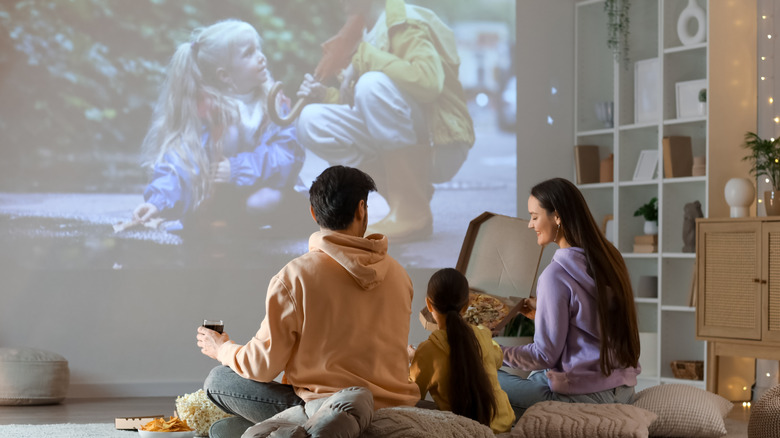
We hinted at this projector drawback in the intro of this article, and it's certainly worth revisiting. It's bad enough that most modern TVs struggle to deliver decent sound quality, and the world of projectors isn't much better. You could spend thousands of dollars on a high-end lens and still be disappointed with the manufacturer's audio choices; that's just the nature of the beast when it comes to chassis-cramped consumer tech.
This isn't to say that every budget-friendly projector is going to deliver awful sound. Over on Amazon, folks were pretty kind to a Hompow HD projector, with one user reporting that not even the fan noise (more on that in the last section) was a big deal. There are also a handful of cheap projectors that use speakers from respected audio brands like Harman Kardon. But remember: the issue is the chassis space, which even the best speakers can struggle to overcome.
Most projector setups are best complemented by external audio, be it a simple Bluetooth speaker or a soundbar wired via digital optical. Fortunately, a lot of these add-on devices are relatively inexpensive and can do a lot to improve the audible parts of your movie night. Another alternative: link up a pair of noise-canceling headphones to tune out distractions.
Overheating and constant fan noise
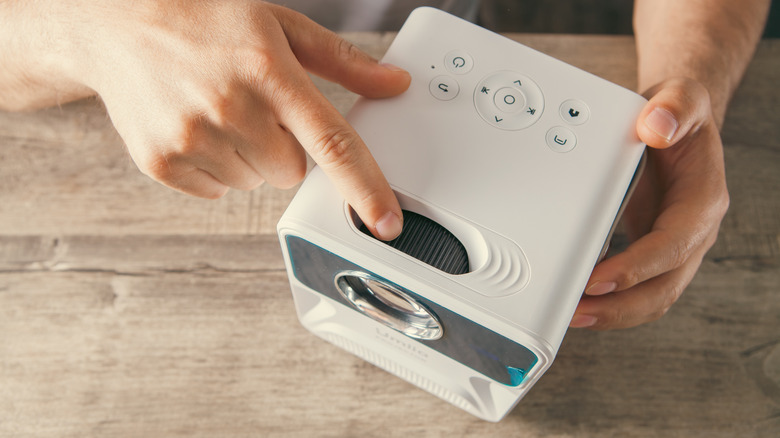
Similar to a laptop, many projectors include a built-in fan to keep everything running efficiently. All projectors generate heat, but the cheapest units may sacrifice a robust cooling system in favor of something less powerful (and cheaper). This often results in an abundance of fan noise, as the onboard cooling tech does its best to keep the internals from frying. And if your cheap projector doesn't have proper venting, it's only going to make matters worse.
The harder you push your projector — especially in terms of image size and brightness — the more fan noise you're likely to experience. Bad thermal management may also lead to a reduced lifespan for your projector, as heat is the greatest enemy to our electronic devices. Too much heat could even lead to early component failures, and replacing dead LEDs isn't something most folks will want to do when you're spending $100 or less on hardware.
Premium projectors aren't leaps and bounds better when it comes to fan noise, but a bigger chassis, additional venting, and a larger heatsink will do a lot to improve the noise level and generated warmth.