

AI Data Center Vs. Cloud Storage Data Center: What's The Difference?

When uploading files to a cloud storage service, users probably don't think about the massive, humming infrastructure operating remotely behind the scenes to keep their digital lives intact and secure. They also don't think about the advanced cooling methods and sheer number of GPUs needed to process their AI chatbot requests either. People expect their photos, documents, and requests to be available or sent over instantly at the click of a digital button or when opening an app on their smartphone. The rapid evolution (or inflation, as some see it) of artificial intelligence is completely changing how computational engine rooms are constructed and maintained globally.
Trying to understand how modern remote computing works or what the difference between AI and cloud data centers is? Then it's important to understand that cloud servers depend mostly on storage, with AI data centers relying on GPUs, CPUs, and RAM to process requests and algorithms efficiently. Shifting the focus of remote computer farms beyond hardware, another big factor to look at is how complex workloads are handled in these physical, remote facilities.
While cloud data centers focus on standard operations like seamlessly serving information to consumers, modern, heavy-duty large language learning models and neural networks demand a completely different architectural process. So what are the main differences between AI and cloud data centers?
What is an AI data center?
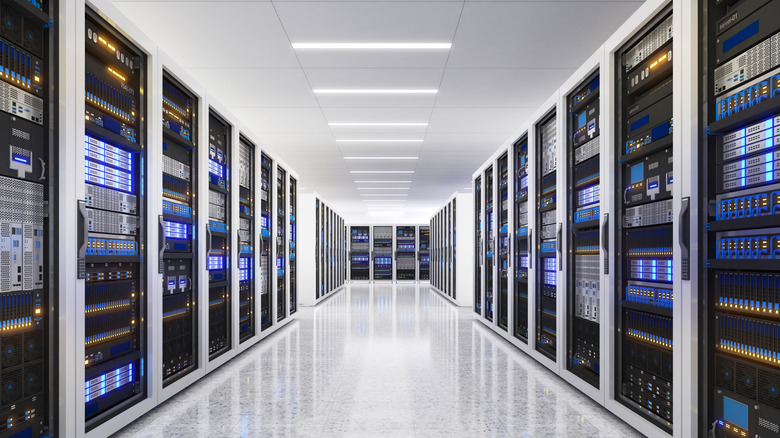
Unlike environments that suit general data and application hosting, servers designed for machine learning are optimized for running deep learning models and executing complex training tasks. Instead of depending solely on central processing units (CPUs), these advanced infrastructures rely heavily on graphics processing units (GPUs) and tensor processing units. These specialized accelerators can handle thousands of computational processes simultaneously, making them ideal for rapid data processing and real-time requests from users.
The way data is stored also differs dramatically when compared to cloud storage, shifting from organized databases to massive quantities of unstructured information, like video streams, high-resolution imagery, and sensor outputs. Managing massive workloads like this requires high-performance storage solutions, such as advanced solid-state drives using non-volatile memory express protocols and parallel file systems. This enables rapid data intake and algorithmic training without creating severe hardware bottlenecks.
Massive data and neural processing demands of dense GPU arrays create a significant cooling challenge inside AI data centers too, with standard air cooling not cutting it. This means liquid cooling on a huge scale directly to CPUs and GPUs to prevent overheating and maintain peak structural efficiency. To add to the complexity of the whole operation, AI data centers require high-speed networking fabrications and low-latency interconnects to support rapid data movement between processors. The tech giants operating these data centers on a global hyperscale are starting to lean toward automatic and intelligent energy optimization software to manage these intense workloads efficiently, which is a trend happening across any industry utilizing modern machine learning platforms.
What is a cloud storage data center?
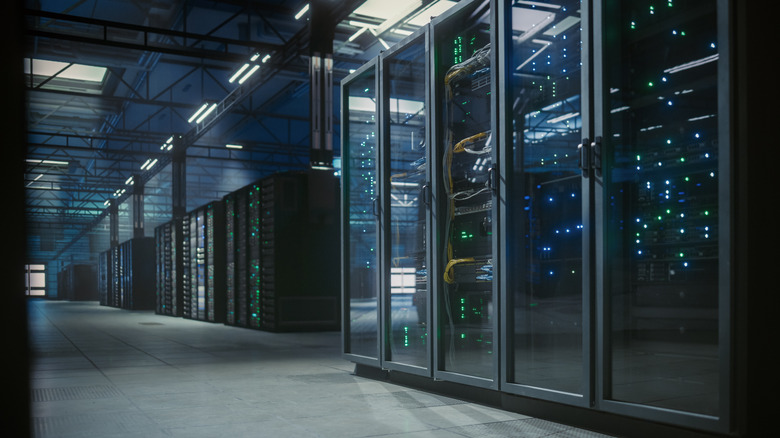
Cloud data centers are built to serve a wide range of traditional computing tasks, including web hosting, corporate databases, and subscription-based software/data delivery. When a service like Google Drive or Office 365 provides its services on the cloud via an internet browser or app, it's typically leveraging a physical facility designed to centralize processes, storage, and equipment cost-effectively to ensure constant uptime. These environments and server racks primarily handle structured data stored in block or file systems, focusing heavily on reliable data replication across multiple machines to protect against unexpected outages.
To keep cloud servers running smoothly, these data centers rely on central processing units to manage standard data transfer across networking architectures. Power consumption is generally balanced across the board, utilizing standard air cooling, ventilation, and air conditioning systems to maintain a stable temperature throughout. Efficiency remains a priority; average power usage is generally evenly distributed and balanced across different workloads.
Cloud data centers usually have on-demand and built-in scalability should they need to expand workloads also. This allows workloads to shift smoothly based on cost, compliance, or raw performance needs. For standard archival needs and simple mobile app backups, relying on traditional cloud storage options remains the most cost-effective choice, but cloud servers aren't going to crank out code on ChatGPT.