

macOS Golden Gate Removes DVD Support (But There's A Free Solution)
macOS Golden Gate is the upcoming software update to all Apple Silicon Macs coming later this fall. While the company told users in 2025 that macOS 26 would be the last update for Intel computers, Apple is now announcing it will phase out more than just Intel Macs, as the latest beta 4 drops support for the DVDPlayback framework, meaning that you won't be able to use Apple's solutions to watch a DVD on your Mac, even though you can still take advantage of third-party solutions.
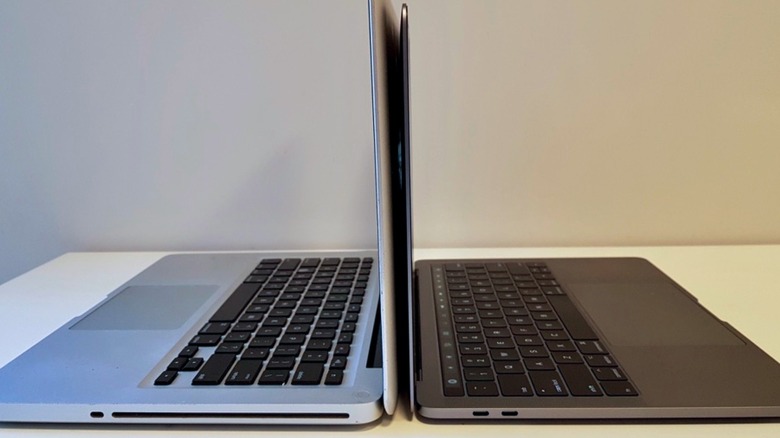
While the phrase "watch a DVD on your Mac" might sound weird, Apple did offer Macs with a CD/DVD player up to the mid-2012 13-inch MacBook Pro. Apple offered this as an entry-level option for the Pro lineup for a little longer. After that, Apple continued to offer support for its USB SuperDrive, which also ultimately got discontinued.
While you can still watch a DVD on your Mac if you're willing to connect an external reader, Apple is killing its native DVD Player app and the system framework behind it, which means the company will no longer maintain the software engine that decodes DVD video. Because of this, you'll need to look to third-party solutions for viewing your DVDs.
How you can watch DVDs on a Mac with macOS Golden Gate
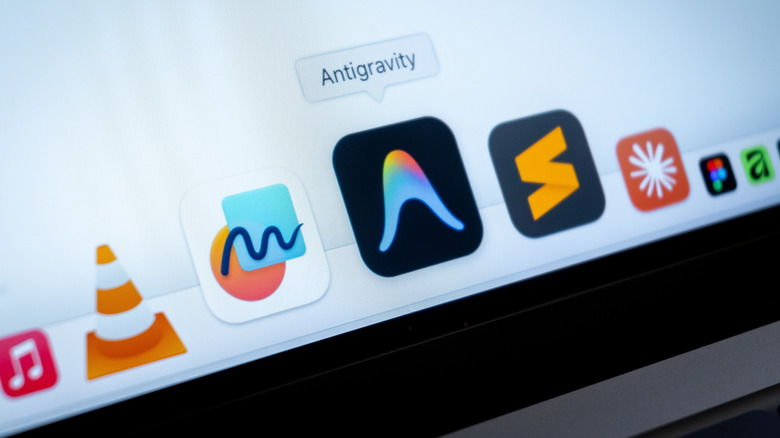
Once you connect an external DVD drive to your Mac, you'll have to open third-party software like VLC or IINA. Both of these software programs are free, open-source, and don't offer in-app purchases, paid upgrade tiers, or ads. They come from the good days of the internet, when a bunch of people would get together to offer great technology that everyone could benefit from.
For VLC, you can download it here. It supports old Intel Mac versions up to the latest software. Once you finish installing it, you can select File > Open Disc, and select the accessory that will read your DVD. Since VLC brings its own playback and decoding engines, it completely bypasses the deprecated Apple framework, playing the DVD seamlessly with the menu, additional content, and whatever else it might feature. For IINA, you can download it here, and then follow the same steps to take advantage of your old DVDs.
As a final note, users should be aware of software running Rosetta 2, an app Apple developed to help users navigate the transition from Intel to Apple Silicon. Apple says that by macOS 28, it will remove Rosetta 2, finally completing the Intel transition by not offering or supporting its hardware or the software related to it.
Here's what else you can expect from macOS Golden Gate
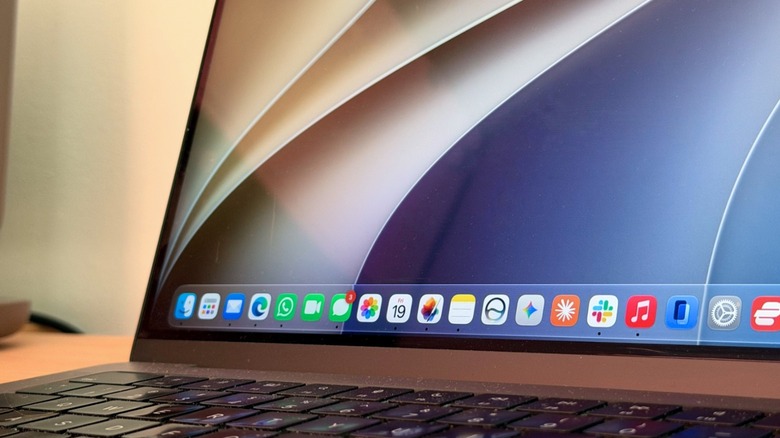
macOS Golden Gate is like a new beginning for the Mac. While macOS Tahoe gives Intel Macs a glimpse of the future of the company's computers, macOS 27 is all about Apple's latest devices. With this generation of software, Apple is removing legacy code and improving the efficiency of its computers and features by making AirDrop, photo editing, opening apps, and more much faster.
In addition to bringing software improvements, bug fixes, and security patches, macOS Golden Gate has a big focus on Siri AI. Apple's personal assistant now gets a Gemini model to power it, bringing several features you'd expect from an AI in 2026: deep knowledge about you, tapping information across Apple apps, generating images, answering world knowledge questions, and even getting tasks done for you. Apple says that everything is done privately, even when it hits the company's cloud.
While Apple Intelligence is obviously a great part of macOS Golden Gate, it seems Apple is marketing most of the changes related to its AI into Siri, as the personal assistant is responsible for revamped Writing and AI Tools, next-generation image and Genmoji generation, and contextual information through Visual Intelligence. macOS Golden Gate is expected to be released later this fall alongside iOS 27, iPadOS 27, and more.