

The Reason Your Battery Pack Takes So Long To Charge
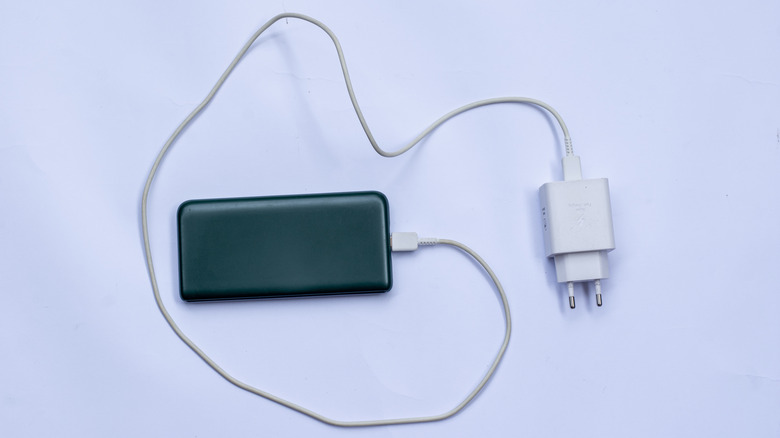
Portable battery packs or power banks have become increasingly common in recent years. Whether you are out for the day or on a long vacation, a portable battery pack ensures that devices like smartphones, earbuds, and even laptops don't run out of juice. Many modern power banks come with the Power Delivery (PD) protocol that allows higher power output, which directly translates into faster charging. But when it comes to charging the battery pack, it can sometimes take longer than you expect. And there are several reasons for that.
From low-powered charging adapters and damaged, worn-out cables to hitting charging limits and overheating, it could be anything. In most cases, assessing your adapter and cables and checking the power bank's manual should clear things up. Also, keep in mind that the power bank's capacity plays a major role in the time it takes to fully charge it. The higher the capacity, the longer it takes to charge, provided other factors remain constant. With the same 10-watt adapter and cable, a 20,000 mAh power bank will take around 8 to 12 hours to charge, compared to 4 to 6 hours for a 10,000 mAh battery pack.
Additionally, charging a battery pack while drawing power from it simultaneously increases the charging time. The battery pack's age also plays a role. An older one may not charge as fast as it did when it was new because batteries degrade with time, which impacts their charging speeds.
Adapters, cables, and input rating are primarily to blame
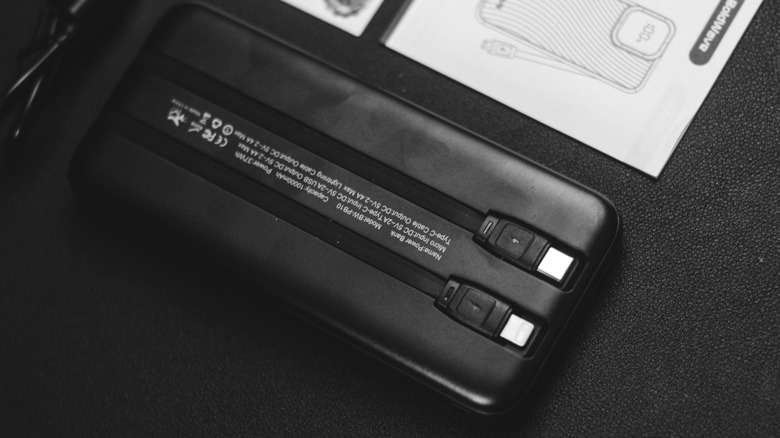
One of the main reasons why your portable battery pack is charging slowly is that it's not receiving enough power. This happens when you connect it to a source that can't deliver sufficient wattage. For instance, a 5-watt adapter, even when coupled with the best cables, will charge your battery pack slowly. However, this doesn't mean that using a 65-watt or 100-watt adapter will automatically speed up the charging rate. You will have to find out the input rating of the power bank. That's the maximum power it can draw. Anything below that rating will increase the charging time, but anything above it won't magically improve things. The input rating is generally listed on the battery pack itself. If it isn't, you can find it in the manual or on the manufacturer's website.
Using damaged, worn-out, or cheap USB cables is another common reason behind slow charging. A damaged connector can have a major impact on the charging rate. When picking cables, it's important to go with ones that have higher current ratings and are properly shielded. We also can't ignore the fact that not every battery pack is of high quality. And one of the biggest problems with a low-quality power bank is that it takes longer to charge itself and connected devices. That's why it's recommended to always go with the top-rated power banks. Lastly, extreme temperatures, both too high and too low, can increase the charging time.
Reducing charging time
As you can see, there are far too many reasons why your battery pack could be taking too long to charge. But fixing it is usually simple. You just need to identify the underlying cause and rectify it. In many cases, it's a low power adapter or a faulty charging cable, and replacing them often does the trick.
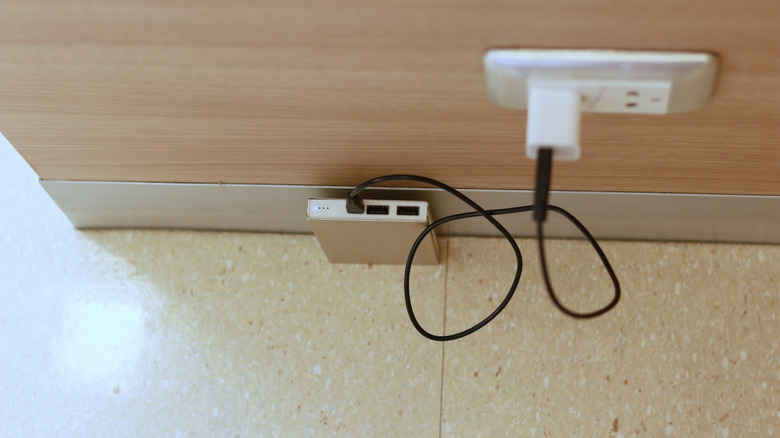
Don't try charging your power bank while using it unless it has a passthrough feature. However, even if your power bank supports passthrough functionality, avoid it when you need faster charging. That's because, when you charge your battery pack and connect it to another device simultaneously, the input power is distributed. This means your battery pack isn't getting as much power as it ideally should. Besides, with power banks generally featuring lithium-ion or lithium-polymer batteries, it's recommended to charge them between 32 and 113 degrees Fahrenheit for the best results.
All that said, if your power bank is too old, it's likely that the battery has degraded significantly. At this point, using another adapter or changing cables won't do much good. What you need is a new power bank. And when looking for one, make sure it comes with critical safety features. This will extend its lifespan and protect your devices.