

4 Unexpected Reasons Why Your SD Card Is Failing
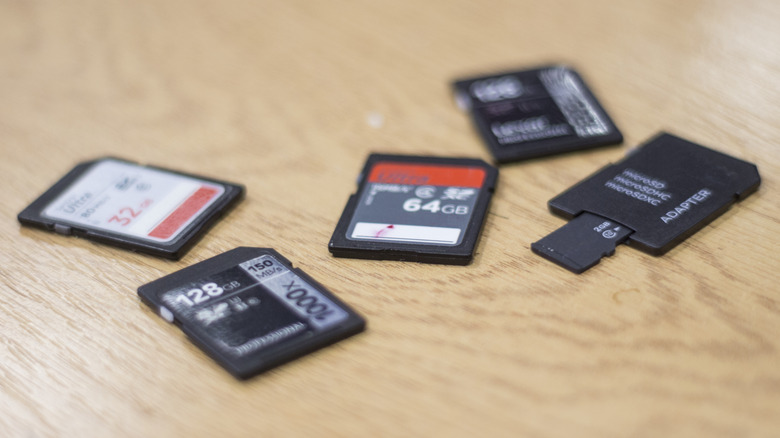
One of the more sobering realities of the current storage and RAM shortages is that hardware tends to malfunction or fail, which means most of us will eventually experience it for ourselves. You could be set up for years with an excellent collection of devices, but at some point, you'll run into technical failure. The life expectancy for various forms of storage is generous in most cases: About four to seven years for standard hard drives, up to ten or more for solid-state drives, and over 10 years on average for flash storage — but that's not always a guarantee. Storage can, and does, fail sooner rather than later, removable media like SD cards included.
According to a poll conducted by Tony and Chelsea Northrup, with over 4,300 participants, nearly half experienced SD card failures. The poll was largely geared towards photographers, and the data shows that most failures related to how often the cards were used or accessed — essentially, how many digital photos were captured and stored on the cards. That highlights one common reason removable storage might fail: Extensive or extended use. Generally speaking, that's not unexpected. You'd expect that hardware used often and put under demanding conditions for long hours might eventually fail. However, there are some other things going on that lead to an SD card failing, and those reasons apply to both flash and traditional storage sometimes. As they say, expect the unexpected, so let's dig into some of those unexpected events, so we all can better prepare.
Data and drive corruption is spreading
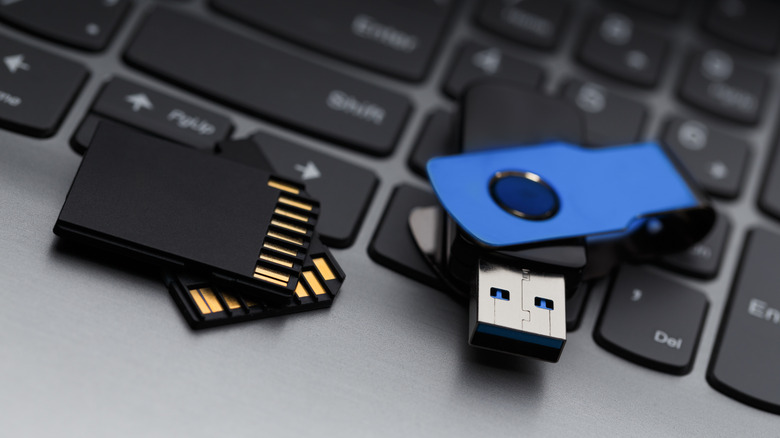
Corruption can happen for a number of reasons, more so to removable media like an SD card. Storage can accumulate bad sectors over time, there may have been manufacturing defects that were never identified before use, the firmware might be corrupted — SD cards have a firmware sector inside an onboard microcontroller — and power failures, sudden or not, can also corrupt data devices. The presence of corruption doesn't necessarily mean your stored data is lost, though. There are some cases where you can restore data from an SD card or USB drive, so long as they're not physically damaged. That also means the drive might appear normal, allowing you to access all your data, until you gradually or suddenly cannot.
Corruption can happen when you prematurely or unsafely remove drives, particularly if they're in the middle of a transfer or being accessed at the moment you yank them out. It can also occur due to interrupted transfers or write processes, or exposure to extreme temperatures. Avoiding these things at all costs is the best practice. Safely eject drives or media from a control panel before removing them and avoid pulling them in the middle of a transfer. Be careful when ejecting or inserting the cards. Keep them away from harmful environments and store them in protective cases when not in use. That said, some corruption is unavoidable and will occur regardless over the lifespan of a drive. That's why backups are always important.
Negligence or physical damage is taking its toll
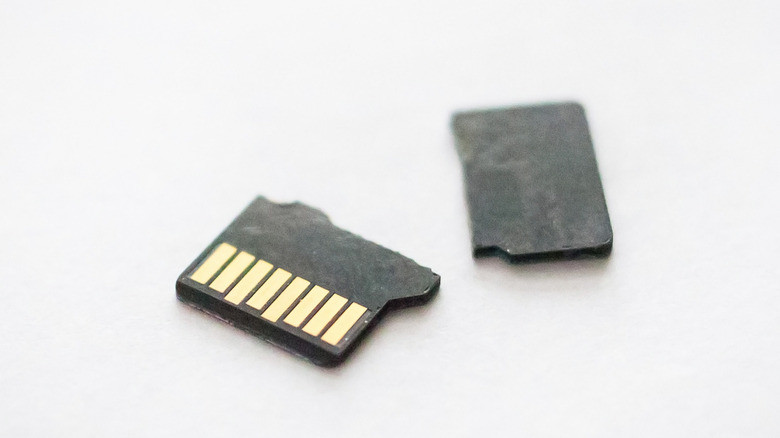
SD cards — Micro SD, above all — are more fragile than you'd think. There are many instances of users snapping their Micro SDs in half while modifying their Steam Decks, for example — they forgot to eject the card before taking apart the system. Others might unknowingly shove their Micro SD into a device slot the wrong way, getting it stuck.
Physical damage can also occur for other reasons. Loose cards stored inside a case during travel can bounce around, damaging the contacts or physical components. Exposure to hot and humid temperatures is never good, and can cause failures. Some brands, like Lexar, offer extremely durable options for a premium. SD cards are also small enough to drop or misplace, and although they might not exhibit physical damage after, it's kind of hard to use something you can't find.
When you buy a card, you don't intend to experience anything like this — who would? — but that doesn't mean it cannot happen. Even the slightest negligence can cause damage that you never considered. If you forget your case of SD cards inside the glovebox, abandoning them to bake in the hot summer sun in your car, that's all she wrote. And it's surprisingly easy to do no matter how much you tell yourself you never will. Some would even go so far as to caution against buying USB drives or SD cards over more durable formats.
You actually have a defective or fake card
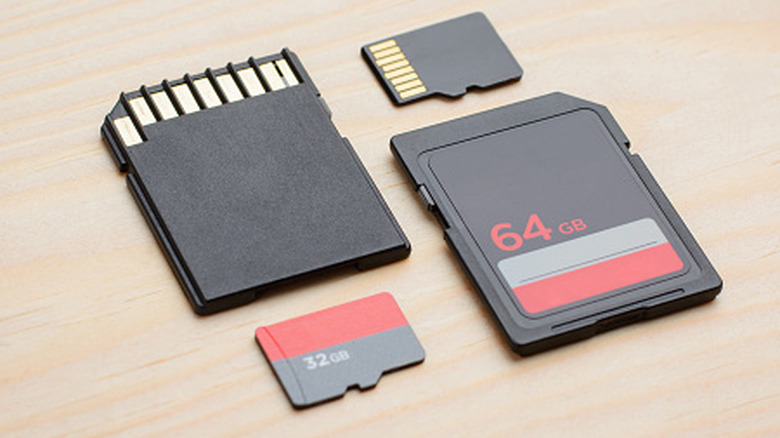
Minor defects can lead to big problems. It may manifest as poor performance regarding the card's advertised read and write speeds, data corruption, complete failures, or even limited capacities. You could think you're getting a 128GB card just to find out it only has 64GB of usable space, or less, after formatting.
Beyond defects, many cheap and generic brands actually ship fake SD cards, with specs that don't live up to the advertised performance. In fact, nefarious sellers sometimes alter the firmware on the cards to show the larger capacity when you slot it into your camera or devices. That can make things real confusing when you start filling up the card and get close to the real limit, which is much smaller. This is also a prevalent issue with online retail sites, such as Amazon, where some knock-off brands will even label products with a well-known name, like Sandisk.
Unfortunately, there's not much you can do if you've discovered you have a defective card. You can either order a replacement yourself, or try to reach out to the manufacturer or seller for a refund and replacement at no cost. As for fake cards, the only way to really protect yourself is to do your due diligence before buying. Check for reputable sellers, always refer to user reviews, and avoid buying from unknown names or brands. It helps to have a list of SD card brands power users or photographers swear by.
Some debris got on the contacts
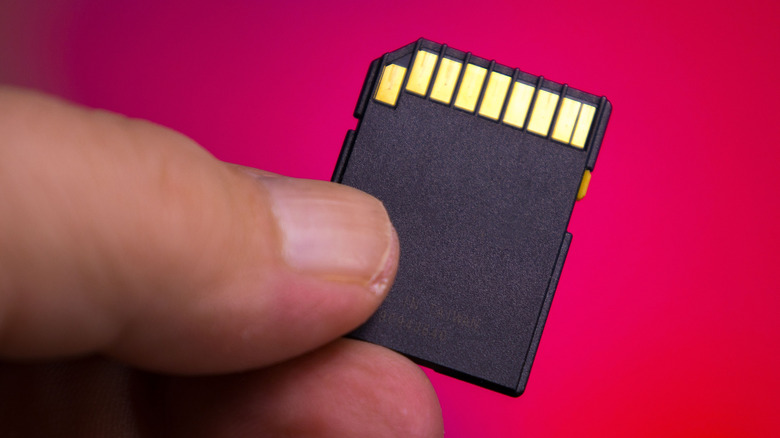
The next time you eject an SD card or have one handy, flip it over and look at the bottom. You'll notice a series of flat metal pins which are usually a gold-plated conductive surface. When you insert an SD card into your device and its corresponding slot, or port, those pins create a circuit connection used for communication and data transfer. Each pin serves a specific purpose in the communication chain. If one gets dirty or interrupted in some way, it can result in weird behavior when you're trying to access or transfer data.
Dirt, dust, and other small bits of debris could make their way in when you insert a card, eject, or may even rest inside the port of your device if it doesn't have a cover. Lint from your pocket, for instance, could get inside and create a barrier for that communication. You should be able to wipe it carefully with a microfiber cloth if you notice anything sticking to the conductive pins or side of the card. Otherwise, be sure to store the cards in protective cases when they're kept outside a device, or try not to remove them often if you're using them with a specific device.
Other things to watch out for
Cards can also be damaged or affected by static electricity damage — try to keep yourself grounded when handling electronics — as well as data fragmentation and formatting. One device might format a card in a unique way that doesn't allow it to be used with other devices, until the formatting is cleared. I've personally run into situations where an SD card that was seemingly completely corrupted and unrecoverable was fixed by simply using a more advanced tool to wipe its contents and start anew.
You can also repurpose your old SD cards. Reformatting seems to be a highly useful way to "reboot" cards, since you're wiping them clean and starting fresh, but doing so will erase all data they contain. If you've confirmed your personal data is unrecoverable anyway, there's not much else you can do, but it highlights the importance of making regular backups and keeping those back ups safe. You should back up important devices like your phone often. If you're looking to add more storage space to your phone, tablet, or mobile device, you should also know there are ways to expand storage without an SD card, like plugging in a USB drive or other external media. It's a little on the nose, but cloud storage is another alternative.