

Does An HDMI Coupler Impact Video Quality?
We may receive a commission on purchases made from links.
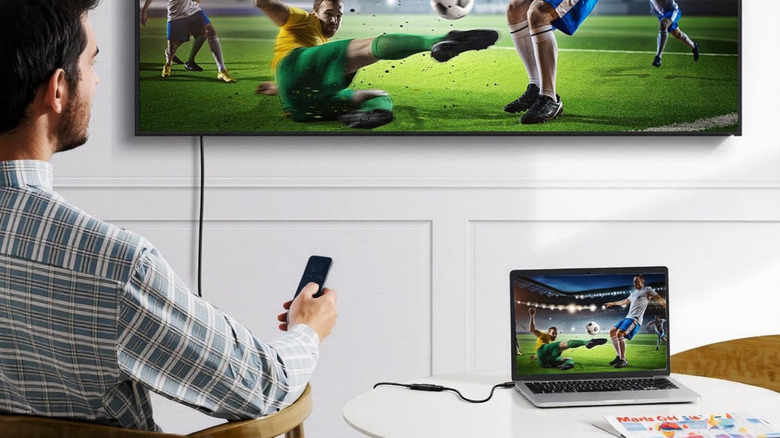
Whether you're wiring up a complete home theater system or just plugging a game console into your living room TV, you'll need an HDMI cable. This simple A-to-B wire has been around for some time, and it's one of the most common connection standards for everything from TVs and projectors to AV receivers and Blu-ray players. HDMI is about as plug-and-play as it gets, but things can get pretty interesting when you introduce accessories like HDMI couplers to the equation.
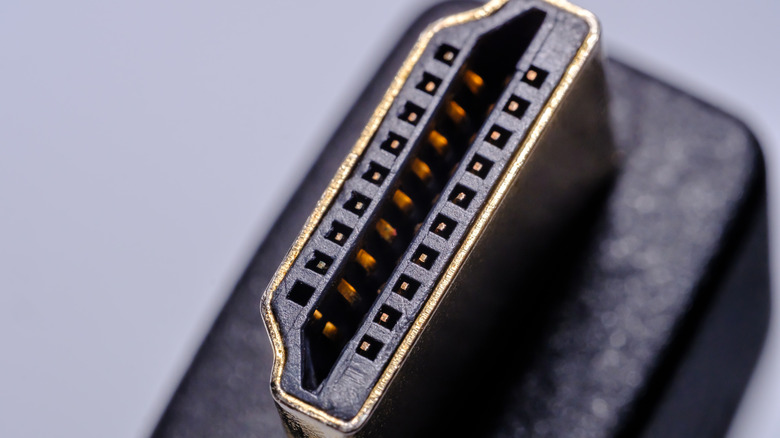
An HDMI coupler is an adapter with two female ends, and it allows you to extend the signal path of a single HDMI cable. Cable A plugs into one end of the coupler, while Cable B plugs into the opposite — that's really all there is to it. But does using a coupler affect the overall video quality of your HDMI connection? Generally speaking, if you just need a few extra feet, adding a coupler to your wire run shouldn't be an issue. Ideally, you'll want to use the same type of HDMI cable on both ends, but picture and sound quality should go mostly untouched.
It's when you start messing around with two different brands of HDMI wire, or two different HDMI standards, that you may run into compatibility issues. We should also mention that there may be a quality loss with HDMI when you're dealing with longer cables.
An HDMI coupler might do the trick, but be careful when using longer HDMI cables
Yes, there are plenty of 100-foot HDMI cables on the market, but we'd be hesitant to buy most of them. Historically, HDMI as a whole becomes far more prone to signal interference and degradation for 25-foot wire runs or longer. To properly go the distance, an HDMI balun is a much more reliable option. This is a two-piece accessory: a transmitting unit with an HDMI input and Ethernet output, and a receiving unit with an Ethernet input and HDMI output. This tasks your Cat5e or Cat6 cable with carrying the main signal over a long distance, before converting back to HDMI.
But let's say you're keeping wire runs under 25 feet: you'll still need to be mindful about the type of HDMI coupler you purchase. Your best bet is to look for one that supports up to HDMI 2.1, or any cable rated up to 48Gbps for bandwidth. This is a widely supported HDMI standard that's been around since 2017; if you've got spare HDMI cables around, there's a decent chance one of them is 2.1-rated. Fortunately, HDMI 2.1 is backward-compatible with all previous HDMI standards, too, so your HDMI 2.0 tech (or older) will always work with a 2.1-rated coupler.
One of the only other things to be concerned with is a little something called High-Bandwidth Digital Content Protection (HDCP). This is a copyright protection built into numerous AV devices, and some HDMI couplers (especially ones that don't support HDMI 2.1) may prevent Device A and Device B from properly handshaking, resulting in an HDCP error or a no-signal screen on your TV.