

Does Your Charging Port Feel Loose? This Might Be Why
We may receive a commission on purchases made from links.
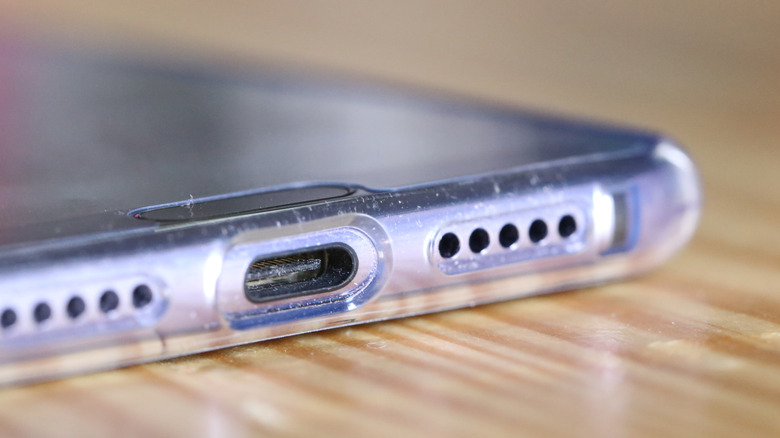
Over time, you may notice your USB-C charging cable doesn't fit your device the way it used to. Either it doesn't seem to plug in all the way, hangs loosely, or it falls out more than ever. It's easy to assume the port is the problem, especially if the issue persists after swapping cords. Most of the time, however, the fix is a simple one; the port needs to be cleaned, or rather, you need to remove any dust or debris that's collected in there. Lint, dust, dirt, hair, and other nasty surprises make their way inside. Once they build up even in very small increments, it creates problems with the cable — we're talking millimeters or fractions of an inch.
Removing debris is fairly simple. First, unplug your phone and turn it off, just to be safe. Then, use a flashlight or light to peer inside the port, inspecting for grit, debris, or residue. Check around the center piece but also around the outside rim of the port. You're looking for damage to the connector or frame, including cracks, bends, or missing components. If you don't see anything physically awry, start cleaning. Take a compressed air can or a small handheld air blower and blast some of the debris. For anything stubborn, consider using a soft toothbrush or a thin Q-tip — though be very careful with any harder materials. Some guides recommend using a paperclip or toothpick; I would actually avoid this if you can. Once you've removed some contaminants, try plugging the cable in. If it fits snugly, then congratulations. If you're still having issues, or it still feels loose, try cleaning a little more. You can safely clean your computer's USB ports the same way.
If you must use a hard tool, try a plastic dental pick
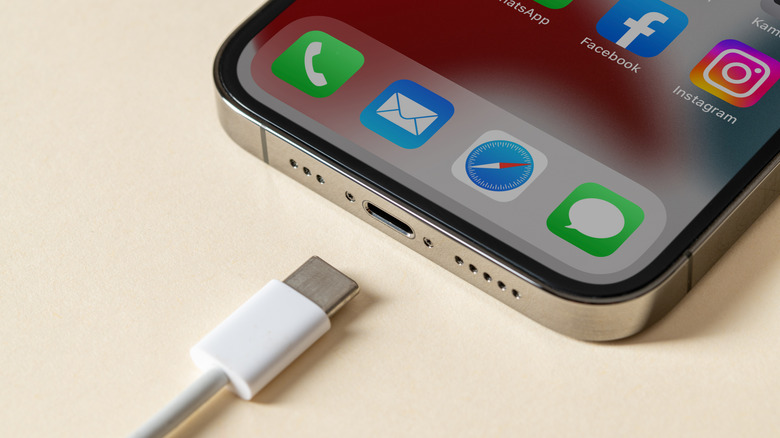
Don't use anything metal like a paperclip or those small SIM card tools to clean out your device's charging port. Metal tools and sharp objects in general should be avoided at all costs because there's a high likelihood they can damage the connector inside or ruin the metal contacts which are quite delicate. A compressed air can or an electric air blower is your best bet. But if you're having trouble moving some solid debris, and you insist on using something tougher, you could opt for the tip of a plastic dental pick. It's a much better choice versus anything metal or even a wooden toothpick — wood can splinter and trap more pieces inside. It's actually a reliable and simple cleaning trick to help you get rid of dusty charging ports once and for all, of all sizes, not just the USB-C ports on your phone. There are also dedicated port cleaning tools, specifically, and other cleaning kits with similar probes.
Always make sure your phone is off beforehand to prevent shorts or electrical failures. Then, carefully use the pick to remove or loosen the debris inside. Use the compressed air for good measure to blow out anything you've loosened up. You might be surprised to learn that most common USB problems can be solved by simply cleaning out the port. Outside of failing hardware or broken contacts, debris gets in the way of the electrical components.
Seek professional help if there's more at play
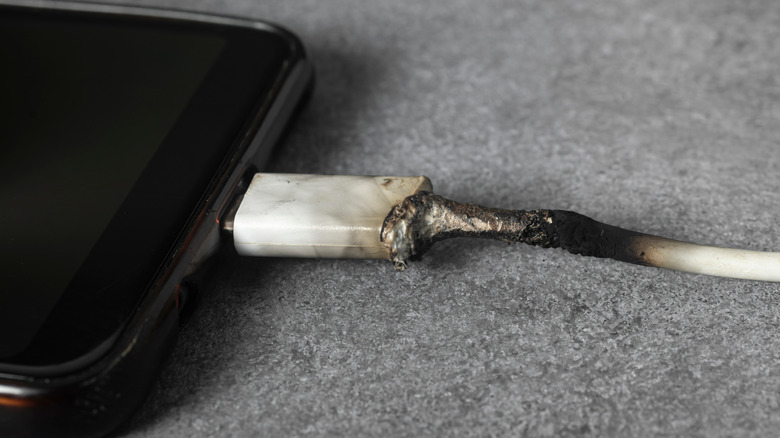
Home and DIY checks for your USB ports are probably the best, and most affordable way to go, as long as there's no physical damage to the port or connector. If you do notice damage during your initial inspections, it may be necessary to seek professional help and get some repairs done. Visible damage is one of the most straightforward ways to determine if the USB charging port on your phone is broken. Physical damage can include bent pins, broken metal components, or a warped or crushed frame; these are also telltale signs a more advanced repair will be needed.
If the port feels physically loose, not just the cable, such as the parts are wiggling or moving around without much pressure, it's possible the assembly needs to be fixed or resoldered, in which case, a professional repair is also the most likely solution. Additional signs that you should seek out professional repairs include a port or cable that's getting unusually hot, odd smells or burning odors, visible changes like sparks or pieces falling out, and, of course, if there's been any liquid or moisture exposure.