

5 Disadvantages Of Using A Tablet As A Laptop Replacement

Tablets have evolved a lot in recent years, but they still have several disadvantages when used to replace a laptop. Even though modern models come with faster processors, better screens, and features that bring them closer to the experience of a traditional computer, some format limitations remain and can matter a lot, especially depending on how you plan to use the device.
In practice, most users will see these differences appear when the tablet needs to handle complex tasks. Even though many devices in the category focus on this, these smaller sizes may not work well for multitasking. File management and compatibility with certain peripherals also matter, even though tablets today have USB-C ports that let you connect several accessories. In addition, turning a tablet into a workstation also requires investment in several extra add-ons.
That does not mean tablets are a bad choice. They can offset most disadvantages compared to a laptop with a smaller, lighter size that is less inconvenient to carry around. For that reason, if you are unsure which one to buy, you need to understand the compromises you may have to accept.
You need to use gadgets to mimic a laptop experience
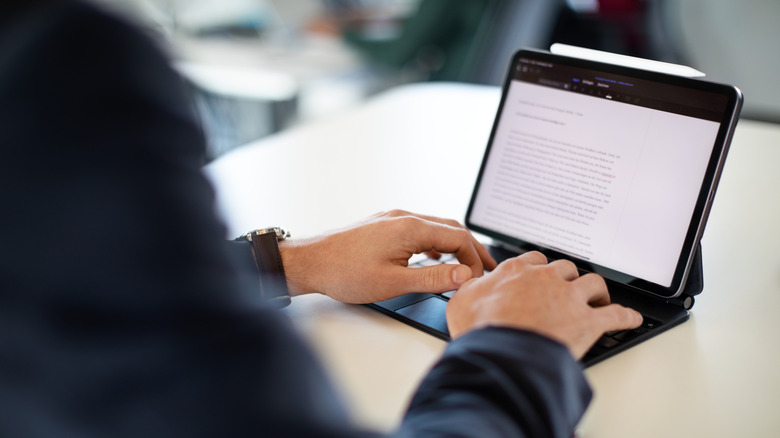
One of the biggest disadvantages of buying a tablet is that, to work well for most activities, you need to equip it with several peripherals. If you need to type for hours, for example, the virtual keyboard most of these devices have may not offer the same comfort as a traditional keyboard, just as a mouse can work better for copying and pasting.
In addition, depending on the model, you may still need a stand, USB-C hub, or adapters to connect more devices to your tablet. Some of these gadgets can improve productivity, but they also show how, to get an experience closer to a laptop, you need several extra pieces of equipment.
This also creates an additional problem where these items increase the total cost you have when buying the tablet and take away one of its biggest appeals, practicality. Depending on how many accessories you use with your tablet, you will need to carry more weight, which goes against the portability idea behind these devices.
You cannot upgrade RAM or internal storage on a tablet
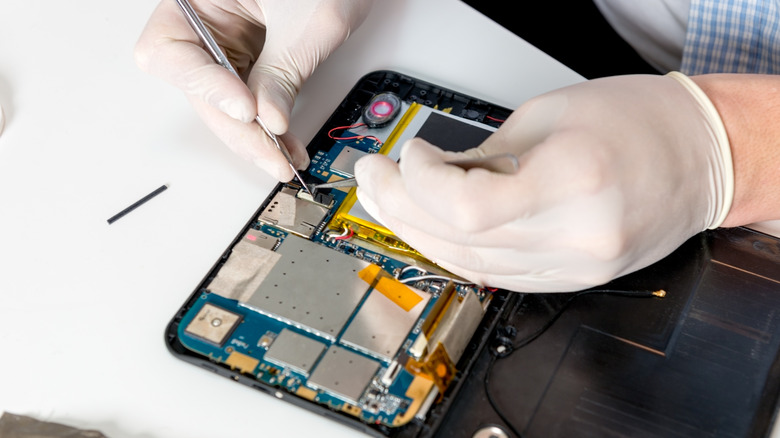
Another disadvantage of tablets compared to laptops is that almost all the internal hardware stays the same throughout their useful life. RAM and internal storage usually come soldered or integrated into the board, with no option to replace them with better components. In contrast, some laptop upgrades cost less than buying a new PC, mainly because the models let you make some adjustments.
So, even if a laptop doesn't offer the same customization as a traditional desktop, it still lets you adjust your portable computer's internal settings. In most cases, however, you can expand the memory, add more RAM, or even add an SSD to speed up document reading.
This way, you might have limited options for customizing your laptop, but you can still extend its useful life. Upgrading from an HDD to an SSD can make a difference straight away, depending on your model, and more RAM can help with multitasking. On a tablet, if the hardware no longer suits your needs, you have to buy a new one.
Tablet multitasking is restricted by mobile operating systems
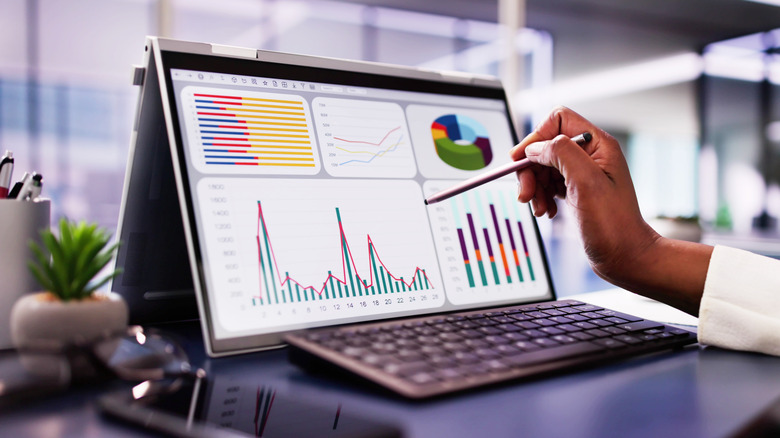
The selling point of many tablets today is multitasking, since there are several clever uses for split-screen on an Android device. They also have floating windows, and some models have desktop mode. These features help a lot, especially when you need to write while checking information in other apps at the same time.
Even so, the experience usually doesn't offer the same flexibility as a laptop. Windows and macOS let you resize, overlap, and organize several windows more freely, while iPadOS or Android on mobile devices can limit how many apps stay active at the same time. So, features like Samsung DeX can create a more desktop-like experience, but they remain tied to Android system limitations.
So, if you need to work with several documents, search the web, and still manage other files at the same time, this difference becomes clearer. You also need to consider that a tablet screen is much smaller than a laptop screen, which today usually comes in around 15 inches, making it easier to handle several documents and windows at the same time.
Using a tablet on your lap isn't always comfortable
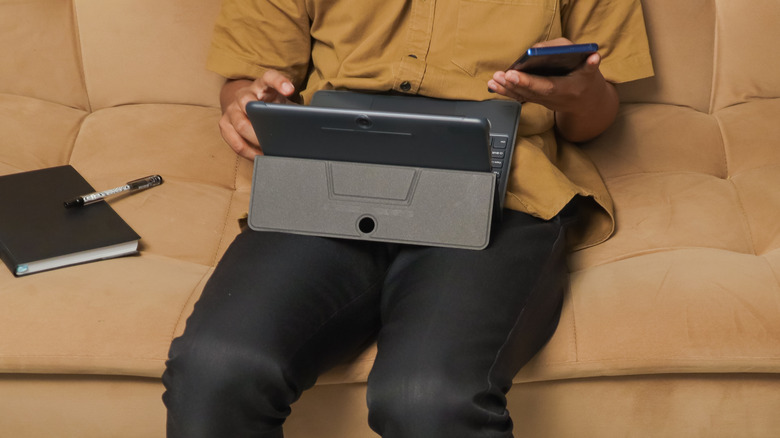
A tablet's ergonomics are also poor, especially if you plan to use it for several hours a day. That is because a laptop has all its main components, such as the keyboard, trackpad, and screen, connected by a hinge, forming a single structure that stays stable on your lap the whole time. Some accessories even try to solve this limitation, and there are even ways to turn an iPad into a MacBook replacement, but the experience depends a lot on the accessory you use.
This difference becomes stronger if you don't have a table available, since when you use one of these devices on your lap, kickstands and detachable keyboards may require more space to feel comfortable. In addition, screen size also matters, since smaller spaces can make text and interfaces feel tighter, requiring more position adjustments or increasing discomfort during long work sessions.
Tablets games cannot replace a full PC gaming experience
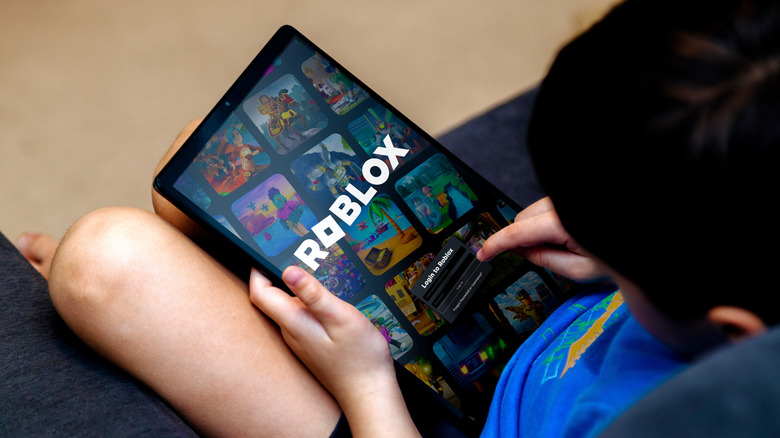
If you are focused on buying a device for gaming, you will generally be at a disadvantage by getting a tablet over a laptop. Both Android and iPadOS have large libraries, with games made specifically for them, but they still offer far fewer options than you would find on a PC or even a computer. This really limits options for anyone who wants to use the tablet for entertainment.
For example, a Windows laptop gives you access to multiple digital stores like Steam, the Epic Games Store and Xbox and lets you install games from many other sources. You also have more freedom to use mods, adjust graphics settings and connect multiple peripherals. A laptop can provide more options than a tablet, even if it's not a gaming model, depending on the type of game you want to play.
Tablets still have their place for gaming, especially mobile gaming, emulation, or cloud gaming services, mainly because of their smaller screens and portability. But even these alternatives can't fully replace the laptop experience.