

3 Common Problems Owners Have With The Nvidia Shield
We may receive a commission on purchases made from links.
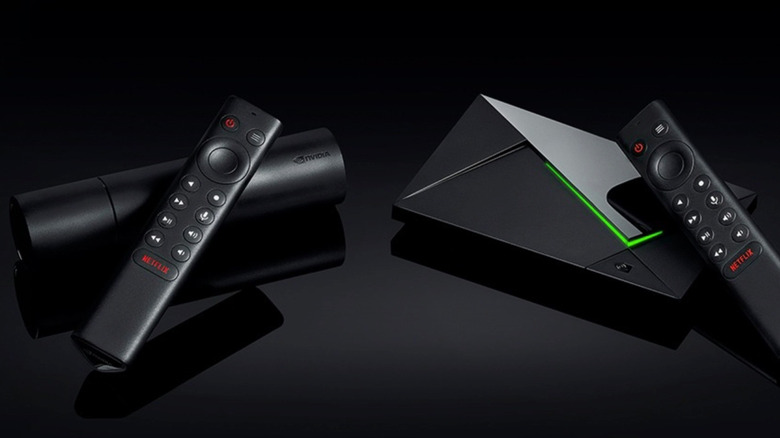
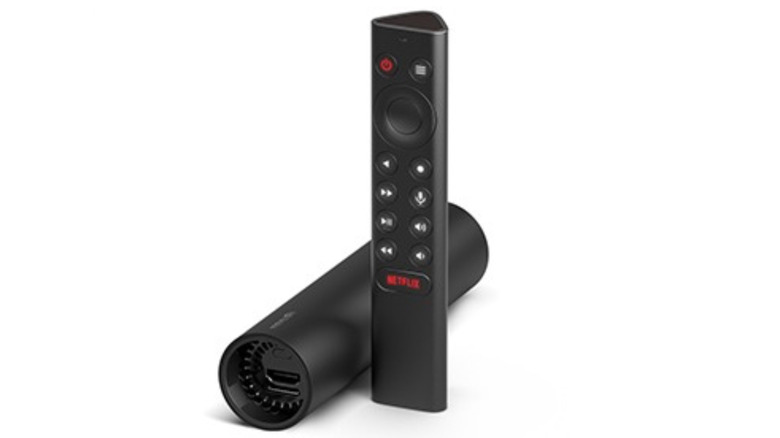
The Nvidia Shield TV and Shield TV Pro have been on the market for quite some time. The first version of the Android-powered streaming device was released back in 2015 and has received a number of software updates since. Interestingly, though, Shield TV hardware hasn't evolved all that much, save for a 2017 refresh and the 2019 introduction of the Shield TV Pro. Yet companies like Roku, Amazon, and Apple are already on the second, third, or fourth generations of their streaming tech. On Nvidia's side of the playing field, the adage of "If it's not broke, don't fix it" very much rings true.
Streamers mostly love the Nvidia Shield TV and Shield TV Pro, but that doesn't mean they don't sometimes experience slowdowns and glitches. You'd be hard-pressed to find any streaming device that's 100% perfect, even though Nvidia's two products are still some of the most reliable options you can get your hands on. But they're not without issues — here are some of the most common problems owners have had with Nvidia Shield.
Inconsistent Dolby Vision performance
One multipronged complaint we've read about a lot is that Dolby Vision-encoded movies and TV shows look too dark and have a tendency to stutter. The problem doesn't seem to be relegated to a single app, either: Some r/ShieldAndroidTV users have experienced darker-than-normal visuals when specifically using Kodi, while others have experienced Dolby Vision stutter with apps like Disney+ and Apple TV. In both cases, one fix that seems to do the trick is Nvidia's 9.2.4 update for the Shield TV and Shield TV Pro. That patch addressed several bugs, one of which was stutter and slowdown when watching Dolby Vision content, especially on Disney+.
To ensure your Shield TV/Pro is running the latest software, go to Settings, then Device Preferences, then About, and select System Upgrade. While 9.2.4 seemed to do the trick for many users, one Reddit poster decided to take matters into their own hands with a service called tvQuickActions Pro. Apparently, the stuttering-slowed Dolby Vision content has something to do with frame mismatch, and tvQuickActions lets you manually assign both resolution and frame rate for whatever media you're watching, along with many other add-ons.
You can download tvQuickActions Pro from the Google Play Store, but if you'd prefer to stick to Nvidia's official UI, you can also try using the Match Frame Rate feature. To do so, start playing a movie or show, then go to Settings and select Match frame rate.
HDMI-CEC handshake issues
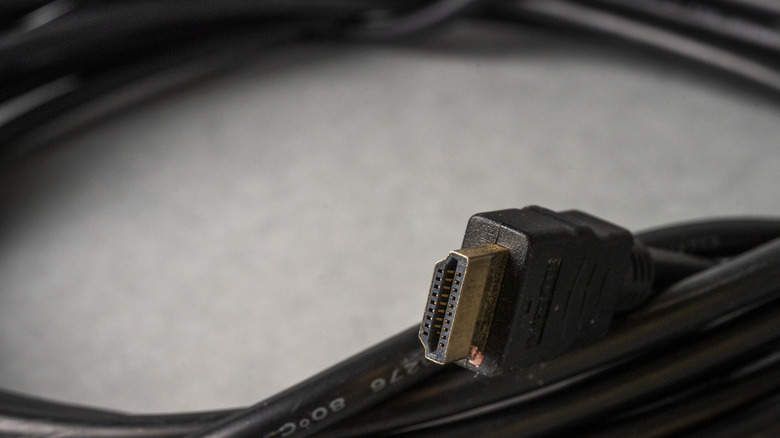
One of the slickest and most convenient features of the modern audio-visual (A/V) world is a technology called HDMI CEC (HDMI-Consumer Electronics Control). When enabled across your devices, CEC should allow you to use just your Nvidia remote to also control your TV's power, volume, and channels, as well as other settings. When CEC performs as it's intended, it's a brilliant operation to behold. When it's troubled in some way, you'll want to pull your hair out.
That 9.2.4 Nvidia patch we referenced above also introduced a fix for another annoying issue: HDMI-CEC glitches. Numerous Reddit users have shared reports of their Shield randomly powering on TVs and projectors when all devices were in sleep mode. If you're still experiencing CEC issues after updating, you may want to try disabling and re-enabling CEC on your affected components. And remember: Not every A/V manufacturer uses the official CEC name (for example, Samsung TVs call it Anynet+).
Devices overheating
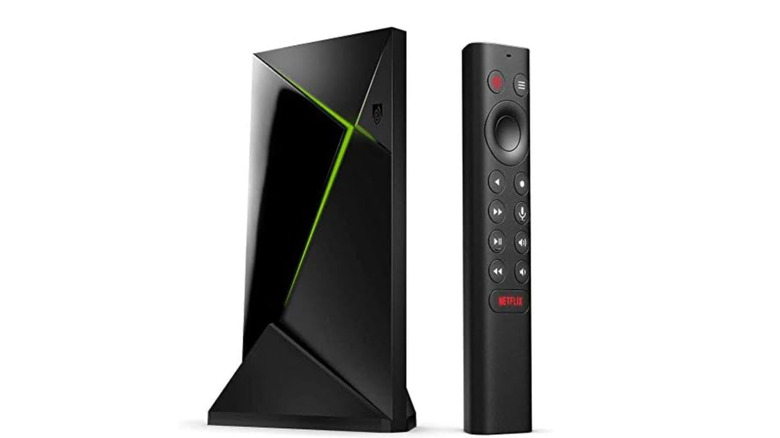
As good as the Nvidia Shield TV and Shield TV Pro devices are, they're not foolproof. Should you decide to shove one in a cramped A/V cabinet with minimal breathing room for electronics, your Nvidia product could overheat (as one Redditor experienced). Heat is the ultimate enemy of consumer tech, so you'll always be in the best position when your streaming tech is in an open, exposed area, at least as far as thermal dissipation goes.
You can also manually adjust the fan speed for your Nvidia Shield. To do that, go to Settings, then Device Preferences, then System, and select Fan Mode. By default, the streamers are set to Quiet (reduced fan speed), but you can switch to the Cool preset for an increase in fan speed. And if it looks like your Nvidia Shield is caked in dust, a can of compressed air often works wonders.
While the Nvidia Shield TV Pro seems to be generally available in 2026, the Nvidia Shield TV is often largely unavailable due to high demand. That said, if you'd like to try a non-Nvidia streamer that punches above its weight class, Walmart's Onn 4K Pro Streaming Device is a solid runner-up to both Nvidia Shield devices (it even has a 100-mega-bits-per-second Ethernet port!).