

5 Of The Best Android Phone Apps For Home Improvement Projects
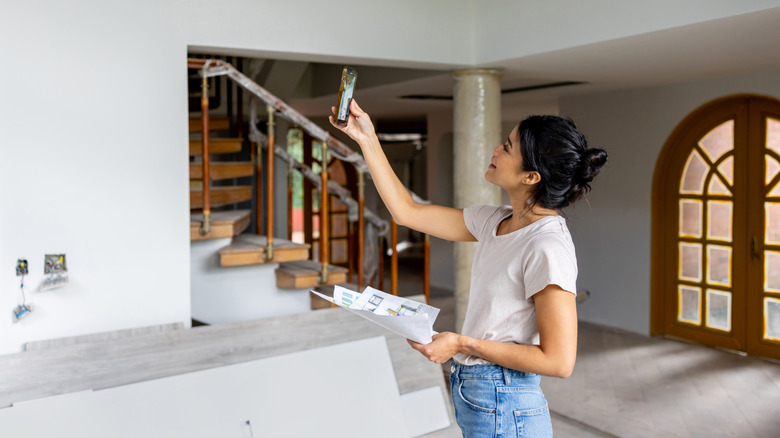
It's no bold statement to say that the world has grown increasingly digital and continues to do so. That's easy to see in the tech world, as devices like smartphones and tablets can be spotted just about everywhere. These devices have enabled the digitization of the music and movie worlds, and media as a whole, to varying extents. But one area in which tech and the physical world collide without as much recognition is home improvement.
There are certainly some essential gadgets every homeowner should have, but many smartphone users are unaware of how many apps are available to contribute to home improvement projects of all scales. Anyone looking to replace a tape measure or level with a smartphone version of such tools will likely be pleased at what's available in the Google Play Store, and there are also Android apps that can contribute when it comes to project inspiration, management, and know-how.
With an Android phone as the primary device for such home improvement help, we've tracked down what we feel are the best apps to install as a home improvement sidekick. These include some peace of mind for those who want to ensure they always have basic tools close at hand, some guidance for those trying to make it through a project, and some help for those trying to generate design and remodeling ideas.
Houzz
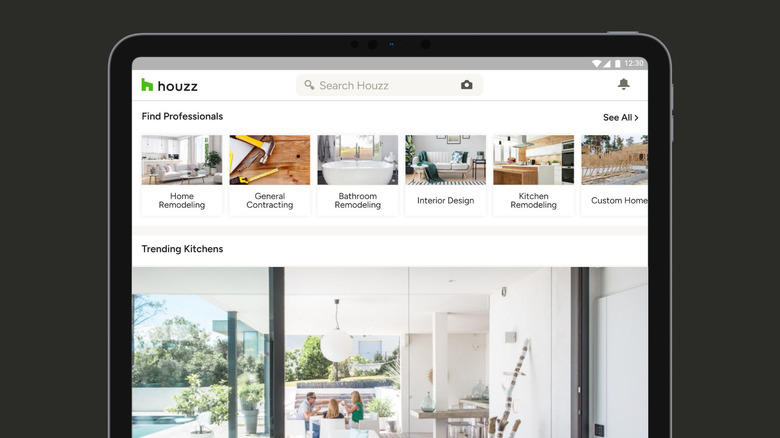
If you're finding yourself struggling to get a home improvement project started, or if you simply need access to some informational resources along the way, the Houzz app is worth turning to. It's helpful as a tool for gathering ideas and for working through different phases of a project. During planning phases, Houzz can act as a source of project inspiration for DIYers, but with app tie-ins to local contractors, it can also be helpful for those who need a professional hand in addition to their own.
With more than 10 million downloads and an overall rating of 4.6 stars in the Google Play Store, the Houzz app has proven itself a worthy tool for a lot of people. But there are some who aren't as fond of the app, with some reviewers reporting a buggy interface, and several others stating the features didn't quite live up to their expectations. But Houzz is entirely free to use for those simply looking to manage and improve projects around the house. Users who love the Houzz app note its ability to inspire projects and the support information it provides throughout projects that include decorating, remodeling, organizing furniture, and even gardening.
Tape Measure: Measuring Ruler
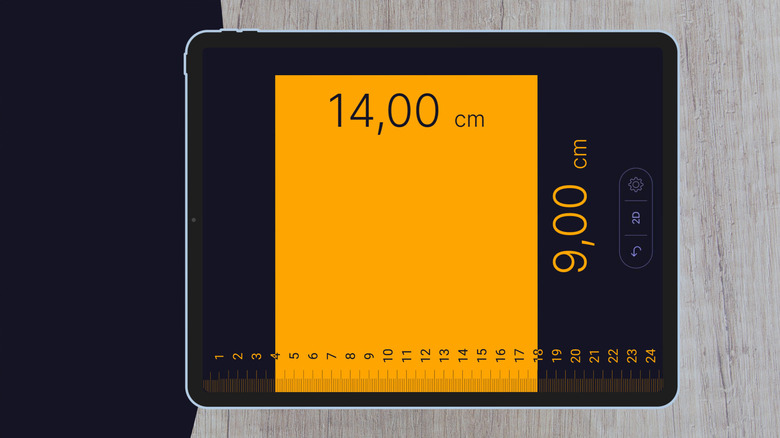
From hammers to power drills, there are a lot of gadgets and tools you'd typically find at your nearest Costco. But the Google Play Store has its fair share of ways for your Android phone to chip in when getting hands-on with a home improvement project. One of them is the Tape Measure: Measuring Ruler app. This app is able to measure distances through your phone's camera system, and it's capable of handling straight-line distance and even angles. It's also able to calculate area and perimeter, as well as the volume of various objects like pieces of furniture.
While some reviewers in the Google Play Store report frustrations with the ads that pop up within the app, overall, the Tape Measure app has a 4.2-star rating. That's with more than 10 million downloads behind it. Users who give the Tape Measure app a favorable review point to its ease of use and accuracy as some of its standout features. This app may not be an outright replacement for a physical tape measure in all scenarios, but its AR capabilities can do things a tape measure can't, and it's worth keeping on your phone for, at the very least, the times you find yourself without a tape measure on hand.
Bubble Level
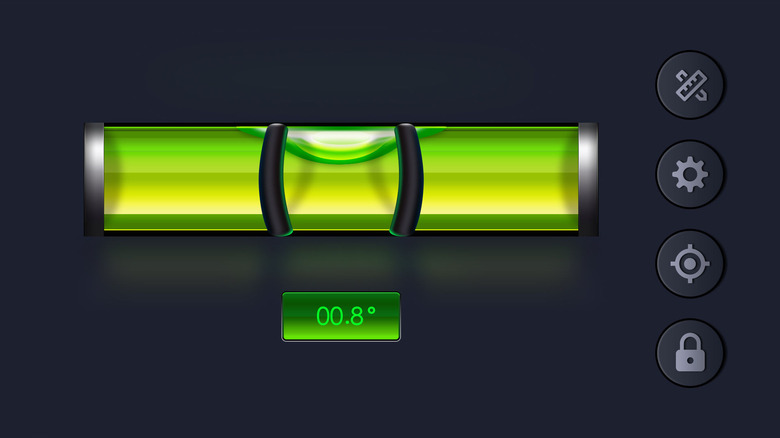
The pinnacle of home improvement projects may be things like finishing a basement or landscaping the back yard, but more often than not it's simple, everyday projects like building a set of shelves for the garage and hanging pictures on a wall that need attention. The Bubble Level app is one worth deploying for both such tasks, as well as a number of others. The app is able to function as both a bubble level and a spirit level. It also includes capabilities as a protractor for measuring angles and a ruler for users working in smaller spaces for which a full-fledged tape measure may not be necessary.
There are some level and tape measure apps in the Google Play Store that provide a number of functions and even all-in-one measuring solutions, but the Bubble Level app is focused on keeping things simple. Still, it can come in handy during a home improvement project, as well as when you simply don't have a level on hand. One reviewer in the Google Play Store has put it to use for leveling a motorhome, and plenty of others recommend it for daily use, including some professional carpenters. The Bubble Level app is entirely free and runs no ads while using it. It's amassed more than a million downloads and an overall rating of 4.7 stars on Android phones.
Remodel AI
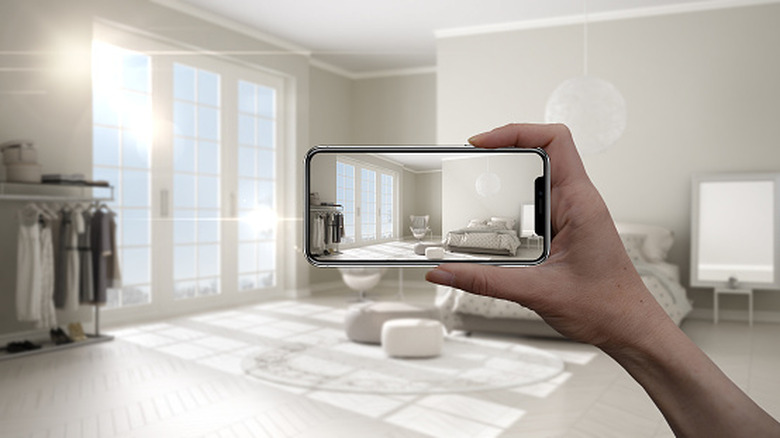
Your smartphone uses AI way more than you think, and with so many AI integrations taking place across individual apps and operating systems, the Remodel AI app is worth taking a look at for home improvement projects. One of the most difficult things about a large home improvement project is visualization. It can be extremely tough to tell what a room will look like once a project is finished using only the imagination. With Remodel AI, you can upload photos of a room, and it will use artificial intelligence to create images of what the room will look like once the project is finished.
Like most apps these days, the free version of Remodel AI looks to provide some pretty helpful features while at the same time limiting itself in hopes of users making in-app purchases. It also seems to have the same frustrations that come with using AI in a more general sense, with some reviewers reporting the app ignoring or frequently misunderstanding their prompts. But overall, the app has a 4.4-star rating in the Google Play Store, and the reviewers who speak fondly of it love the way it helps them visualize a space, even if it doesn't quite get it entirely correct. Reviewers note using it on smaller projects like a kitchen remodel to massive projects like visualizing a building renovation.
Paint My Room
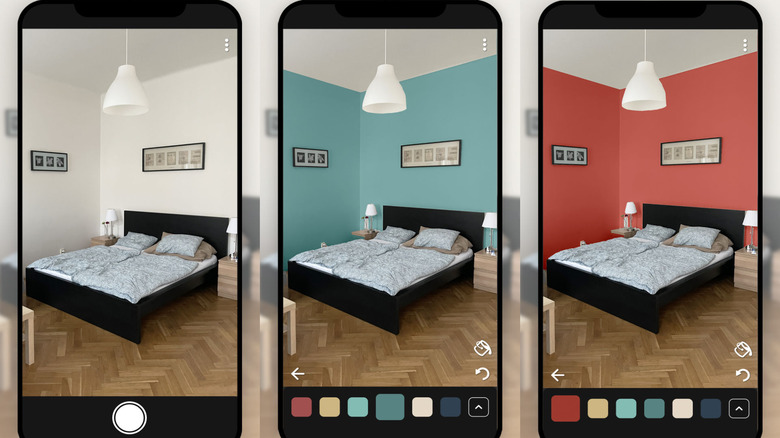
If, at any point, your home improvement project requires a paint can, brush, or roller, an app like Paint My Room can come in handy. It has two primary modes of functioning, the first being as a color matcher. The app allows you to upload a photo of an object of any color, which it then uses as a reference to provide you with the closest paint color available. It does this through a massive color library that includes colors from major brands like Sherwin-Williams and Behr. The app can also function somewhat similarly to the Remodel AI app in that it helps you visualize a room painted with any color of your choosing through the combined use of your phone's camera and artificial intelligence.
Paint My Room has been downloaded from the Google Play Store more than a million times, and it's received nearly 21,000 reviews. These average out to a 4.1 star overall rating. Some of the poor ratings are due to the majority of functions being locked behind a paywall. However, there aren't many free apps that offer similar functionality to Paint My Room, and several users who have reviewed the app well in the Google Play Store claim it blows those free options away. Paint My Room may not be worth paying for in the long term, but you can always pay for it during a project and cancel the subscription until the next painting project comes along.
How we selected these Android phone apps for home improvement projects

Our aim here was to find home improvement apps that can be used comfortably by homeowners. There are any number of projects that can be done around the house, and the scope of such projects also has a wide range. We took all of that into account, and sought apps that have capabilities to suit. We also wanted to keep things simple, knowing that for most users, a tape measure can be just as handy as an AI visualizer.
There's no shortage of essential iPhone apps that can be put to use on a home improvement project, but this one is meant specifically for users of Android smartphones. Because of this, we used the Google Play Store as a major point of reference, researching both popular and lesser-known apps that can be deployed on a home improvement project. We leaned heavily on customer reviews for hands-on experience with each app, and also applied our own knowledge of Android phones and experience with home improvement projects to inform our selections.