

What Does SSD Stand For?
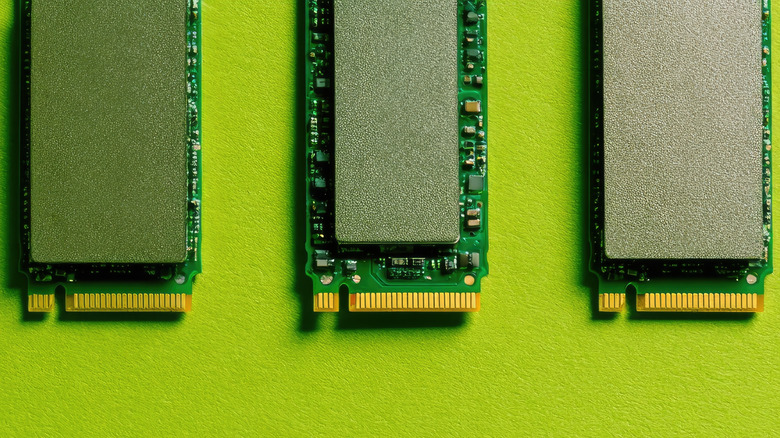
For most of our technological history, computers and similar devices have used mechanical hard disk drives (HDDs) to manage data. These could store large amounts of data, had decent speeds, and just did what they were supposed to for the time. However, today SSDs have almost completely replaced HDDs in terms of functionality, except if you're aiming for long-term or inexpensive storage.
The term SSD stands for solid-state drive. The "solid state" part refers to how, unlike in an HDD, there aren't any moving parts, such as a read/write head or a rotating disk. Instead, an SSD is a single solid board on which data is stored electronically in the form of trapped electrons. The lack of moving parts is one of the things that makes SSDs more reliable than hard drives. Similar to HDDs, SSDs are also a type of non-volatile memory, which means that the stored data doesn't get lost when you stop supplying the SSD with power. This is different from RAM, where the temporary data is erased the moment you disconnect a current.
How is data stored in an SSD?
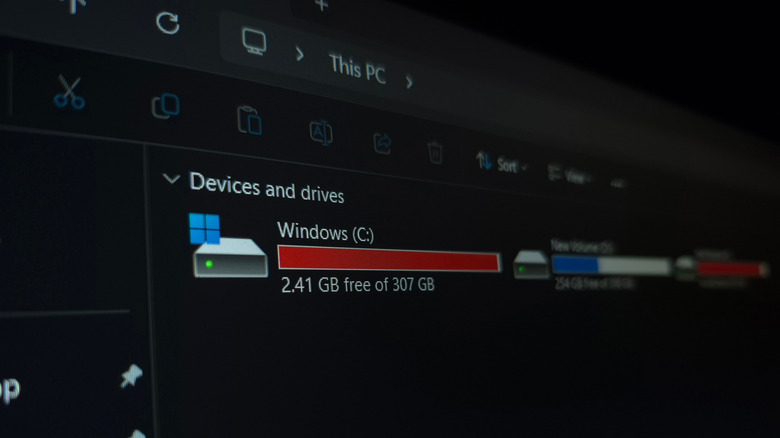
To understand what makes SSDs so special, we need to talk about how data is stored in an HDD. In a traditional HDD, it's stored in the form of magnetic patterns on a physical disk. A mechanical read/write head moves across the disk as it spins, writing or reading data as needed.
In a solid-state drive, there aren't any moving parts. Instead, data is stored in the form of electrical charges in flash memory cells. When you download something or write new data onto an SSD, the number of electrons in these cells changes. To access data, the drive measures the electrical charge in each cell and converts it to binary. Managing data via electrons is much faster than using a read/write head, as mechanical parts always introduce some form of latency. This is why even a cheap SATA SSD is much faster than an HDD, being able to transfer data at a rate of 550 MB/s. NVMe SSDs take this a step further, with major SSD manufacturers producing drives that support speeds of up to 14,000 MB/s (14 GB/s) for PCIe Gen 5.0. For comparison, a traditional HDD maxes out at around 160 MB/s.
The first SSDs used single-level cell technology, which meant each cell represented a single bit of data. SSDs that utilize this are still the fastest and longest lasting, but they're also much more expensive than modern alternatives that use multilevel cell, triple-level cell, or quad-level cell. The price, speed, and lifespan of an SSD all drop as the number of bits represented by each cell increases.
What does Sata, mSata, and NVMe mean?
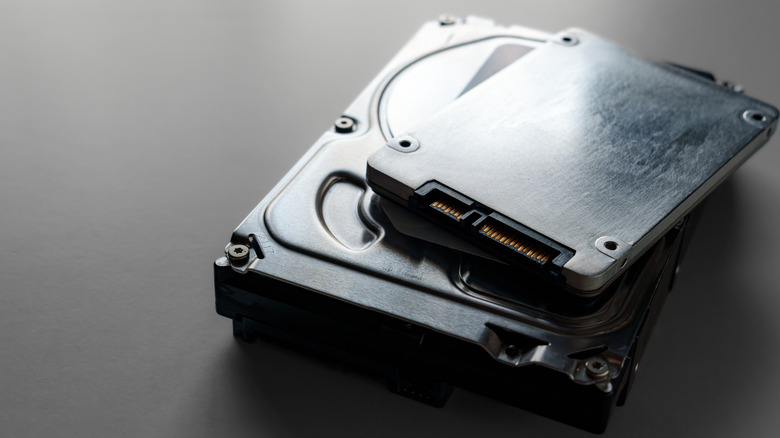
SATA stands for Serial Advanced Technology Attachment and refers to both the storage interface and the physical connection used by HDDs and most older or cheaper SSDs. The SATA storage interface comes with a single lane for data to travel through and maxes out at 550 MB/s in real-world use. This is more than enough for an HDD but creates a bottleneck for SSDs. PCIe, or Peripheral Component Interconnect Express, is another kind of storage interface, one that's much faster than SATA. It has multiple lanes. Drives that connect directly to the PCIe are significantly faster because they can use the CPU's processing power directly. This is what lets NVMe drives reach write speeds of up to 14,000 MB/s in the latest generations.
It's easy to think of the SATA interface and the physical SATA connection as one and the same, but that's not always true. Most SATA SSDs come in the 2.5-inch form factor, but there are also M.2 SATA SSDs that connect directly to the M.2 slot on your motherboard. The latter look the same as NVMe drives, but despite the visual similarity, are still bound to the 550 MB/s restriction.
Lastly, NVMe refers to Non-Volatile Memory Express, which is a protocol or data-transfer language built from the ground up to leverage PCIe speeds. M.2 is the thin, stick-like form factor in which NVMe drives typically come. If you're unsure how to differentiate between a SATA and an NVMe SSD when they're both in the M.2 form factor, you can tell them apart based on their notches: SATA SSDs have two notches, while an NVMe only has one.