

What Can Happen If You Never Restart Your Router?
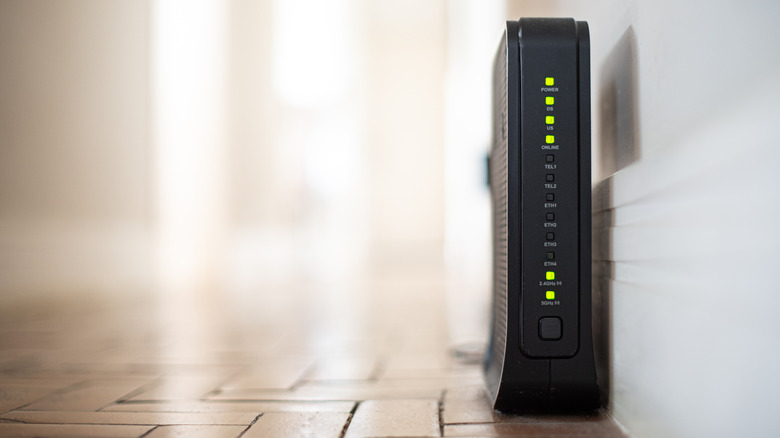
Earlier in 2026, U.S. cybersecurity agencies disrupted a growing network of compromised consumer routers that were being used as part of a botnet by Russian intelligence. The routers were exploited for nefarious means, to steal additional information like login credentials, to intercept and scoop up internet traffic including sensitive data, and target other networks and devices, including government, military, and critical infrastructure.
The NSA then issued a warning to everyone; restart your router. It turns out a simple reboot or restart can disrupt or clear temporary malware and reset connections that attackers may exploit. Failing to do this, can lead to a host of problems, from slow connections and device memory leaks to potentially compromised networks. Basically, if you never restart your router you're likely to run into either a lot of technical problems, security hiccups, or your internet and Wi-Fi connections will degrade over time.
Restarting your router isn't just about security, it's also good for performance. Like a computer reboot, it clears temporary caches, restarts security protocols and processes, and resets a variety of connections, including the external outgoing connection and the Wi-Fi channel selection process. Rebooting your modem at the same time is not a bad idea either. The biggest downside is the small interruption to your online connection while everything resets.
How often should you reboot your router?
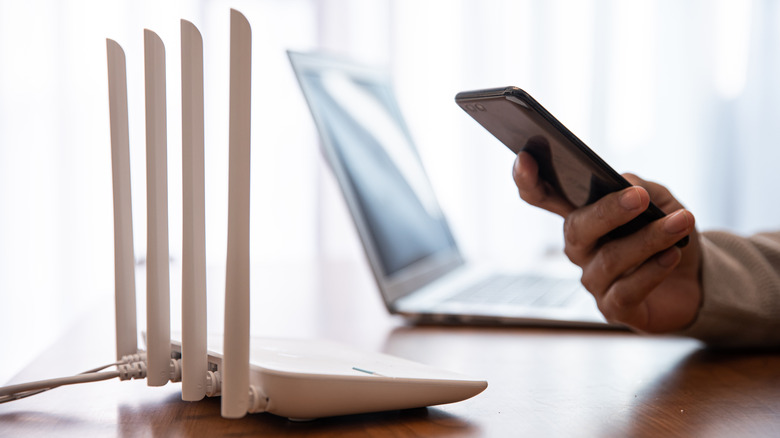
The National Security Agency advises rebooting your router at least monthly, but more often is good, anywhere from weekly to daily works, as long as it's a consistent event. Most modern routers have an administrative setting that allows you to automate the process. The router will auto reboot during off-peak hours, such as early in the morning when everyone in your household is asleep.
It's also a smart idea to turn on or enable the automatic updates setting, which should be available through your router's administrative dashboard. Turning this on will allow the router to intermittently scan for, download, and install official firmware updates when they become available. These updates are important because they contain security patches, vulnerability fixes, and performance updates or enhancements for bugs and other issues.
If your router is old enough now that some of this information doesn't apply — like it doesn't have auto-reboot or auto-update configurations — it may be time to replace your router entirely and upgrade to a newer, more secure model. It's really not safe to use a router that no longer gets firmware support, either, and many companies from Netgear to Linksys have discontinued support for older models. If you have an affected model, you should upgrade as soon as possible. Recently, the FBI warned Americans to replace several legacy Wi-Fi routers because hackers were able to take advantage of outdated firmware and unpatched vulnerabilities. In those cases, a quick reboot won't fix the problem, because the core issues aren't being addressed through security updates.
Don't confuse a reboot or restart with a factory reset
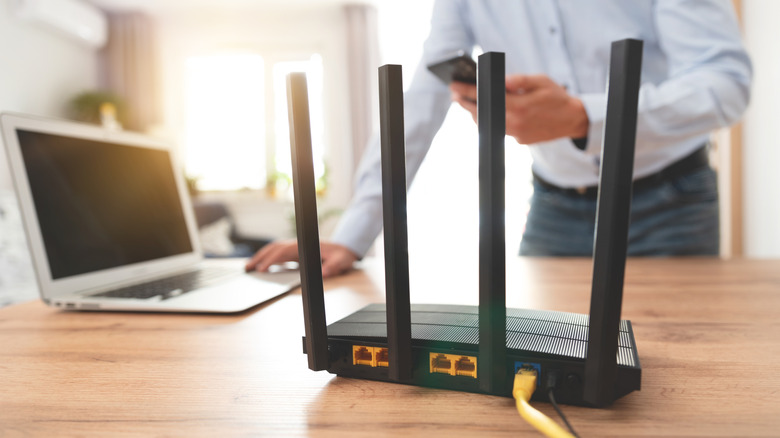
Rebooting your device(s) is such a common fix for hardware and software problems that it's become a meme: "Have you tried turning your device off and back on?" Computers of all kinds tend to benefit from a reboot because of how the process forces a restart of nearly all protocols and system applications or events. The same is true of networking equipment like routers and modems. That's why it's always a good idea to know when to unplug and reset your router to troubleshoot a wide variety of problems.
But there's another similar process, called a factory reset, that wipes all system and user data and reverts everything to factory defaults; as if you just took the router out of its box for the first time. A factory reset can be as helpful, if not more so, for performance and software issues, but it's not always necessary.
You'll lose all your custom settings, including your local Wi-Fi settings and SSID information — and password — if and when you factory reset your router, so keep that in mind. It's a good backup plan for when a reboot or two doesn't fix the major problems you're having.