

How To Turn Your Old Phone Into A Dedicated MP3 Player
We may receive a commission on purchases made from links.
Music streaming is now the primary way people listen to their favorite artists, but it's not exactly a convenient choice when it comes to offline listening. Sure, platforms like Spotify and YouTube Music do allow you to download songs to your device, but there are some limitations to it. For one, these downloaded songs are only accessible from the app you used to download them. They usually won't appear in your Files app as an MP3 file. You also need a premium subscription to download songs in the first place. Plus, you also need to connect to the internet (and the download service) every now and then to make sure your songs will keep working.
That's why a portable MP3 player is a good idea for anyone who wants to listen to digital music over the long term. MP3 players like the iPod usually work offline, with no Wi-Fi and no music streaming service required. That means you can take your tunes with you to the most remote island you can find, and the MP3 player will continue to provide you with uninterrupted playback.
But if you're on a budget or simply don't want to buy an entirely new gadget, the best iPod alternative just might be an old phone. It might no longer support modern music streaming apps, but it's still good enough to play your go-to tracks if you can lay your hands on them. In the discussion below, we'll walk you through how to turn your old mobile into an MP3 player for listening to music offline anytime, anywhere.
Step 1: Get songs on your old phone
The first step in converting your old phone into a dedicated MP3 player is to load it up with songs. If you already have some MP3 files on your mobile, you can skip this step. Otherwise, you can hop on digital stores like Amazon Music to buy your favorite songs and albums as MP3 files. It's pretty quick and easy to do so:
- On your mobile browser, go to the Digital Music section of Amazon.
- Log in to or create an Amazon account if you haven't already.
- Search for your song or album at the top.
- Click on the result.
- In the Amazon Music page that opens, press the three horizontal dots next to the song.
- Choose Buy MP3 song or Buy MP3 album.
- Press Buy MP3 Song/Album – Pay Now.
- Proceed with the purchase.
Once done, you'll be prompted to download the song. If you don't see any Download button, you can also go to music.amazon.com, click the three dots next to the song, and download it to your device. (You could also do this step on your current phone and then transfer the files to the old phone.)
You can buy as many songs as you'd like. In terms of storage, you generally won't have any issue even with old phones since an MP3 file only eats up minimal space. In fact, with just 32 gigabytes of storage, you can already have as many as 8,000 MP3 files. If you really need more songs, old phone models typically support expandable storage via a microSD card. You can set this microSD card as the default storage for your Android phone. iPhones, on the other hand, don't come with a microSD card slot, so you have to work with the built-in capacity.
Step 2: Use an app to play the songs
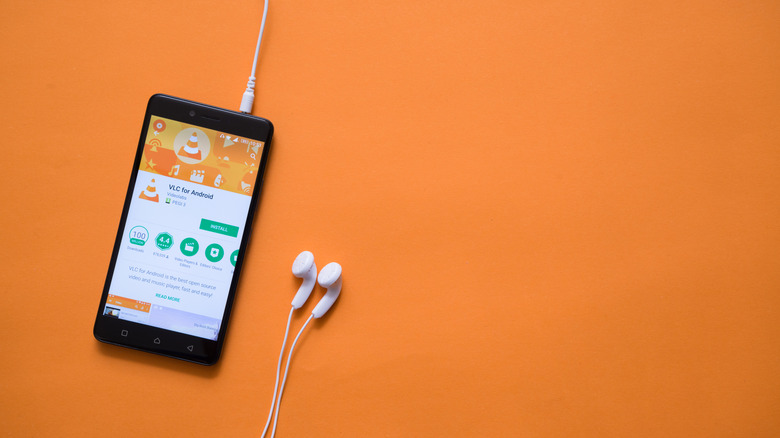
Now that you have your songs, it's time to play them using an offline media player app. There are dozens of options out there, especially now that offline music is back in style. But the tried-and-true VLC is usually a solid choice. It's available on both Android and iOS and works on operating system versions as old as Android 4.2 and iOS 9. If you're not sure what OS version your phone is running on, you can check via the Settings app. On Android, find the About phone section (or similar). On iPhone, go into General and open About.
If your old phone still supports VLC, download it from the Play Store or App Store. After installation, the setup is pretty easy on Android. All you have to do is launch the app, then grant it access to your files. All your songs will automatically be imported into the app. On iPhone, though, you'd have to go through the extra step of moving your MP3 files to the VLC folder inside On My iPhone in the Files app. Only then will the songs be accessible on VLC.
From here, launch VLC (or whichever app you chose) again and check out the Audio section. You can immediately select a song to play, or browse the Artists, Albums, Songs/Tracks, and Genres tabs at the top to find the title you want. Just like other music platforms, VLC lets you create playlists, add songs to the queue, and mark songs as favorites. Maybe the best part about the app is that it doesn't show any ads and works completely offline. Note that many phones, even older ones, come with pre-installed media players that you might also be able to use.