

5 Affordable Smart Home Devices You Can Use With Alexa And Google Home
We may receive a commission on purchases made from links.
More often than not, smart home devices come with a companion app, where you can add and control the gadget remotely. This isn't usually an issue, especially if you're sticking to the same smart home brand. The problem is when you start to branch out to different manufacturers, you end up juggling multiple apps at the same time just to manage your entire smart home.
But there's actually a simpler approach to doing so: adding your smart home gadgets to a smart home platform like Google Home and Amazon Alexa. As long as your gadgets support the platform, you can conveniently integrate and control them from just the platform's app — no more hopping back and forth between different apps.
The best part is it's now pretty easy to find smart home devices that work with either Google Home, Alexa, or both. Here are five of these essential smart home gadgets that are designed for integration with Google Home and Alexa but won't break the bank.
Tapo 2K Wireless Smart Video Doorbell D205
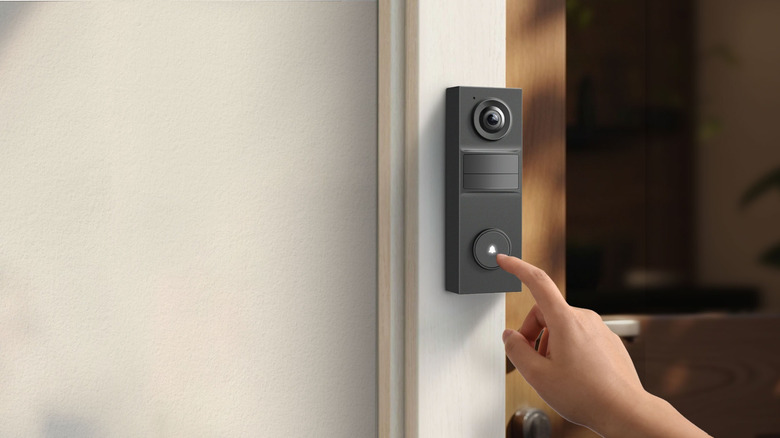
Smart video doorbells improve your home's security while making it more convenient to handle your deliveries and guests. If you're looking for an affordable model compatible with both Amazon Alexa and Google Home, consider the $50 Tapo 2K Wireless Smart Video Doorbell D205. It's a 2K camera with a 160-degree field of view and free AI-powered person detection alerts. This means that instead of basic motion alerts, the video doorbell will send you more precise notifications when it's a person who's at your door, all without paying for a subscription.
Apart from alerts, the Tapo D205 can also call your phone whenever the doorbell is pressed. It works like a regular phone call, where you get a caller screen on your mobile and the option to accept or decline the call. If you do accept it, you can then talk to the other person like how you would on any other direct call. If you decline the call, you can opt to send a prerecorded Quick Response from the app instead.
The Tapo D205 also supports Google Home or Alexa integration. Using a Google Home or Alexa smart display, you can ask the voice assistant to show you the doorbell's live recording on the screen. With a smart speaker, on the other hand, you can hear a chime from the speaker every time someone uses the doorbell.
Unlike wired doorbells that need external cables, the Tapo D205 is powered by a rechargeable 5,200mAh battery. It can last as long as 180 days and recharges in roughly six hours. If you prefer not to unmount it when the battery drains, you can connect the doorbell to a supported Tapo solar panel or hang a power bank next to it.
Timmerflotte Smart Temperature/Humidity Sensor
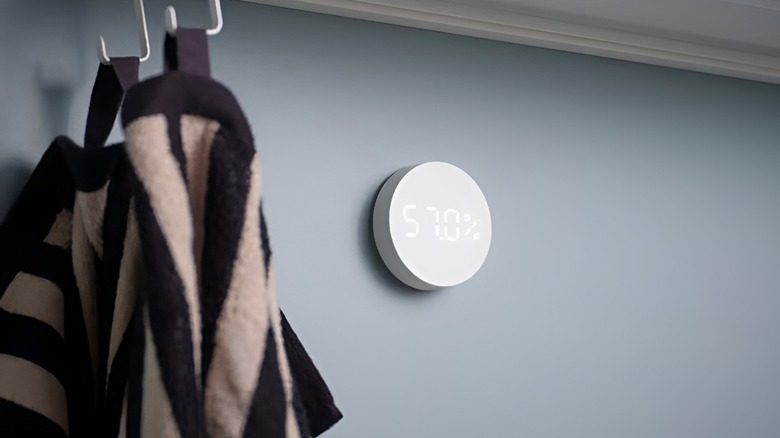
The Timmerflotte Smart Temperature/Humidity Sensor is one of the affordable smart home finds you can get at IKEA. It's part of IKEA's line of Matter-certified smart home devices, which means it works with both Amazon Alexa and Google Home, along with major smart system platforms like Apple HomeKit and Samsung SmartThings. The Timmerflotte can measure both temperature and humidity and performs best in rooms where temperatures are between 32 and 104 degrees Fahrenheit (0 to 40 degrees Celsius).
Around the home, this sensor can come in handy for automating tasks that depend on temperature, humidity levels, or both. For instance, you can automatically turn on your bathroom exhaust fan when the humidity goes up from the normal range. You can also use it for simple environmental monitoring when you want to have an idea of how hot or humid the room is. Since it only costs $10, you can get multiple sensors for multi-room monitoring. It's important to note, though, that the sensor doesn't continuously display the temperature and humidity readings. Instead, you'd have to push the button on the front of the device to view them. It will then show you the temperature first and the humidity after.
Out of the box, the Timmerflotte provides temperature readings in Celsius. If you prefer Fahrenheit, you can easily change this setting with the physical switch on the back of the sensor. The switch sits below the two AAA batteries that run the sensor, so it's hard to miss.
Kasa Smart Dimmer Switch HS220
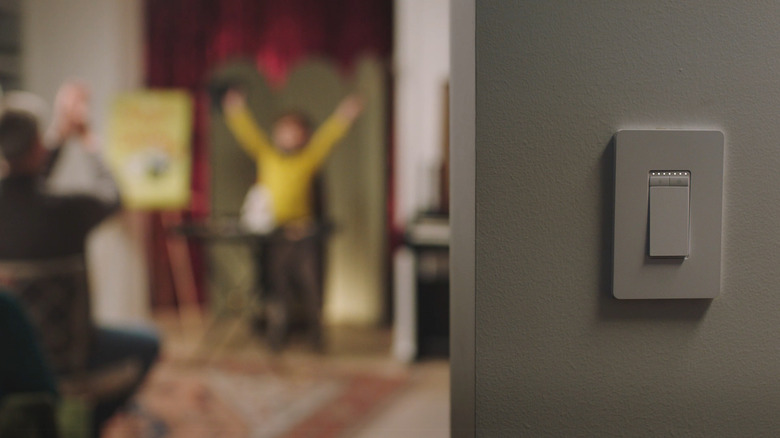
Available for $20 for a one-pack and $46 for a three-pack, the Kasa Smart Dimmer Switch HS220 is one of the best ways to upgrade into a smart home without completely giving up the traditional light control. Instead of relying on just your phone app, there are actually multiple ways to control the Kasa HS220.
For one, you can press the buttons like a regular switch. The two buttons at the top are for dimming the light, while the large switch is for turning the light on or off. A line of LED indicators sits at the top of the switch to show you the current brightness level. If you want the light to gently fade before switching off, you can simply double-press the large switch.
For hands-free control, you can use the Kasa Smart Dimmer Switch with your smart speaker or display running Amazon Alexa or Google Home. Just say commands like "Dim the bedroom lights," or "Turn on the lights."
Finally, there's the option to add the dimmer switch to its companion Kasa Smart app. From the app, you can remotely adjust the brightness of the bulbs as needed. You'll even find settings to schedule what time the lights switch on or off or whether they turn on/off at sunset and sunrise. Conveniently, the Kasa Smart app lets you group the smart dimmer switch with other Kasa smart home devices and control them all at once with just one touch.
WiZ Connected Gradient Light Bars
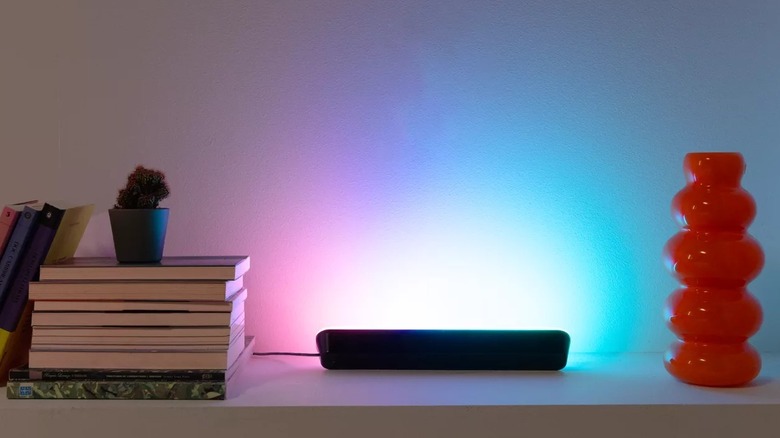
Smart bulbs can already set the mood of the room. But if you specifically need accent lighting for a smaller area of your home — like behind the TV or under the shelves — it's best to go with smart light bars instead. One affordable option that supports both Google Home and Amazon Alexa is the Matter-certified WiZ Connected Gradient Light Bars, sold for $42.
These dimmable LED bars can each display a variety of colors at the same time. For instance, one bar can show purple and pink at once, while the other can be set to just a solid blue. For your convenience, WiZ offers all sorts of preset light modes you can readily apply. These include static presets like Night Light, Warm, and Relax, and dynamic presets like Party, Pastel colors, and Steampunk. Other than providing mood lighting, though, the light bars seamlessly sync with music out of the box. They can sync with the content displayed on your TV as well, but you'd need to pair them with a separate WiZ HDMI Sync Box first.
Thanks to their flexible installation options, these WiZ Connected Gradient Light Bars are one of the creative ways to use smart lights around the house. Compared to smart bulbs that rely on fixtures, the light bars can be set up anywhere with an outlet nearby. You can lay them horizontally on your TV stand or table, or place them in the included standing brackets for a vertical installation. There are also back brackets that come in the box, allowing you to attach the light bars to the back of your TV or monitor.
Wyze Window Camera
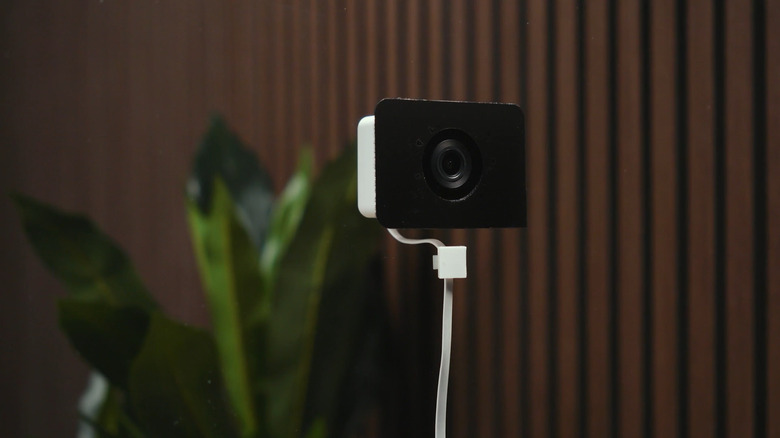
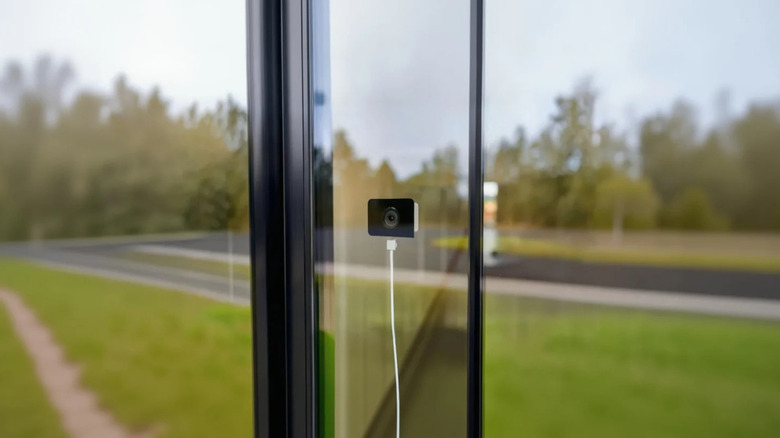
To keep an eye on your front porch, you'd normally have to install an outdoor security camera. This setup might look fine in theory, but it comes with several drawbacks, including the risk of theft, exposure to harsh weather, and the need to drill holes in your wall. As an alternative, you can use a window camera like the $35 Wyze Window Cam instead. As the name suggests, it's specifically designed to be mounted on your window without drilling holes or using any other tool. All you have to do is peel the included mounting sticker, stick it on the clean window (the indoor side), and lightly press the camera over the sticker.
Performance-wise, the Wyze Window Cam delivers clear 1080p HD recording both day and night using its upgraded color night vision. It also includes standard security camera features, such as two-way audio, custom detection zones, and support for microSD cards with a maximum capacity of 512GB. And like most smart cameras, you can readily pair the Wyze Window Cam with Google Home and Amazon Alexa, along with IFTTT if you're into advanced automation.
Of course, motion sensing is built into the window camera as well. Out of the box, you'll get simple notifications telling you that motion was detected. When you subscribe to the Cam Plus plan, though, the notifications are upgraded to AI-powered detection alerts. These are more specific and can identify whether it was a person, pet, vehicle, or package that passed by your window. The higher plan, Cam Unlimited Pro, takes it up a notch and gives you a description of the detected activity — such as what the person is wearing or what color and model the car is.
How we came up with these recommendations
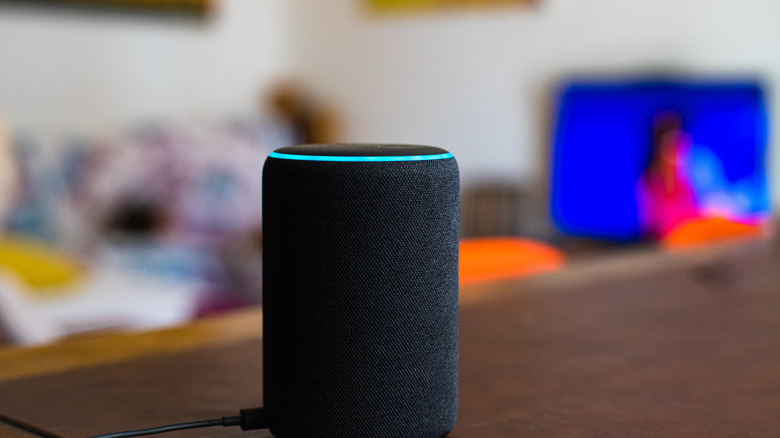
In building this list, there were some essential considerations we took into account. For one, the gadgets should work with both Google Home and Amazon Alexa. This makes them easier to integrate into whichever system you already have set up. Another important factor was the price. We went with smart home devices that cost $50 and under. Finally, these devices are well received by users and earned ratings of at least 4 out of 5 stars on either Amazon or the manufacturer's website.