

8 Creative Ways To Use Smart Lights Around Your House
We may receive a commission on purchases made from links.
Smart home technology has progressed by leaps and bounds in recent years, transforming from what many people thought to be nothing more than a gimmick into an integral addition for any household. Smart switches can be used in creative ways around the house to help you control the appliances and fixtures in your house, while even minimalists can buy smart home gadgets to make their houses more welcoming and life more convenient.
Of course, it would be impossible to talk about the burgeoning relevance of smart homes without talking about what might be the most popular way this technology has taken root in our lives — smart lights. Even if you aren't all that sold on the idea of adopting a smart home ecosystem, chances are that you've bought at least one smart light to experiment with it, or at least thought about how these gadgets could alter your lifestyle, even if only to a minor extent. The sheer number of ways an imaginative mind can use smart lights to augment the day-to-day routine is immense, and some of these little-known applications of your smart home lights are so enticing, you just might be convinced that buying a smart light is ... well, a very smart decision, indeed!
Schedule your lights to turn on at appropriate times
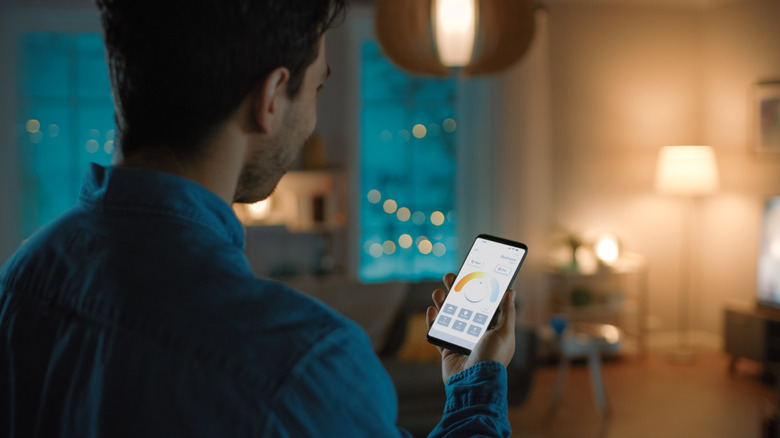
It's pretty well known that smart lights can be programmed to turn on and off at certain times. You can use this simple feature to make the most of your investment in this tech. For starters, if your bedroom doesn't get much sunlight, then you can use smart lights to emulate a morning routine, where the lights slowly get brighter over time until they're at maximum brightness around the time when the sun would usually be out.
If you're a working professional who hates coming home to a dark house after a long day of work, why not use smart lights to make your home feel welcoming when you open the front doors? Just turn on your lights from your phone before you've even taken a step in your house, and you won't have to deal with this issue anymore. Along with this, you can also schedule your smart lights to turn on whenever the sun goes down, meaning that you won't have to get up and manually switch on the lights in the evening.
Set up visual reminders
Your smart lights can also serve as convenient reminders whenever you're performing a time-sensitive task. Sure, you can use regular, boring timers to notify you when you need to do something, but a far more organic solution is to time your smart lights to illuminate and notify you when it's time to move on to your next task. Of course, this would mean you need to manually set a timer for your lights all the time, but there are more elegant and less tedious ways to accomplish something similar.
For example, If This Then That (IFTTT) is an online service that provides you with a suite of automations that trigger specific actions whenever a particular event happens. From syncing your note apps and contacts to automatically generating AI summaries of your meetings, there are many ways that IFTTT's applets (their version of automations) can make your life easier. They have a whole section dedicated to smart home gadgets, which you can customize to connect your lights with other smart appliances. What this means is that your lights can flash and inform you whenever your smart washing machine, coffee maker, or oven is done with its task, letting you get on top of things pronto instead of having to waste time doing a constant back-and-forth to see whether a task is completed or not.
Sync you lights with music for a stimulating experience
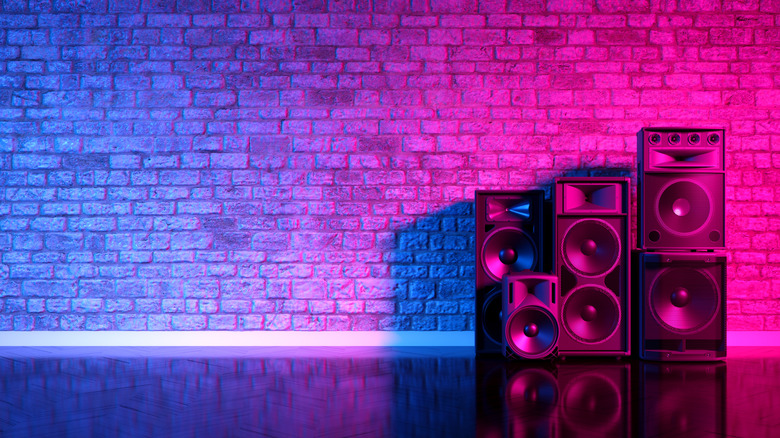
Not all smart light applications need to be practical. After all, aesthetics are also a major reason why this tech has become so popular. Many people love the massive RGB range of smart lights that help them change the ambiance of a room at a moment's notice. If you want to make the most of this spectrum effect, then a great way to turn your house into a party zone is by syncing your lights with the music you're playing to make for a stimulating audio-visual experience.
This can be achieved by purchasing smart lights that either have in-built microphones or connect to your music app to figure out whether audio is playing or not. Govee is one brand that supports this scenario, with both their light bulbs and light bars boasting a Music Sync feature that does precisely what it states. Watching your lights groove to the beat of your favorite tracks is a novelty for some and a gimmick for others, but people hosting parties or seeking out a vibe shift will love using their smart lights in such a creative manner.
Set up RGB lights behind your monitor or TV
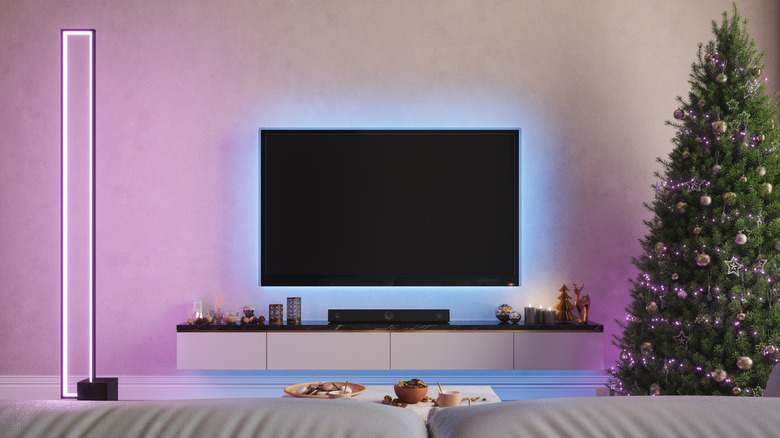
People who love reactive ambient lighting are mostly familiar with technology that syncs with your television or gaming monitor to read its colors and change its RGB lights accordingly to fit the situation. This is achieved via HDMI sync boxes, special cameras, or native apps that provide this color data to the lighting of your choice. Usually, these lights come in the form of LED strips or backlight kits that you attach to the back of your TV or gaming monitor, letting you enjoy ever-changing ambient lighting without putting too much of a strain on your eyes.
However, it's entirely possible that these constant lighting shifts may still distract you from the game or movie you're watching. In this case, a more elegant solution is to use a smart LED strip that you can place on the back of your device instead. This way, you can choose one particular hue that adheres to the colors of the media you're watching, ensuring that this ambient lighting looks tasteful without going overboard. Govee's smart LED light strips can be very useful here, although you can select a similar product from other companies like Kasa, KSIPZE, and Philips if you prefer.
Ward off burglars
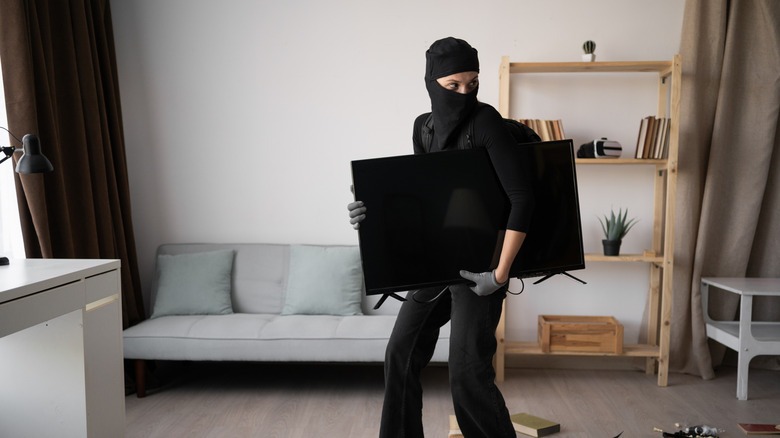
If there's one thing "Home Alone" made clear, it's that burglars love to break into houses when they find out that the occupants are away on a lengthy vacation. We'd like to say that we're kidding, but it's undoubtedly true that anyone leaving their home unoccupied for a long time will understandably be worried about any ne'er-do-wells infiltrating their personal space and escaping with their goods. While setting up a home security system to ward off these criminals is definitely recommended, people with smart lights can change their home security situation entirely and deter anyone trying to break into their home.
Just leaving your lights on all the time isn't the smartest way to make anyone think that the house is occupied when you're on vacation. Instead, set up schedules when you're away to turn your lights on and off in different rooms. This helps create an illusion that someone is living in the house, which is pretty effective at deterring burglars and will give you some peace of mind when leaving the house empty for an extended stretch. Alternatively, if you have a smart light that supports vacation mode, you can use it to replicate the same effect.
Group your lights
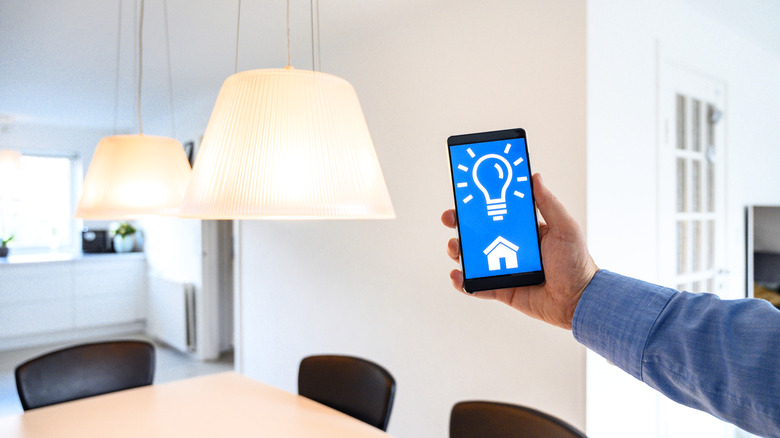
While the selling point of most smart lights is that they're convenient to use, people with a ton of smart fixtures in their house may find it irritating to toggle them one by one multiple times throughout the day. Sure, you can use schedules to make things easier, but there are moments when you'll need to manually control multiple lights at once. Do that a few times, and you'll wish there was an easier solution. The good news is ... there is an easier solution.
All you need to do is group your smart lights to control multiple units at once. The grouping criteria will depend on your needs, although you might consider segregating them based on their rooms as a simple, logical first shot at it. Don't worry about losing individual smart light control, since you can always dive into your smart app and set them up on a per-light basis if the situation demands it. This way, you can set up schedules for entire groups and make it easier to control a room's lighting without spending an inordinately long time every day fiddling with your app settings.
Use motion-sensing smart lights to automatically guide the way
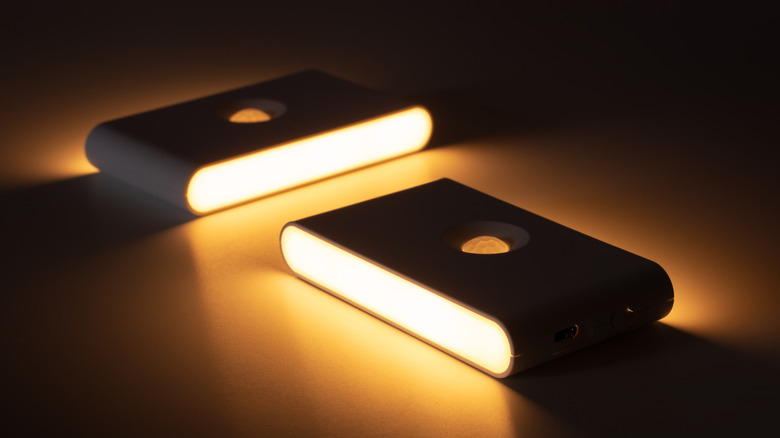
If you want your smart lights to be even more painless to use, why not opt for a model with motion-sensing tech? The convenience of these appliances is immense, automatically turning on and lighting the room you're stepping into, based on the settings you've chosen. You can also configure the brightness or dimness of these motion-sensing smart lights based on the time of day. Just think — now you can stumble to your bathroom in the middle of the night without either tripping on something in the dark or being blinded by a light at 100 percent brightness.
It's a great way to make your home far easier to navigate without any manual input on your end. If you've already installed smart lights in your house, you could achieve the same effect with clever placement of smart sensors around the house for your lights. Otherwise, you can get a smart-motion sensing light from Lyridz or a number of other manufacturers.
Install smart grow lights for your indoor garden
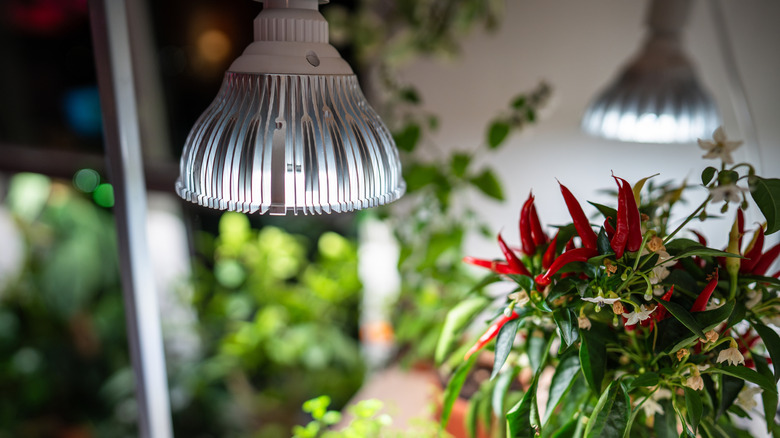
Don't assume that indoor plants don't require sunlight at all. Even these plants depend on photosynthesis, which can be challenging if they're not in a room where they receive natural light. This is why grow lights are so popular for aspiring gardeners, serving as an adequate substitute for sunlight that facilitates photosynthesis. However, even a basic grow light has its fair share of issues that you must deal with.
For starters, it needs to cover a good chunk of the color spectrum. Blue and violet lights are the most important in helping plants get the valuable chlorophyll they need to become bigger and more lush. For flowers, red light is important, though in relatively small doses since overexposure can kill your plant. If your plants are in their seedling stage, then it's also a good idea to use both green and yellow light. On top of this, while plants do need anywhere between 12 and 16 hours of light per day for proper photosynthesis, they also need eight hours of darkness to break down all the energy they absorbed from your grow light. Most seedlings also develop optimally with a light that isn't too bright, while growing and flowering lights need the maximum level of brightness possible.
Flipping through all these different light colors at different times leads to a lot of micromanaging, which can be a bit grueling after a point. Thankfully, a smart grow light can be configured via your smartphone to take care of all these requirements in one fell swoop. You can choose brightness levels based on the plant's growth stage, set up schedules to give it an adequate amount of light while also simulating nighttime conditions, and adjust the color spectrum for optimal growth.