

4 Galaxy Watch Apps That Can Work With Your Car
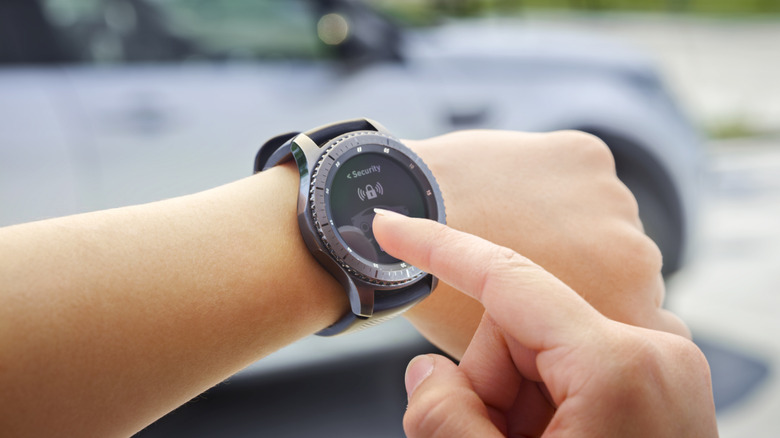
Samsung Galaxy Watches, like the Galaxy Watch 8 Classic and upcoming Galaxy Watch 9, come with plenty of features that are useful for drivers, like the ability to store digital car keys and quickly glance at notifications without touching your phone.
But there are also Galaxy Watch apps available that can work with your car, allowing you to remotely control vehicle functions and checks, such as sounding your horn or turning on your lights, viewing the status of your electric vehicle's battery, and even setting automations.
Below, we've rounded up four Galaxy Watch apps that can work with your car, either directly through Wear OS or via a compatible smartphone. However, note that whether you can use these Galaxy Watch car apps, and which features are available to you, will depend on the model and make of your car — and, in some cases, the subscription plan you're signed up to.
Toyota
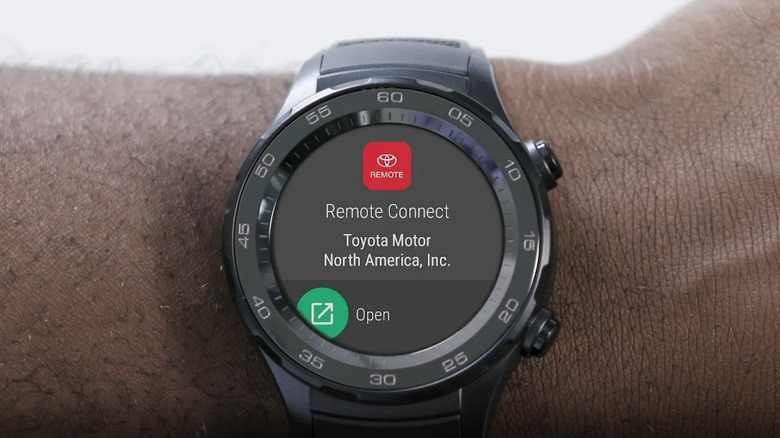
The Toyota App's Remote Connect technology lets you control select car features (for compatible vehicles) from your Galaxy smartwatch, including locking and unlocking doors. You just need to own a Toyota model that has Remote Connect compatibility and a Galaxy watch running Android Wear 8.0 or higher. In addition, you need an active Toyota subscription plan. Available for select Toyota vehicles, the company offers three main subscription plans, which start at $15 a month and include extra features like streaming integration or navigation assistance. All plans include Remote Connect as standard, which is required to control your car through your Galaxy watch. Fortunately, most new models come with a one-year free trial.
With these requirements met, you can set up Remote Connect on your Galaxy watch. To do this, download the free Toyota app from the Google Play store onto your smartphone, log into your account, and ensure Remote Connect is active. Pair your smartwatch to your phone using the Wear OS app, download the Toyota app on your watch, and follow set-up instructions. To use Remote Connect features via your watch, make sure you maintain a stable Bluetooth connection between your phone and watch.
Drivers can use the smartwatch app to remotely stop and start the car, lock and unlock doors, and use the vehicle status and finder features. However, as it's a companion to the smartphone app, not all features are available on smartwatch, such as the ability to monitor guest drivers.
Ford
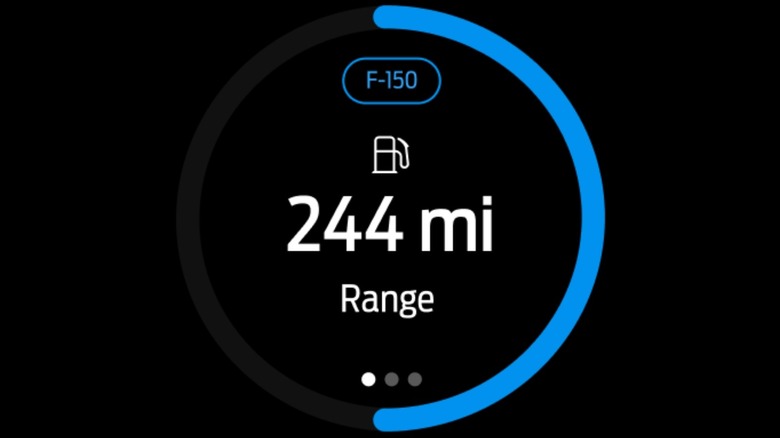
The Ford (formerly known as Ford Pass) app gives owners of Fords equipped with a built-in modem — like the upcoming $30K Ford Fathom — direct access to select remote commands, including activating their car's horn and lights, and information, like charging status, via their smartwatch.
To use these commands, drivers must have the Ford app downloaded to their smartphone (running Android 10 or higher), that smartphone must be connected to their Galaxy watch via Bluetooth, a compatible vehicle should be added to the Ford app, and that vehicle's modem must be activated. You can tell if your car has a modem by checking the windows for a 'FordPass Connect' or 'SYNC Connect' sticker. Unlike the Toyota app, the Ford app is free to download and use, with no subscription required.
The exact features you can access via Galaxy smartwatch vary depending on the car model. However, the company lists these available features for those using a smartwatch with the Ford app: start, lock/unlock, remote activation of horn and lights, vehicle location, fuel level indicator (for internal combustion vehicles), battery level (for electric vehicles, current vehicle range, and charging status (for electric and plug-in hybrid vehicles).
Tessie
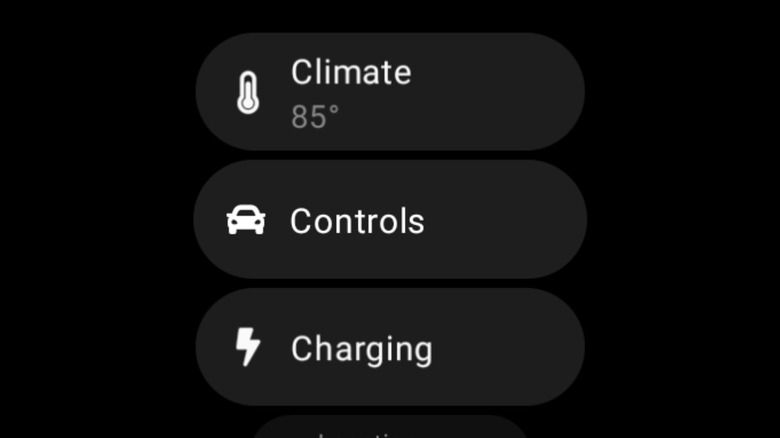
There's no official Tesla Wear OS app for Galaxy watches, but drivers can use third-party apps to monitor and control compatible Tesla cars. Users often recommend using Tessie as an alternative, which features Wear OS integration, allowing drivers to set Tesla automations and alerts, and track their trips, battery health, and vehicle charging. If you like digging into your vehicle's analytics, Tessie may be a good fit for you, as users have praised the level of detail the app offers and how it has more functions than similar apps.
However, which of these features you can access depends on the subscription plan you sign up for. While Tessie is free to download, and offers a (typically 14-day) free trial, a subscription is required to continue using the app after this period — which some users describe as "expensive."
Three plans are available, with the standard Tessie plan — which offers less detailed analytics — costing $6.99 a month ($69.99 per year), the Tessie Pro plan — featuring detailed analytics but not all features — priced at $12.99 a month ($129.99 per year), and the premium Fleet plan — which offers all available features and in-depth detail — costing $19.99 per month.
MyHyundai with Bluelink
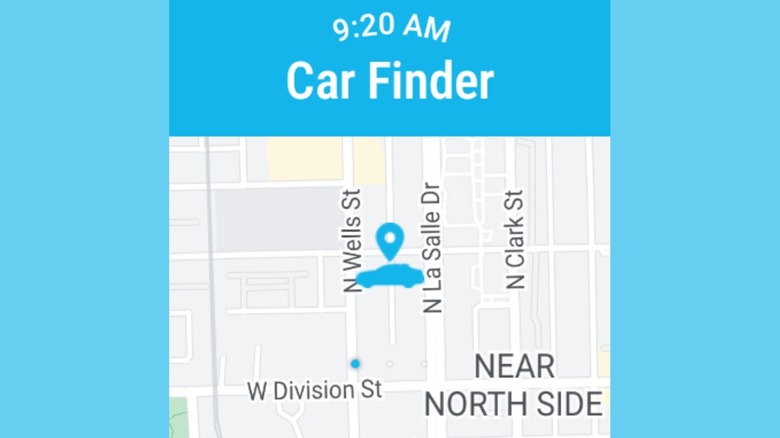
Hyundai's Bluelink app allows you to remotely control select core vehicle functions of Bluelink-equipped cars using your Galaxy smartwatch, including your horn, lights, and door locks. You can check if your Hyundai car has Bluelink (or the upgraded Bluelink+) by checking if your rearview mirror has a dedicated Bluelink button or if your in-car screen features a Bluelink icon or options.
Hyundai's app supports Wear OS smartwatches, including Samsung Galaxy Watch, with its mobile compatible version supporting watches running Android Wear OS 2.0 or higher —paired with a smartphone running Android 7.1.1 or above — and Tizen OS 4.0 — paired with a smartphone running Android 5.0 or above. If your car and watch meet the criteria, you can sync your Galaxy watch with Bluelink by downloading the Bluelink app from the Google Play store on your smartwatch and then following the set-up instructions.
The Bluelink app on smartwatch offers the following features: remote engine start/stop (specific to model), remote door lock/unlock, remote horn/lights, auto health air (specific to model), geo-fence alert, speed alert, time fence alert, valet alert, stolen vehicle alert, range, last updated time, refresh, engine status, HVAC status, door status, tire pressure status, and fuel status.