

5 Non-Negotiable Features To Look For When Buying A 3D Printer In 2026
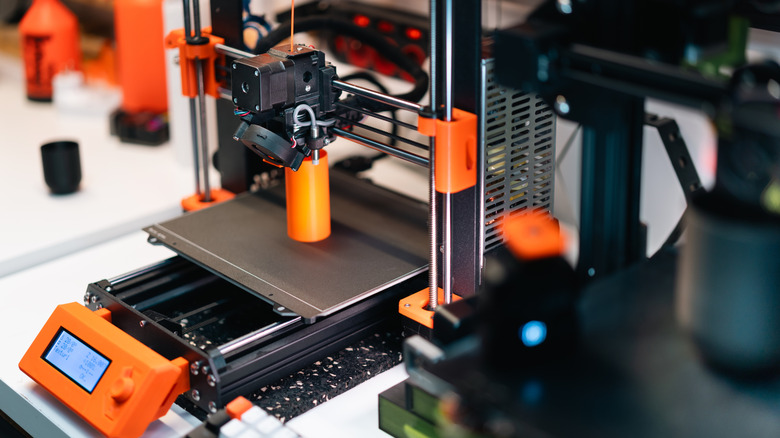
A 3D printer can be an extremely useful tool, whether to create replacement parts, develop personal projects, or even for a hobby. However, buying one today is a little more complex. Besides choosing a model with a price, maximum speed, and size that fit your needs, it is also important to watch for extra features every printer should have.
This is especially important for anyone looking for a first printer. Beyond the basics, some functions aren't in every model but still matter. This way, you avoid depending on later upgrades to solve problems that can appear over time.
So, features such as automatic leveling, a filament runout sensor, and recovery after power loss are some of the functions that make all the difference in a printer. For that reason, we separated these models into categories you should prioritize when buying one, focusing on ease of use and making the experience as practical as possible.
Automatic bed leveling is essential for reliable prints
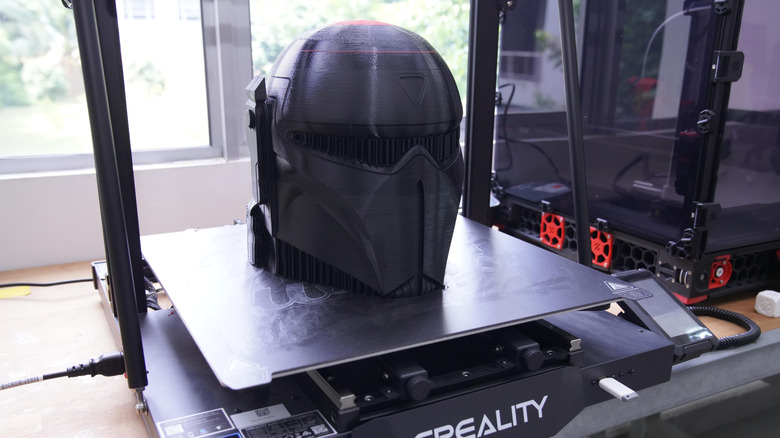
One essential feature to consider when buying a printer is automatic bed leveling. Besides reducing manual adjustments before printing, this function also helps because an uneven first layer can compromise part adhesion and cause the whole project to fail. With this system, the 3D printer measures small surface variations and compensates for them.
In practice, automatic bed leveling uses sensors to measure different points on the bed and create a surface map before printing. More advanced models can also adjust the Z-offset automatically, which controls the distance between the nozzle and the bed. All of this reduces the need for manual calibration, which is especially helpful for beginners.
For that reason, look for a printer that includes this feature and is easy to set up. Incorrect leveling is one of the most common 3D printing mistakes, especially when you are learning how to set up the machine. So, skipping this step increases the chance of problems.
A filament runout sensor can save long 3D prints
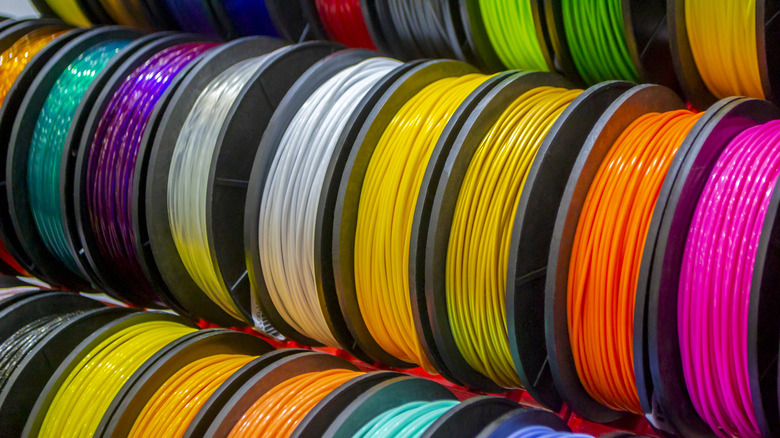
Another feature users should consider when buying a 3D printer is a filament runout sensor. While this isn't a problem for smaller prints, where you can check how much material is left on the spool, it doesn't apply to larger projects that can take hours to finish. In these cases, it is not always possible to track how much filament remains, so the sensor can detect when it runs out and pause the job.
So, if your printer has this feature, you don't need to watch the machine all the time, especially on larger projects. Although you can add some features later through cheap 3D printer upgrades, buying a model with an integrated filament runout sensor makes everything simpler from the start.
Without this feature, the printer may not notice it has no filament and may continue moving normally after it runs out, leaving the project without material. Depending on when this happens, you can lose hours of work, so even though this is a relatively simple function, it still serves as a safety layer. It is also useful if you plan to print larger projects.
Power loss recovery can prevent wasted prints
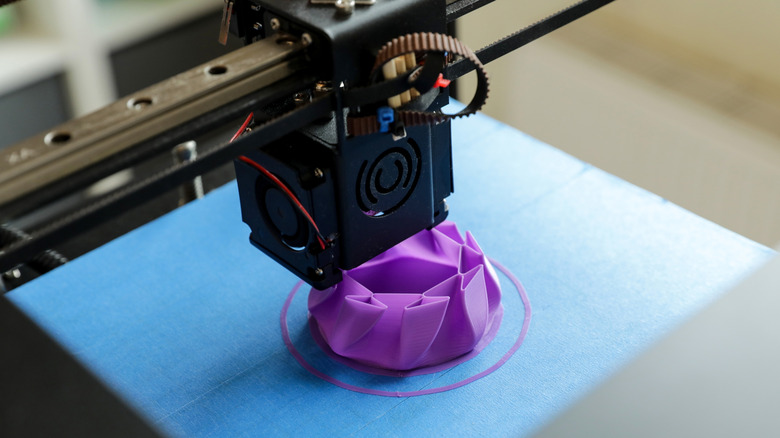
Depending on where you live, your region may have frequent power outages or fluctuations, which can be a problem for larger prints. In one of these cases, you can lose a project that has been on your 3D printer for hours, and for that reason, recovery after power loss is an important function to have in one of these machines. This type of feature has become relatively common among some of the best printers available today, especially those that prioritize automation. So, after power returns, the job resumes where it left off.
Without this function, even a brief power outage can force you to restart the whole project you already made, wasting time and filament. In larger projects, where the same part can stay on the printer all day, this can mean throwing away a major investment. Unfortunately, recovery doesn't guarantee every part will look perfect after an interruption, since cooling of the bed or material can still affect the result, but it greatly increases the chances of saving the job.
A flexible build plate makes print removal much easier
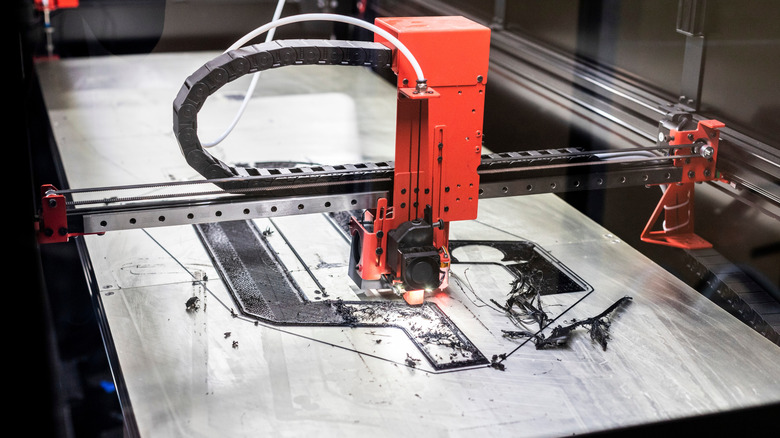
A flexible, removable bed may seem like a simple detail, but it makes a big difference in daily 3D printing. Although it's one of the most useful accessories for anyone starting with 3D printing, it works for every type of user. With one of these, you can remove finished parts with less effort, since you only need to remove the plate and flex it slightly to release the object after it cools.
This also avoids using spatulas or other tools directly under the surface, reducing the risk of damaging both the part and the build plate itself. PEI surfaces are common today because they offer good adhesion while the bed is heated but make removal easier when it cools. In addition, magnetic plates make removing and replacing the surface much faster.
Still, it is worth checking the type of build plate included before buying a printer, since different materials can work better with certain filaments. But regardless of what you choose, a removable, flexible system also makes maintenance and daily use easier.
Wi-Fi and remote monitoring make prints easier to manage
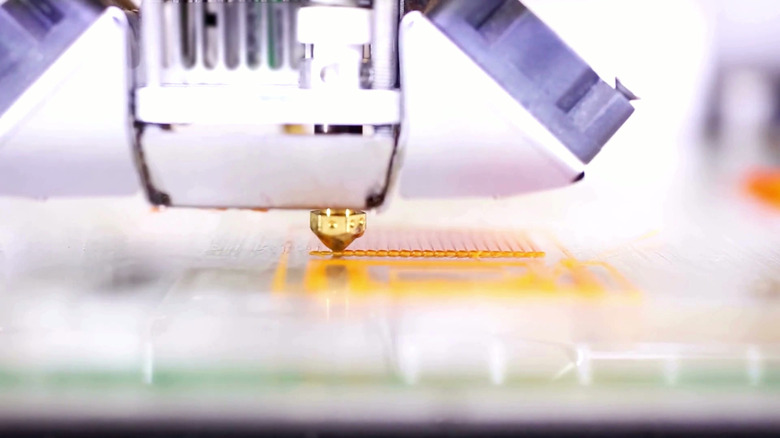
Another useful feature that should be essential in any 3D printer relates to Wi-Fi and monitoring. Instead of using an SD card and manually transferring files, you can send everything over the network when it is connected. Some models also have cameras, so you can monitor the whole process from another room and even check how things are going outside the house.
This type of remote access is useful for larger projects, since you don't need to stay attentive and beside the machine the whole time. If the print starts to fail, you can monitor everything through the app and use it to stop the job before wasting more material. However, this type of connectivity varies widely between 3D printers, so it is important to see how the one you are interested in works.