

How Long Will Your Old Digital Camera Last?
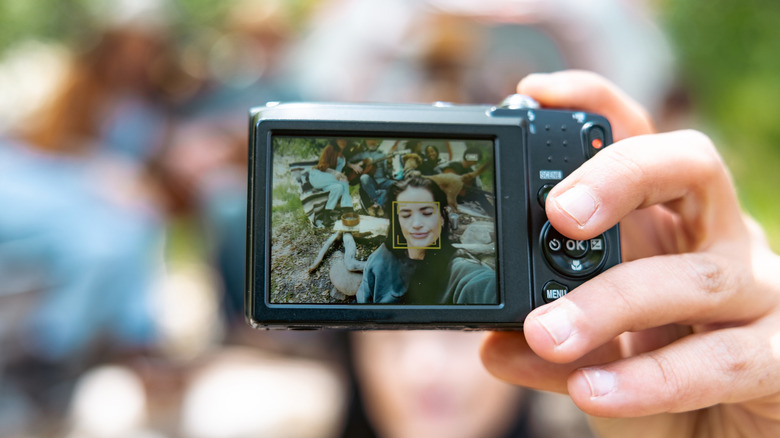
Going to a party and taking dozens of overexposed, blurry photos of your friends used to be a completely normal thing to do. It still is, to an extent, but companies market their smartphones nowadays as the best camera in your pocket. So, they add on stabilization features, multiple lenses, higher-megapixel counts, and a lot of automatic built-in editing. Now, those ultra-processed images are losing their appeal, and Gen Z is embracing retro tech instead, effectively making those old digital cameras cool again. But, before you dig out that 20-year-old Nikon, there are a few things you should know.
First off, old digital cameras were generally made to last. So, despite spending the last decade mostly out of commission, digital cameras should still continue to work once they're charged up. In fact, they might continue working for longer than mechanical ones, simply because there are fewer moving parts accumulating wear and tear from regular usage. When things do break, the shutter will likely be the first part to give up. But it'll take a while: High-end cameras may be rated to survive as many as 50,000 shots. Unfortunately, if your old camera does needs repairs, you may end up paying more than the camera cost in the first place, in part because they can take so much time to repair. In the end, it may be cheaper and easier to pick up a new camera entirely. One option would be to convert an old analog camera to digital.
Realistically, power is your biggest concern. If your camera had its own rechargeable battery, the odds of it still holding a charge after a decade in storage are slim. To be safe, it's best to purchase a completely fresh replacement instead. If your camera uses AA batteries, be aware that modern rechargeable batteries output 1.2V instead of 1.5V, which will usually work but may reduce your charge indicator's accuracy.
How to make sure your old digital camera is working correctly
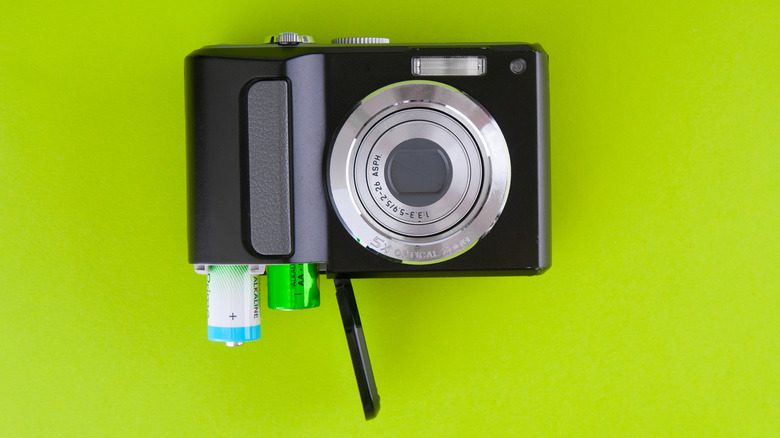
After dusting off an old digital camera, the first thing you should do is perform a quick visual inspection, starting with the battery. If the battery has swollen, or has any corrosion, or leakage, do not attempt to power on the device. Instead, dispose of the battery in accordance with local regulations, as it could be unsafe. Assuming everything appears fine (or once you've acquired a new battery), you can turn the camera on.
Now it's time to check everything else: Start by making sure none of the buttons are stuck and that they all actually work as intended. You should test the flash and zoom features in particular, since if either of these is broken, the camera's usability will be greatly decreased. Next, take a picture and see if you can view content from the memory card. Your camera may not accept modern, high-capacity SD cards so if you plan on taking a bunch of shots, consider purchasing a few older, smaller, 2GB cards to keep as backups.
If everything seems to work at this point, you should be good to start taking pictures. Just note that while digital cameras are great for recreating the 2010s photo aesthetic, their video footage often leaves something to be desired due to compression and poor microphone quality. If you want better quality without using your smartphone, you might be surprised to learn camcorders are still worth buying in 2026, offering better and more ergonomic ways to record.