

Which Google Nest Device Should You Buy First?
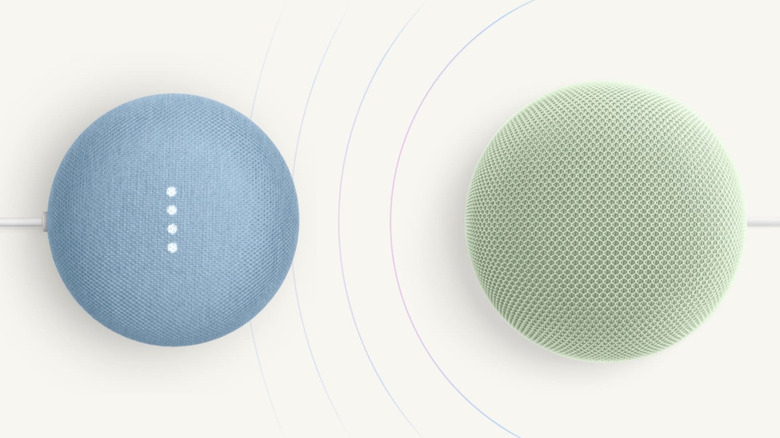
Welcome to the world of Google Nest, or should we really be saying Google Home? Whatever branding you're used to, Google has been producing a range of smart home devices for years. At one time, many of these devices were onboarded and managed in the Google Nest app, but it stepped away from that software in favor of the Google Home app. But guess what? You'll still find Nest-branded tech that Google officially makes (we're just as perplexed).
We're glad we got the name game out of the way; now we can focus on helping you build your Google-powered ecosystem. The company makes everything from security cameras and thermostats to door locks and streaming devices, plus smart speakers and smart displays. If you're wondering which gadget to buy first, we usually recommend starting with a speaker or display; that way, you'll have an intuitive way to give voice commands while still getting familiar with the Google Home interface.
For 2026, official Google products include the $100 Google Home Speaker with Gemini, the $100 Nest Hub (2nd Gen), and the $230 Nest Hub Max. Once connected to the internet, you'll be able to use any of these devices to control Google Home-compatible smart home gear. You can also combine multiple speakers and displays to create a whole-home audio system with intercom capabilities ("OK Google, announce that dinner is ready on all devices.")
Cameras, doorbells, and locks are the first purchases you'll want to make if you're dealing with a home security crisis
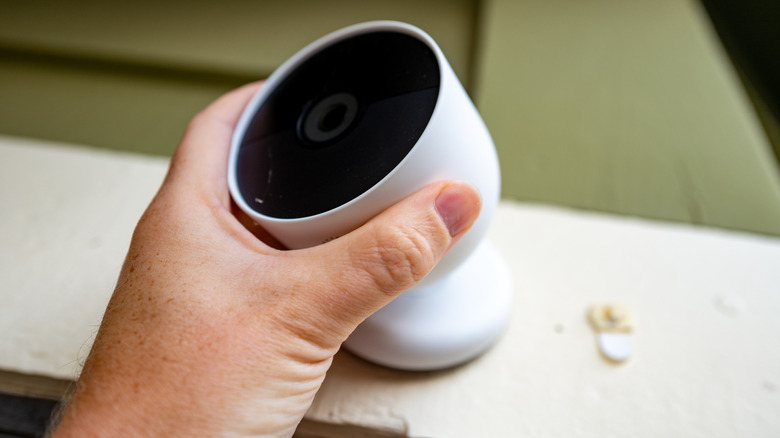
Smart home products should be convenient and entertaining to use, but if you're being targeted by a porch pirate, "entertainment" should come second. If this is why you're starting a Google Home ecosystem, your first Nest device purchase should be a surveillance product. Fortunately, Google offers an array of indoor and outdoor security cameras, as well as video doorbells. And for your first purchase, we recommend the $200 Nest Cam (outdoor or indoor, battery).
The Nest Cam captures a 130-degree field of view and supports up to 1080p resolution for event recordings and live feeds. It also has two-way audio, so you can communicate with people through the Google Home app. If your trouble is as specific as porch pirates, a better option might be the $200 Nest Doorbell (battery). Available in multiple colors, the Nest Doorbell offers a wider field of view (145 degrees), plus features like two-way audio and intelligent alerts. Oh, and if you purchase a Nest Hub or a Google TV Streamer, you'll also be able to view camera feeds on a touchscreen or TV.
Want to keep tabs on who's coming and going via the front door? The $190 Yale Smart Lock with Google Matter will log all locks and unlocks in the Google Home app. You'll also be able to remotely lock and unlock doors, even if you're miles away from home.
If energy monitoring is a priority and you have an HVAC system, a smart thermostat is a wise investment
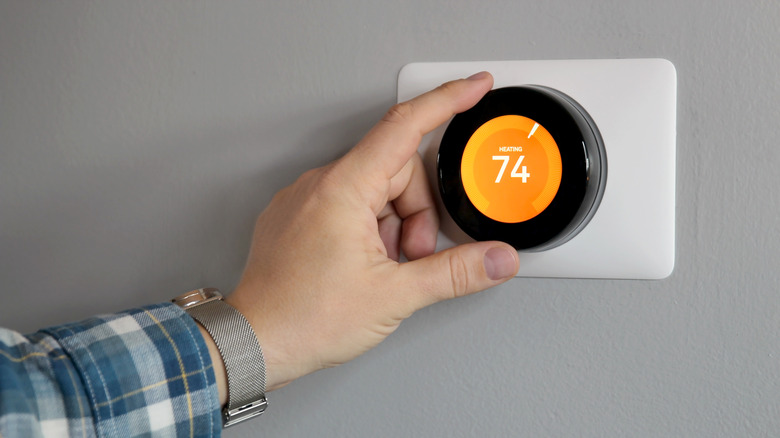
Summer and winter can wreak havoc on utility bills. When it's too hot or cold to open windows and your home temperature is managed by HVAC equipment, a great first Nest purchase is a Nest Learning Thermostat. After you add it to the Google Home app, the Learning Thermostat starts monitoring your temperature and routine preferences. The device then uses this data to create a schedule automatically.
One of the main benefits is being able to lean on your smart thermostat to control your HVAC when you're not at home. (Of course, you'll be able to do so manually, too, via the Google Home app.) You can even raise and lower the temperature with a voice command, but you'll need a smart speaker, smart display, or the Google Home app to do it; unfortunately, no Nest-branded thermostats have built-in microphones.
Something else you'll want to be aware of: if you have the opportunity to score a Nest Learning Thermostat (1st or 2nd gen), we suggest passing. In the company's migration from Nest to Google Home software, Google officially ended support for both earlier versions of its smart thermostat. Even if you managed to find one used, you won't be able to add it to the Google Home app.