

Why Does Waze Drain So Much Battery?
If you need help navigating unfamiliar streets or want a new shortcut to a location you frequently visit, you have no shortage of options. Waze is a popular app that boasts plenty of hidden features, and some people claim the service is better than Google Maps. However, Waze also tends to drain battery power faster than other apps, even when left to run in the background, and these comparative advantages are somewhat to blame.
In order to power features such as real-time data updates and continuous GPS tracking — which help make the app more accurate than its rivals — Waze needs to send and receive data more often. This feat requires the app to access multiple components more frequently, including your phone's data connection and CPU. This nearly constant draw on resources requires an equally constant draw of power, so unless a device is plugged into an outlet, Waze will dip into battery reserves until they're dry.
Waze's prodigious drain on resources produces more problems than just the frequent need to attach a power bank. The faster a battery is depleted, the hotter a device gets, and some users claim that Waze can draw so much energy that their phones get super hot. Not so hot that the device starts overheating, but hot enough that built-in battery management systems deactivate charging in order to prevent overheating. Unless you actively cool your phone while using Waze, you might not be able to charge the device fast enough to keep up with its power drain.
Where there's a will, there's a way(ze)
If you can't stand Waze's need for power burns, your best bet is to use a different app. Just deactivate Waze so the program doesn't run in the background or uninstall it and rely on Google Maps or Apple Maps instead. Waze can't suck your battery dry if it isn't on your device. But if you can't stand any other navigation apps, you can still somewhat mitigate the power drain.
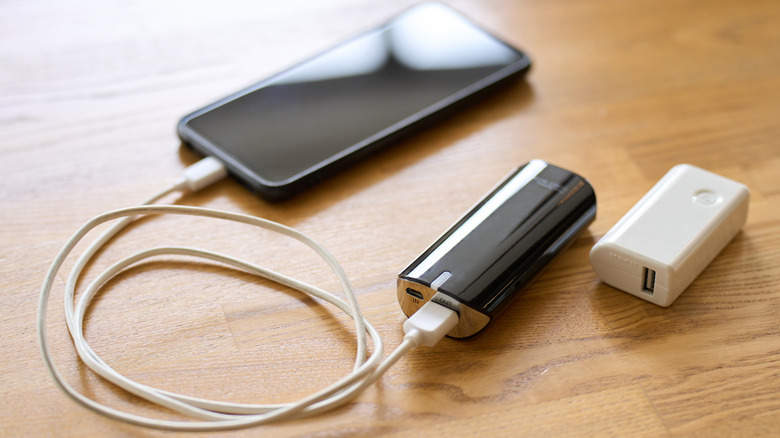
Since much of the battery requirements stem from Waze's glut of features, turning them off can significantly decrease the power drain. Disabling "Background App Refresh" for the Waze app on an iPhone or turning off "Allow background usage" on Android can reduce battery usage when you're not using the app. You can also extend your battery if you look outside the app. For instance, activating your phone's low power mode can limit Waze's energy usage (as well as the drain of all other apps). And if that's still not enough, plugging phones into external electricity sources such as power banks or your car can also keep them topped up while using Waze. Just be careful if you charge your phone in an electric vehicle; these cars also need that energy to move.
While deactivating some of Waze's features should help prevent it from killing your battery, the app relies on many of them to provide comprehensive traffic information and suggest the fastest route. Ultimately, you may just have to pick your poison.